
JJPP100 - Minecraft Skins & Skin History
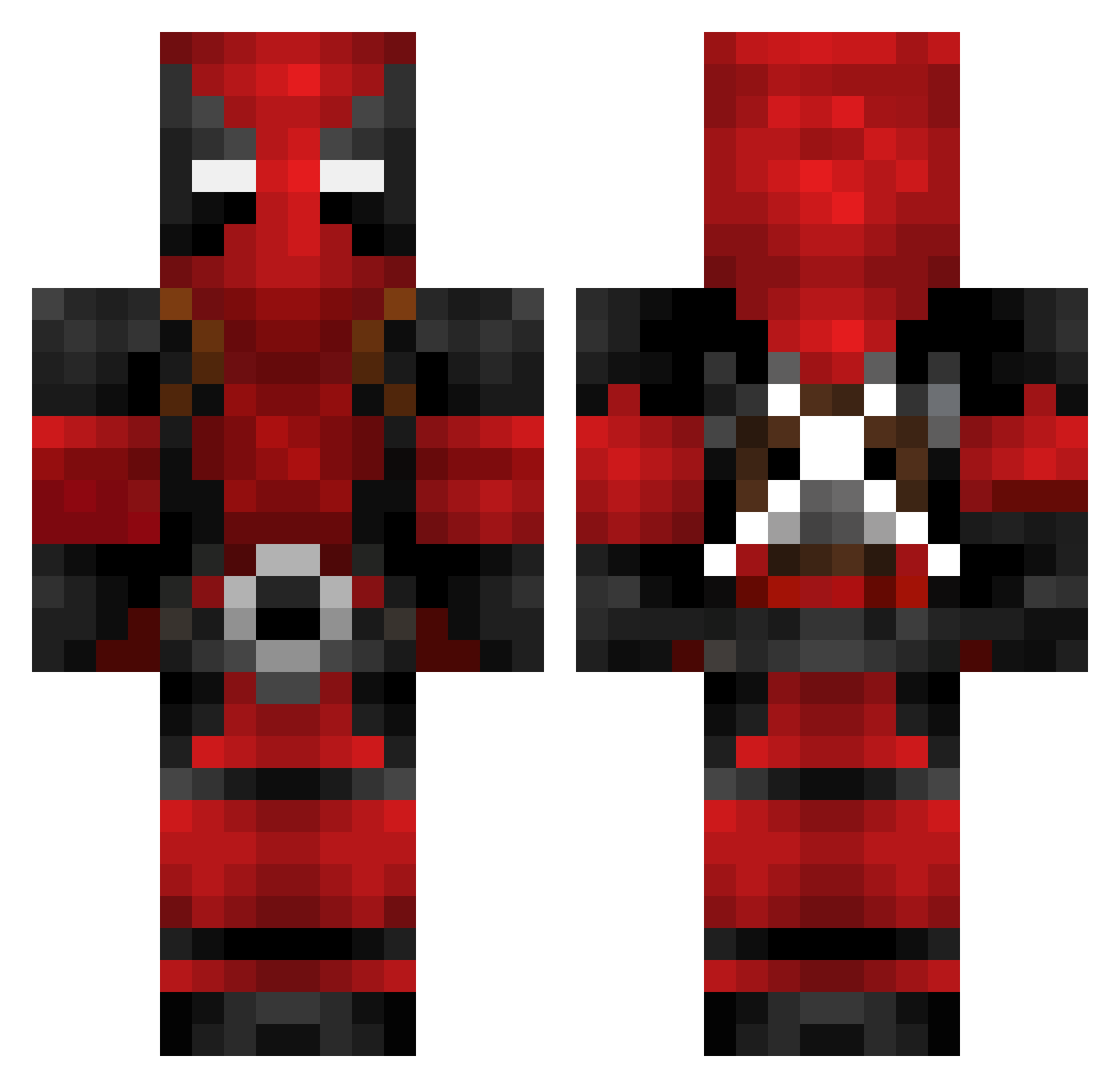
Current Minecraft skin of the player JJPP100, loaded from the official Mojang API. Rotate the 3D model with your mouse or finger, then download the skin as a PNG file and use it in Minecraft: Bedrock Edition or Java Edition for free. When JJPP100 changes their skin, this page updates automatically and the old skin stays in the history below.
Other players with this skin (602)
JJPP100 was the 382nd player we have seen with this skin, first spotted on 22.09.2026. The same skin was seen on these players. Open a nickname to see their current skin and skin history.
 Johny8826 Jayyoe Layorsz SpiderB00B Jfaucet Ghouulzzz Nightmaerz _Milanski_ Redloko itsaypex Hukier Hige918 kindabllue elmoboi Fushriir Drake0101 ItsCam05 c0naLover812 MDFK69 No_Nu OYC_CHN ReyEXE texasman78642 irem04 XeroFaith64 Chipchap Azradon94 DeadPooHole YanTedesco kiro43210 GrabinSon Chrisz0rz Ptjet DanPool357 Z03B1RD8 BadKarma42 HAPPYtsubasa Pab_CT 0zero1 Maboule85 Kronosz12 AUnicornInSpace gracefultepig Jamn826 Nitrotip CoreanoInmuebles Grios88 FrederickOnFire nespartacoxd Crumbled_Oreos CourageousGopher MaFaK_0 AceSage cravity_ Psymega1 Mandzokic lt_ulquiorra xBittencourT Mitko12BG LittleLille
More Deadpool Minecraft skins
How to install the JJPP100 skin
- Press the Download button above to save the skin as a PNG file.
- Minecraft: Bedrock Edition (PE): open the Dressing Room from the main menu (or tap your character → Edit Character), go to Classic Skins → Owned, press the + (new skin) button, choose the downloaded PNG and pick the Classic (Steve) model. Works on PC and mobile; consoles cannot import custom skins.
- Minecraft: Java Edition: open the Minecraft Launcher, go to the Skins tab, click New Skin, load the PNG, pick the Classic (Steve) model and press Save & Use. You can also upload it at minecraft.net → Profile → Change Skin.
The skin does not show up after import - what should I do?
Restart Minecraft and open the Dressing Room again - imported skins sometimes appear only after a restart. Also make sure you selected the imported skin and picked the Classic (Steve) model.
Which model should I choose, Classic or Slim?
This skin is designed for the Classic (Steve) model. If you pick the wrong model, the arms of the skin will look stretched or squeezed.
Is the skin of JJPP100 free to download?
Yes. Press Download, save the PNG file and use it in Minecraft: Bedrock Edition or Java Edition - no payment or registration needed. The skin also works on multiplayer servers and Realms.
More skins
Looking for more? Go back to all Minecraft skins and check the top skins of the week, month and all time, or find any player's skin by nickname.