
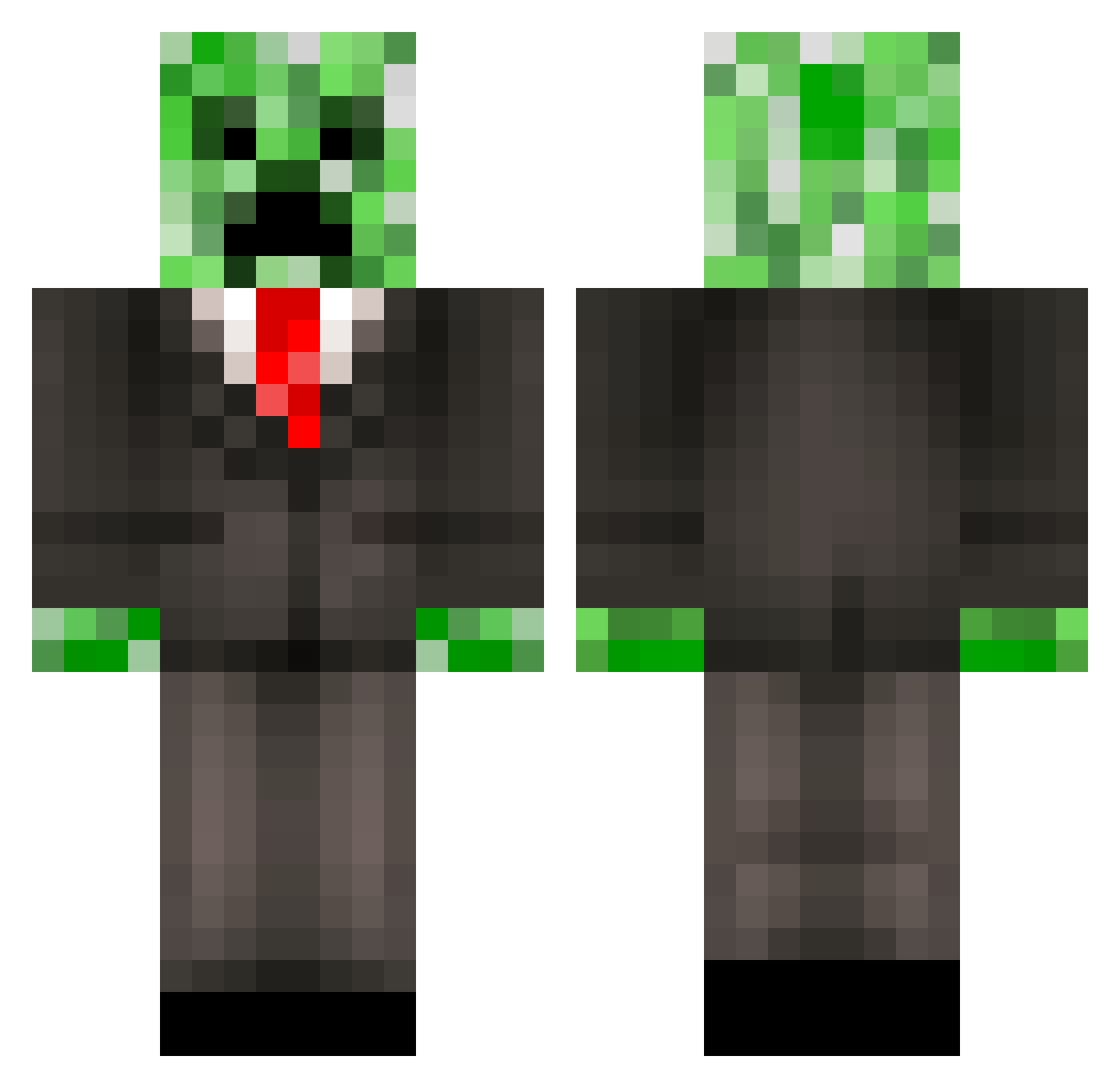
Current Minecraft skin of the player JFuss, loaded from the official Mojang API. Rotate the 3D model with your mouse or finger, then download the skin as a PNG file and use it in Minecraft: Bedrock Edition or Java Edition for free. When JFuss changes their skin, this page updates automatically and the old skin stays in the history below.
Other players with this skin (388)
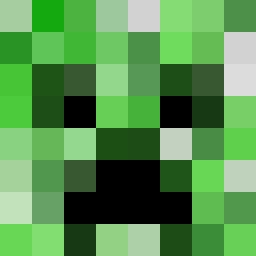
JFuss was the 24th player we have seen with this skin, first spotted on 29.07.2026. The same skin was seen on these players. Open a nickname to see their current skin and skin history.
 Boxter33 Robmed1 EdiGamer06 Piedras Markelc2000 MeteorMario bigchaoji flamingskull052 TinoZe aagjeDC05 Gus_N_Oreo TGWorkbench CaseyMan103 Binnes DanCutStudiosYT SkatBanana campos84 Endergirl355 Mr_Creeper0401 kingkong00186 MobSmasher94 CoolTyler61 Rewindzz WiredCreeper SKELATRO Xx_Taj_xX jsthayer FunnyZwetteBE docjo220 xavier20 creeperninja09 jowii94 VirtualMe64 Jefe_Maese Hanser Mullvad_ CasualKeo Minecraftboy2007 percyjackson2013 ZyzzisKing killerCHANCEman z0mbiehund YLY_ Parker81703 canxiaojun Ideal_Kestrel JonasIFA Golden_Malicious swan_ronson1 Pati12345678910 XXCRAIGXX monstermadness10 flatpedal BurgerKing2295 Holosimp_ tornadobrine DJJogga MonsterWorX COWWITHGUN101 bayside5
More Creeper Minecraft skins
How to install the JFuss skin
- Press the Download button above to save the skin as a PNG file.
- Minecraft: Bedrock Edition (PE): open the Dressing Room from the main menu (or tap your character → Edit Character), go to Classic Skins → Owned, press the + (new skin) button, choose the downloaded PNG and pick the Classic (Steve) model. Works on PC and mobile; consoles cannot import custom skins.
- Minecraft: Java Edition: open the Minecraft Launcher, go to the Skins tab, click New Skin, load the PNG, pick the Classic (Steve) model and press Save & Use. You can also upload it at minecraft.net → Profile → Change Skin.
The skin does not show up after import - what should I do?
Restart Minecraft and open the Dressing Room again - imported skins sometimes appear only after a restart. Also make sure you selected the imported skin and picked the Classic (Steve) model.
Which model should I choose, Classic or Slim?
This skin is designed for the Classic (Steve) model. If you pick the wrong model, the arms of the skin will look stretched or squeezed.
Is the skin of JFuss free to download?
Yes. Press Download, save the PNG file and use it in Minecraft: Bedrock Edition or Java Edition - no payment or registration needed. The skin also works on multiplayer servers and Realms.
More skins
Looking for more? Go back to all Minecraft skins and check the top skins of the week, month and all time, or find any player's skin by nickname.