
J4YMAN1 - Minecraft Skins & Skin History
Current Minecraft skin of the player J4YMAN1, loaded from the official Mojang API. Rotate the 3D model with your mouse or finger, then download the skin as a PNG file and use it in Minecraft: Bedrock Edition or Java Edition for free. When J4YMAN1 changes their skin, this page updates automatically and the old skin stays in the history below.
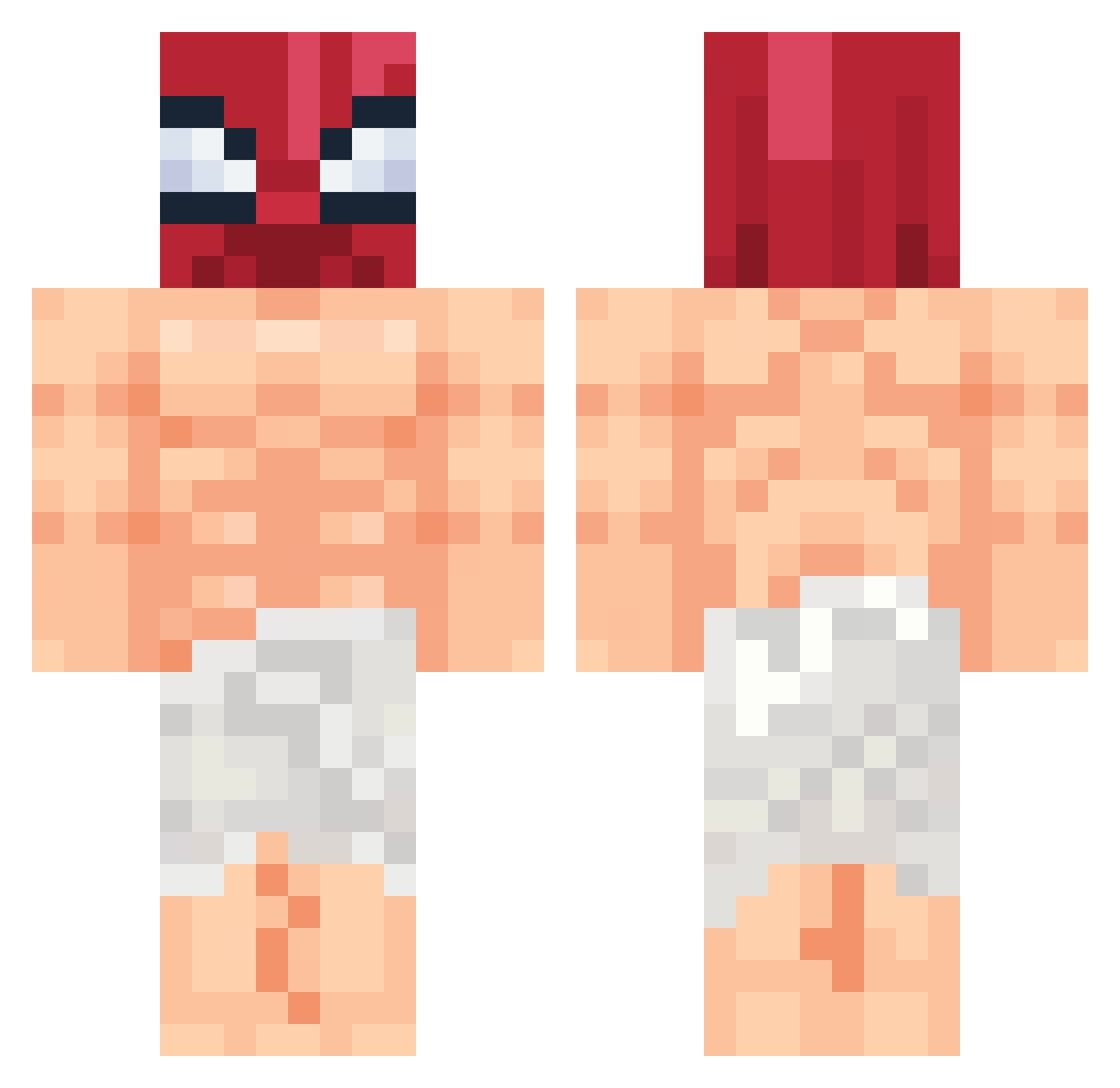
Other players with this skin (55)
J4YMAN1 was the 20th player we have seen with this skin, first spotted on 11.09.2026. The same skin was seen on these players. Open a nickname to see their current skin and skin history.
 Wale_Sensei LazehRamen
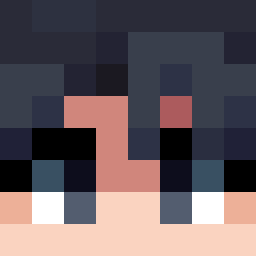 GepardScorpio
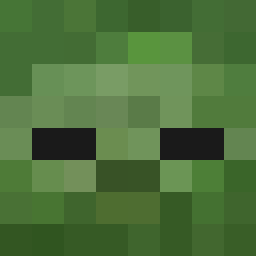 limhooo dr_harel CCRISHERE Rexsven
 frxn23 Mefe_ Frizzy_9 SZwlw TitoSotoo
 sabixX Paglia1k El_Matador05 GoldPure Sohan360 WantedOmega _Sweh
 axraelf CodeTir Rezyy303
 CaterMark yuzu_ow4zuu
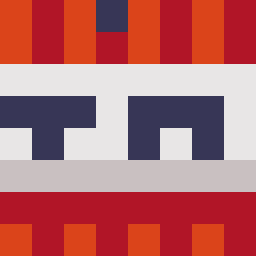 _harlan qadez_ sanocki DCcruse K4cH_ maliisz Mystic0809 William87878 UMPAEVe 30Shadesofping Vexaaay _tomsk0_o Hazano peanutman2024 Ilbasilisco sattkhun ReyBot D3R0 Andy_TheKing zeekattack52 mille1233 Z1LVN xZamako _Nainibrok taksici step4ik DonutSV K4p3c syazitoes Misk1337 EiSsczxc
Previous skins of J4YMAN1
Skins that J4YMAN1 wore before, newest first. Click a skin to open its page and download it.
More Towel Minecraft skins
How to install the J4YMAN1 skin
- Press the Download button above to save the skin as a PNG file.
- Minecraft: Bedrock Edition (PE): open the Dressing Room from the main menu (or tap your character → Edit Character), go to Classic Skins → Owned, press the + (new skin) button, choose the downloaded PNG and pick the Classic (Steve) model. Works on PC and mobile; consoles cannot import custom skins.
- Minecraft: Java Edition: open the Minecraft Launcher, go to the Skins tab, click New Skin, load the PNG, pick the Classic (Steve) model and press Save & Use. You can also upload it at minecraft.net → Profile → Change Skin.
The skin does not show up after import - what should I do?
Restart Minecraft and open the Dressing Room again - imported skins sometimes appear only after a restart. Also make sure you selected the imported skin and picked the Classic (Steve) model.
Which model should I choose, Classic or Slim?
This skin is designed for the Classic (Steve) model. If you pick the wrong model, the arms of the skin will look stretched or squeezed.
Is the skin of J4YMAN1 free to download?
Yes. Press Download, save the PNG file and use it in Minecraft: Bedrock Edition or Java Edition - no payment or registration needed. The skin also works on multiplayer servers and Realms.
More skins
Looking for more? Go back to all Minecraft skins and check the top skins of the week, month and all time, or find any player's skin by nickname.