
Iscoloci - Minecraft Skins & Skin History
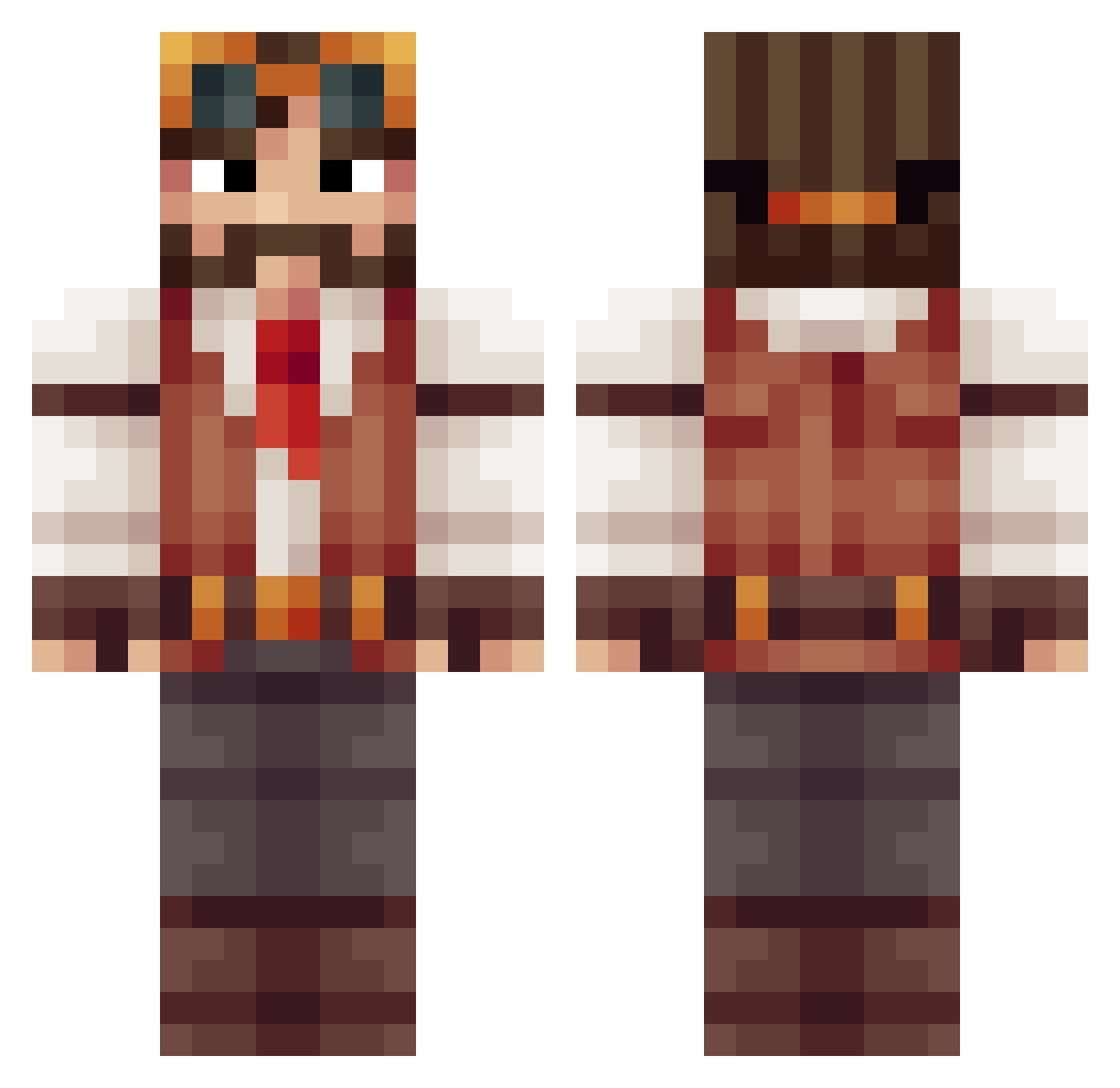
Current Minecraft skin of the player Iscoloci, loaded from the official Mojang API. Rotate the 3D model with your mouse or finger, then download the skin as a PNG file and use it in Minecraft: Bedrock Edition or Java Edition for free. When Iscoloci changes their skin, this page updates automatically and the old skin stays in the history below.
Other players with this skin (513)
Iscoloci was the 362nd player we have seen with this skin, first spotted on 10.10.2026. The same skin was seen on these players. Open a nickname to see their current skin and skin history.
 21Philip Grow0815 Sagittarius_36 ZachH2O JesterNR Gar212 moorej Chug_Chug TentalMonk Blackmesa415 TheWarTadek Charrly rytryt23 nilrogen GenXchaos Dotorg Sebdelaforet a3dell Neixneji Elmyrr jaxmaru Massacure23 Ignis_Alchemist Hammerjet The_Gloaming energyforce45 Lufff m0ustik JUSTINODIN FiftyCalibre lenzoo0100 liammmyers thecomissar Critix345 leoprosbo Victoval crysome Georgejpg Epiivan Hydrolize Aldichou SlartiB xWeavers gsximiki Syntex__ ironboy909 ocasek GeorgeHopes Mazzix_ wallace_cheddar Adode superda Aberfort Gottabuild CoolsDCools enystrom8734 Mantviukas Crazyleemer1 nikihaan Omix
More Explorer Minecraft skins
How to install the Iscoloci skin
- Press the Download button above to save the skin as a PNG file.
- Minecraft: Bedrock Edition (PE): open the Dressing Room from the main menu (or tap your character → Edit Character), go to Classic Skins → Owned, press the + (new skin) button, choose the downloaded PNG and pick the Classic (Steve) model. Works on PC and mobile; consoles cannot import custom skins.
- Minecraft: Java Edition: open the Minecraft Launcher, go to the Skins tab, click New Skin, load the PNG, pick the Classic (Steve) model and press Save & Use. You can also upload it at minecraft.net → Profile → Change Skin.
The skin does not show up after import - what should I do?
Restart Minecraft and open the Dressing Room again - imported skins sometimes appear only after a restart. Also make sure you selected the imported skin and picked the Classic (Steve) model.
Which model should I choose, Classic or Slim?
This skin is designed for the Classic (Steve) model. If you pick the wrong model, the arms of the skin will look stretched or squeezed.
Is the skin of Iscoloci free to download?
Yes. Press Download, save the PNG file and use it in Minecraft: Bedrock Edition or Java Edition - no payment or registration needed. The skin also works on multiplayer servers and Realms.
More skins
Looking for more? Go back to all Minecraft skins and check the top skins of the week, month and all time, or find any player's skin by nickname.