
Inlightning - Minecraft Skins & Skin History
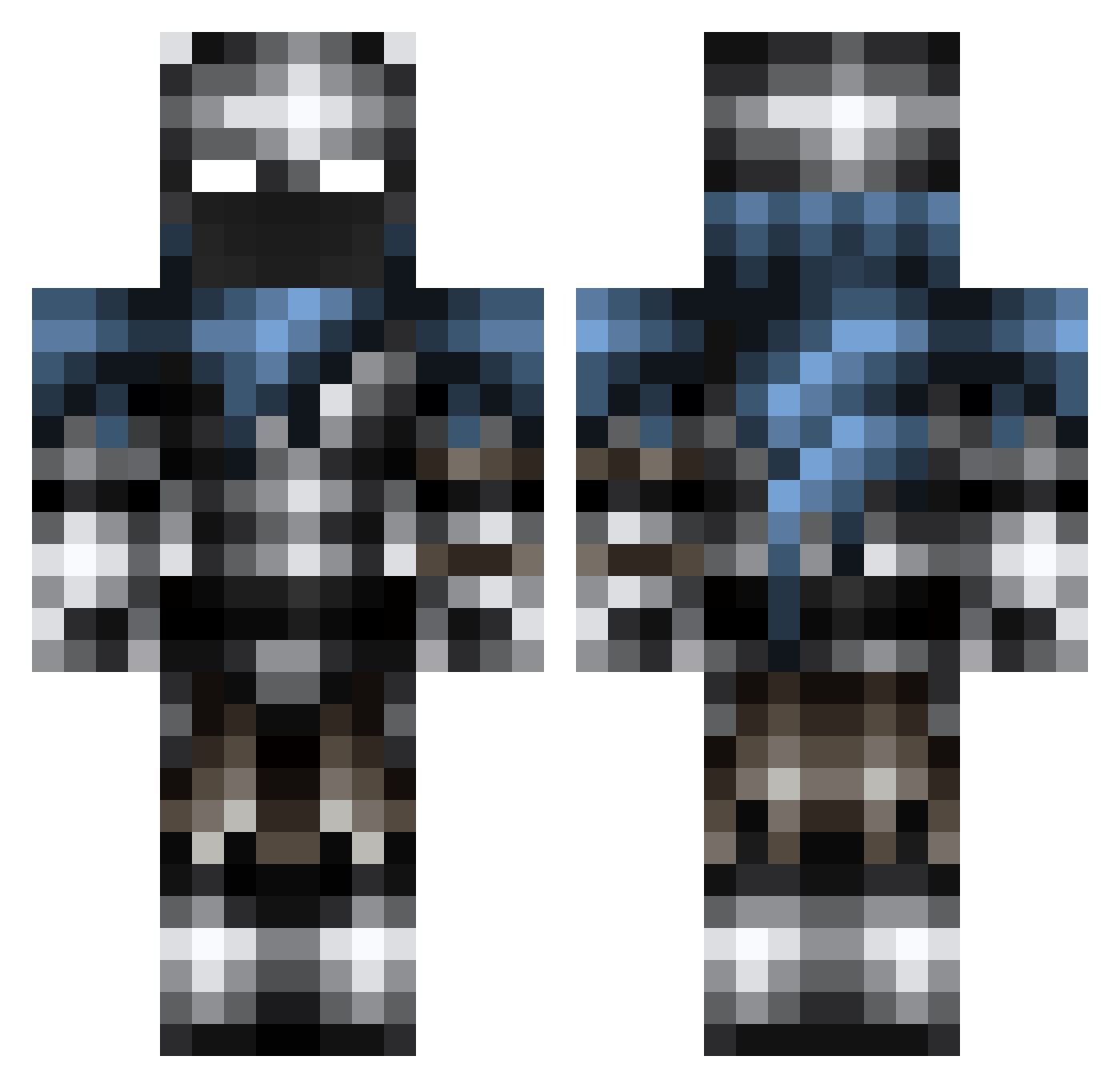
Current Minecraft skin of the player Inlightning, loaded from the official Mojang API. Rotate the 3D model with your mouse or finger, then download the skin as a PNG file and use it in Minecraft: Bedrock Edition or Java Edition for free. When Inlightning changes their skin, this page updates automatically and the old skin stays in the history below.
Other players with this skin (277)
Inlightning was the 82nd player we have seen with this skin, first spotted on 26.08.2026. The same skin was seen on these players. Open a nickname to see their current skin and skin history.
 MacFan99 BadBoy_Aman Erikoooo00 izzyisaac smurph_ thecrafthero iHagr ISMO55 Cenuij Roi_Lich DJ_tom_61 _Chocolate_Venom TheRogueKnight Magic_Mamba iAtomic4 zorlax _YangGaeng_ Wllyxz ZackPlayer1 rick7004 ColossalMoose XerisTek DemonWill11 LoxProdo Carscott FyreLeopard Cm03 OwlDoctor coolgamer212 MasterdeMan Player2Win MasterBiulder5 Shadoyama buddergolem65 Artix8 Melodically Dumpling649 Sevenrou ThePred Pfifficus brick44 KleanKanteen_ Sentenced86 angarsk99 UoZb Qazebulon c105 DynamiteCrab52 mojjeknas Jrooster Eldistructojake SkullFusion702 Xsupergirl08X Revivan frowningprince Saint_Rage Purxps Sense_Gaming straydogzz InnoverTiss
More Warrior Minecraft skins
How to install the Inlightning skin
- Press the Download button above to save the skin as a PNG file.
- Minecraft: Bedrock Edition (PE): open the Dressing Room from the main menu (or tap your character → Edit Character), go to Classic Skins → Owned, press the + (new skin) button, choose the downloaded PNG and pick the Classic (Steve) model. Works on PC and mobile; consoles cannot import custom skins.
- Minecraft: Java Edition: open the Minecraft Launcher, go to the Skins tab, click New Skin, load the PNG, pick the Classic (Steve) model and press Save & Use. You can also upload it at minecraft.net → Profile → Change Skin.
The skin does not show up after import - what should I do?
Restart Minecraft and open the Dressing Room again - imported skins sometimes appear only after a restart. Also make sure you selected the imported skin and picked the Classic (Steve) model.
Which model should I choose, Classic or Slim?
This skin is designed for the Classic (Steve) model. If you pick the wrong model, the arms of the skin will look stretched or squeezed.
Is the skin of Inlightning free to download?
Yes. Press Download, save the PNG file and use it in Minecraft: Bedrock Edition or Java Edition - no payment or registration needed. The skin also works on multiplayer servers and Realms.
More skins
Looking for more? Go back to all Minecraft skins and check the top skins of the week, month and all time, or find any player's skin by nickname.