
ImTrash94 - Minecraft Skins & Skin History
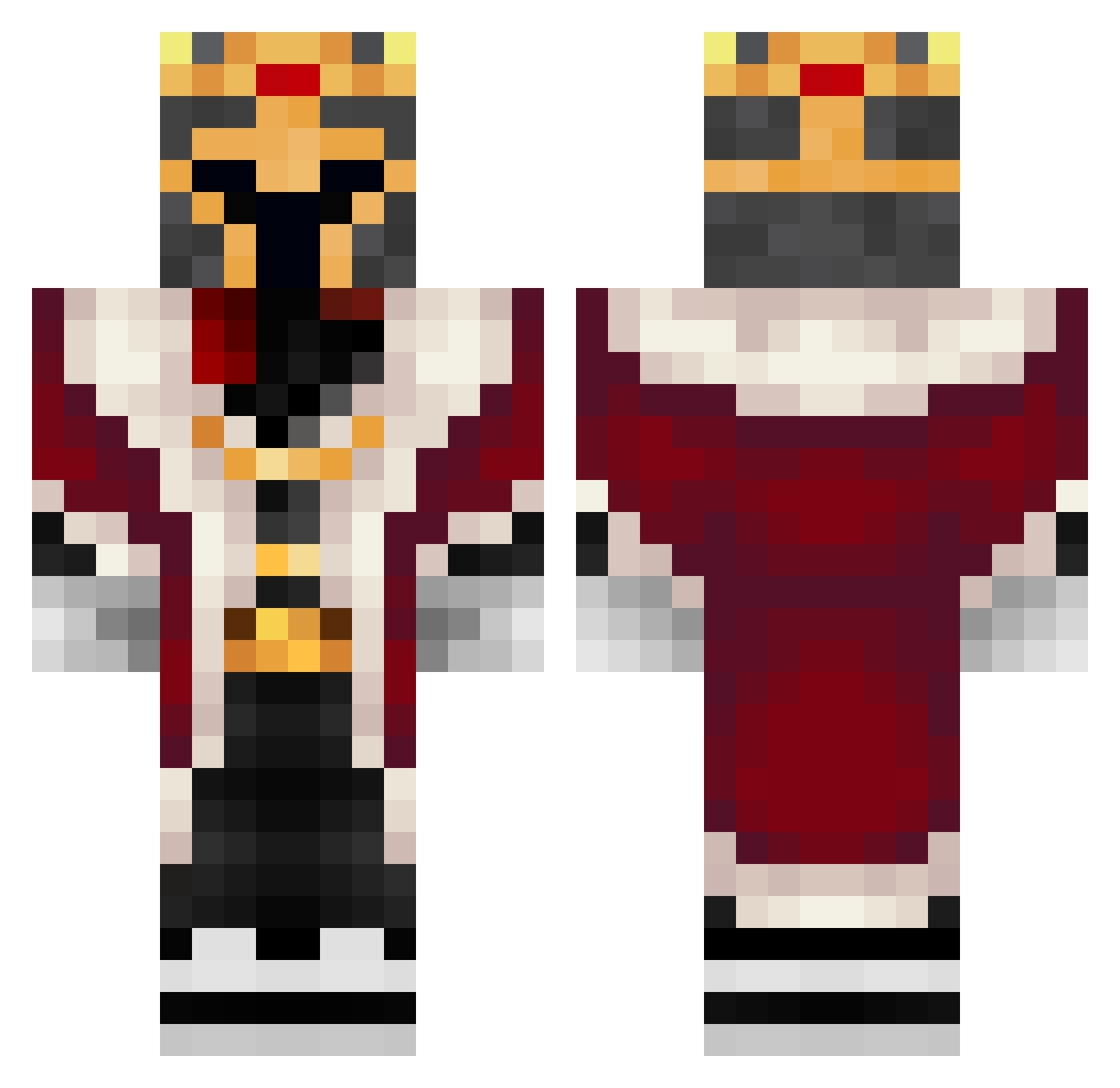
Current Minecraft skin of the player ImTrash94, loaded from the official Mojang API. Rotate the 3D model with your mouse or finger, then download the skin as a PNG file and use it in Minecraft: Bedrock Edition or Java Edition for free. When ImTrash94 changes their skin, this page updates automatically and the old skin stays in the history below.
Other players with this skin (156)
ImTrash94 was the 112th player we have seen with this skin, first spotted on 08.10.2026. The same skin was seen on these players. Open a nickname to see their current skin and skin history.
 VGOD_24 Kroseno Nyrithos chico_bala Bersiay MajorKiKi25 Lukas_is_007 ToVi07 Delle2013 MaxxaM3434 Killa2014 kryspacCZ Apocaliptia Nameal1 govance Feareater65 AlImpostor Dylweid pengopongo2 Wo0dSy_ Jhonaskmen MisterSzumi digmero WhoAsked420 yaoli666 ArchbishopOfSin roxelos29 The_Kork nelus2003 Henry_Henry2 RageFail DiDiCrimson Amaz_Bot S3BY13 Ismatrixx LaVa_Bro_100YT iJuan_25 AnthonyGcG kerlogen Burger_Buddy Gr1mSoll Koves_ Jeanbonnot Joshmaen1 EspacioBlanco Noxelir RPadilla2401 Carles0500 KingLewi01 Reeemster LQQPS MichaXDD Brubru_rlgg Sykrous Llama7234 MontaFrog Nizer_ Ph1ltryx Nirxivan DQTY123
More Pig Minecraft skins
How to install the ImTrash94 skin
- Press the Download button above to save the skin as a PNG file.
- Minecraft: Bedrock Edition (PE): open the Dressing Room from the main menu (or tap your character → Edit Character), go to Classic Skins → Owned, press the + (new skin) button, choose the downloaded PNG and pick the Classic (Steve) model. Works on PC and mobile; consoles cannot import custom skins.
- Minecraft: Java Edition: open the Minecraft Launcher, go to the Skins tab, click New Skin, load the PNG, pick the Classic (Steve) model and press Save & Use. You can also upload it at minecraft.net → Profile → Change Skin.
The skin does not show up after import - what should I do?
Restart Minecraft and open the Dressing Room again - imported skins sometimes appear only after a restart. Also make sure you selected the imported skin and picked the Classic (Steve) model.
Which model should I choose, Classic or Slim?
This skin is designed for the Classic (Steve) model. If you pick the wrong model, the arms of the skin will look stretched or squeezed.
Is the skin of ImTrash94 free to download?
Yes. Press Download, save the PNG file and use it in Minecraft: Bedrock Edition or Java Edition - no payment or registration needed. The skin also works on multiplayer servers and Realms.
More skins
Looking for more? Go back to all Minecraft skins and check the top skins of the week, month and all time, or find any player's skin by nickname.