
ImMax325 - Minecraft Skins & Skin History
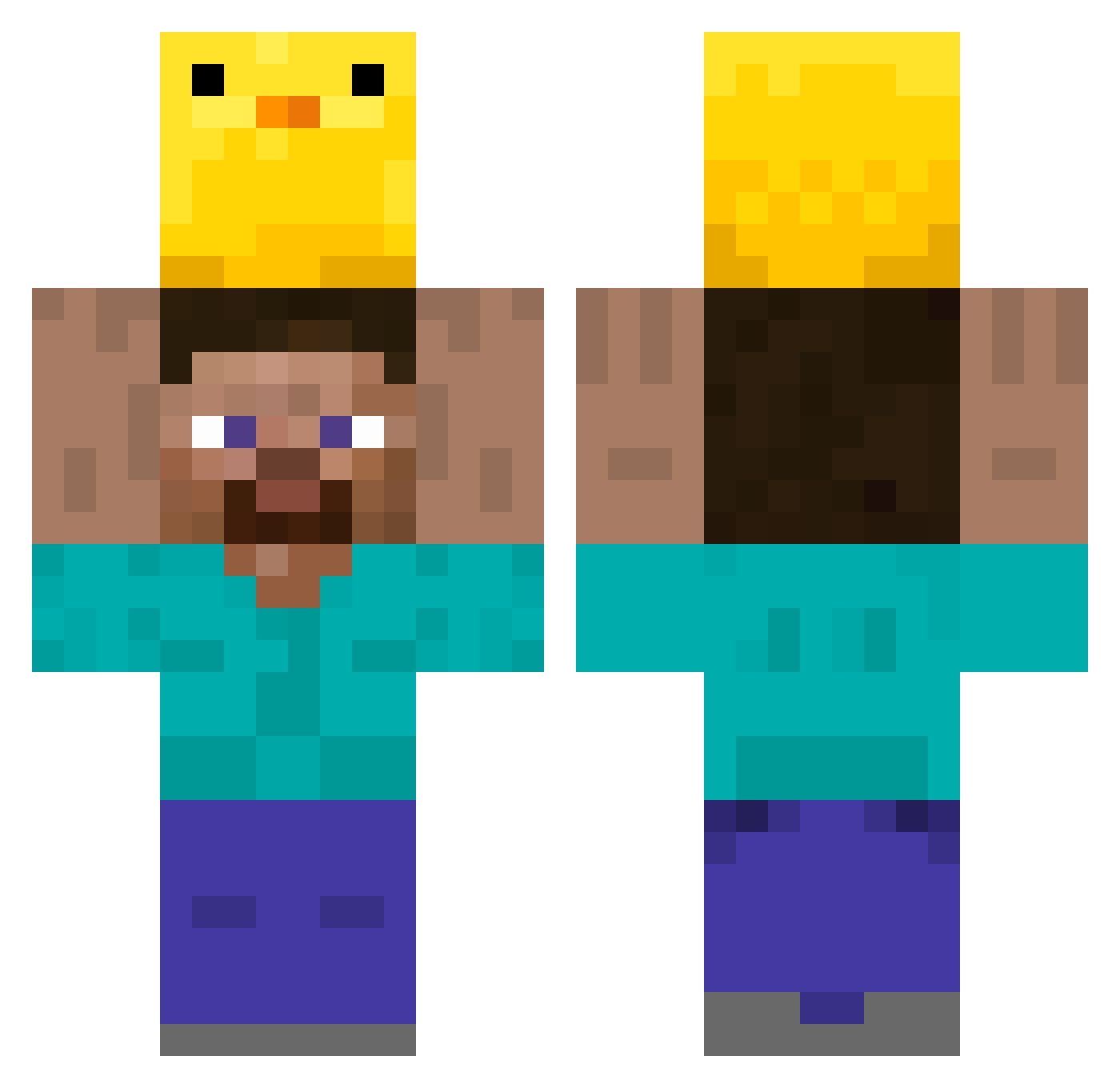
Current Minecraft skin of the player ImMax325, loaded from the official Mojang API. Rotate the 3D model with your mouse or finger, then download the skin as a PNG file and use it in Minecraft: Bedrock Edition or Java Edition for free. When ImMax325 changes their skin, this page updates automatically and the old skin stays in the history below.
Other players with this skin (349)
ImMax325 was the 238th player we have seen with this skin, first spotted on 09.10.2026. The same skin was seen on these players. Open a nickname to see their current skin and skin history.
 terriblypack DayKim1985 LuizMesmo Broww Nicerbrown jung0105 RayDay2005 Anhedoniaa EvenW totohayaton2 JuanDax1 BielzinhoChan tsenkevich Germano021 MMMMMMMMM7 yungbentai Vezinnn JamesiePooo TonNahee DarcokGG ritao AmySam1999 ratoSatan SnowManMr Poorlyhang 37august xray232 map508 ryucoco1004 Raposer Wesley0708666 IyekXD Nitr0Boost jsu724 gegegege10 Mathurine__ kong1009 tenisuke Medicalflag Dohyun325 jairo526 gReatcake5 kkangni daseri433 Skyhale52 secondsteel topnotch2616 foldens_ BurgerKingSprite imlea76 JohnVirus sonjiwoo1030 Fish653 qzvov weakf1eld ImDan103 XgapcioX CMLL11 Wittyprofit anxx73
More Holding Duck Minecraft skins
How to install the ImMax325 skin
- Press the Download button above to save the skin as a PNG file.
- Minecraft: Bedrock Edition (PE): open the Dressing Room from the main menu (or tap your character → Edit Character), go to Classic Skins → Owned, press the + (new skin) button, choose the downloaded PNG and pick the Classic (Steve) model. Works on PC and mobile; consoles cannot import custom skins.
- Minecraft: Java Edition: open the Minecraft Launcher, go to the Skins tab, click New Skin, load the PNG, pick the Classic (Steve) model and press Save & Use. You can also upload it at minecraft.net → Profile → Change Skin.
The skin does not show up after import - what should I do?
Restart Minecraft and open the Dressing Room again - imported skins sometimes appear only after a restart. Also make sure you selected the imported skin and picked the Classic (Steve) model.
Which model should I choose, Classic or Slim?
This skin is designed for the Classic (Steve) model. If you pick the wrong model, the arms of the skin will look stretched or squeezed.
Is the skin of ImMax325 free to download?
Yes. Press Download, save the PNG file and use it in Minecraft: Bedrock Edition or Java Edition - no payment or registration needed. The skin also works on multiplayer servers and Realms.
More skins
Looking for more? Go back to all Minecraft skins and check the top skins of the week, month and all time, or find any player's skin by nickname.