
Ilovetechno1 - Minecraft Skins & Skin History
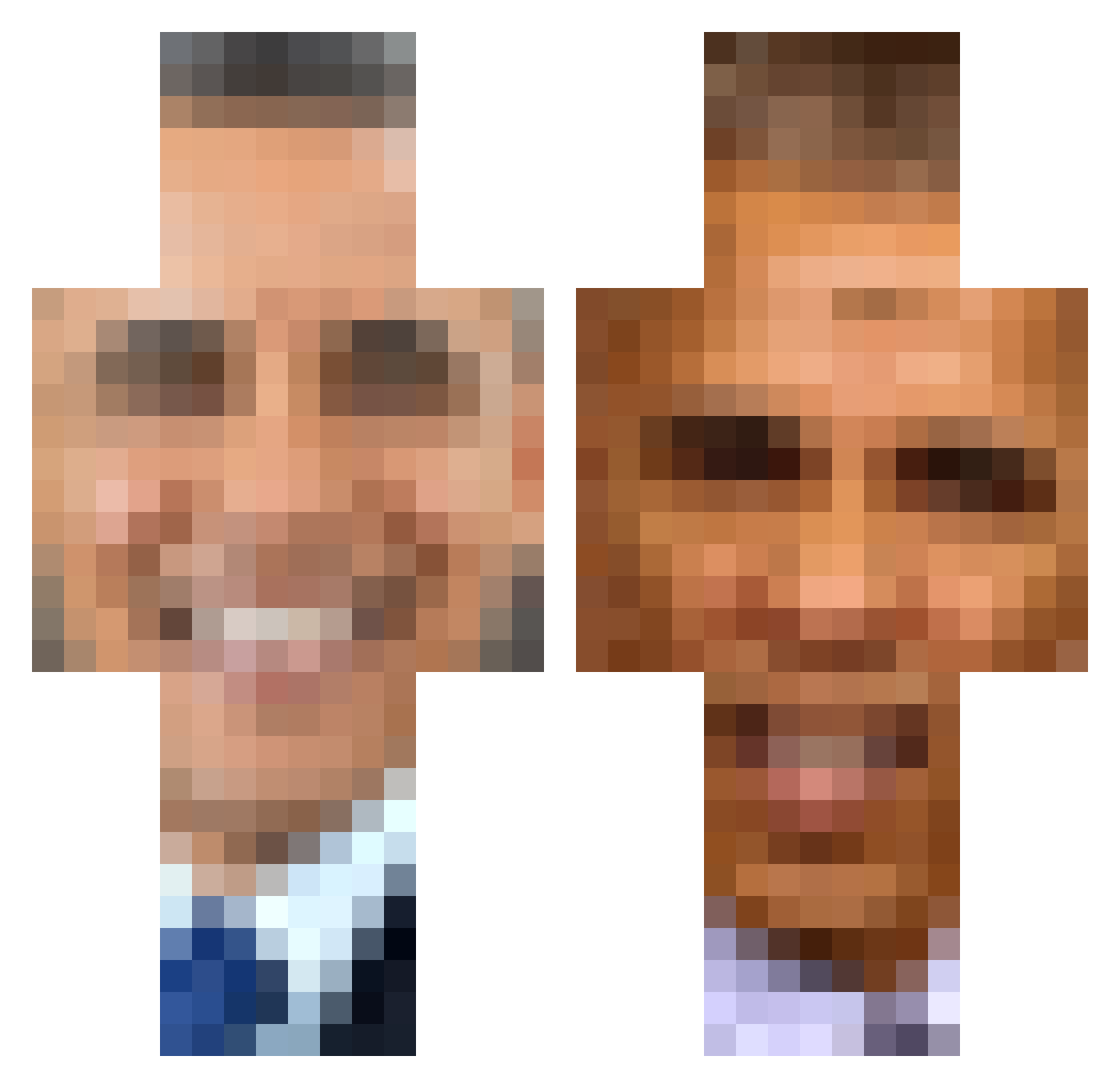
Current Minecraft skin of the player Ilovetechno1, loaded from the official Mojang API. Rotate the 3D model with your mouse or finger, then download the skin as a PNG file and use it in Minecraft: Bedrock Edition or Java Edition for free. When Ilovetechno1 changes their skin, this page updates automatically and the old skin stays in the history below.
Other players with this skin (389)
Ilovetechno1 was the 180th player we have seen with this skin, first spotted on 17.09.2026. The same skin was seen on these players. Open a nickname to see their current skin and skin history.
 mightyteam123 obama536 xavierwinter Guestwith9 Ponylover93 Braca5 GlognarTheStrong MattChapman113 Daneyelll pirateboy416 SersInSpace swisscheesebrain Pruhlol dy77an Roxasworld DylxnMax Z4ndatsu Obama_123 ImBarackObama ethanial12 Naruto6318 SoleTerror11494 Requisslayer LightSage3 BigM1lk TheGresident Krunchos CatfishBillyNob TimLyxdd anxioushippy wombbatical UncausedHydra tomkinns LobotomizedCow PampaUnion iudey MonkMungus hackerman69420 betabetty BudgySmuggler05 BlckStoneWielder Jeffrey_Epstien_ iam_monky NuttyButters H34T3R Broluck82 Cranberrypie53 mike_ox_big69 Spybongos xbayxx 0tus Handy_Andy69 Laddinger Kozlowka newjeansofficial moonilade Yaburu notselina DingDongBigSlong MrJoeBidenCool
More Barack Obama Minecraft skins
See all 259 Barack Obama skins
How to install the Ilovetechno1 skin
- Press the Download button above to save the skin as a PNG file.
- Minecraft: Bedrock Edition (PE): open the Dressing Room from the main menu (or tap your character → Edit Character), go to Classic Skins → Owned, press the + (new skin) button, choose the downloaded PNG and pick the Classic (Steve) model. Works on PC and mobile; consoles cannot import custom skins.
- Minecraft: Java Edition: open the Minecraft Launcher, go to the Skins tab, click New Skin, load the PNG, pick the Classic (Steve) model and press Save & Use. You can also upload it at minecraft.net → Profile → Change Skin.
The skin does not show up after import - what should I do?
Restart Minecraft and open the Dressing Room again - imported skins sometimes appear only after a restart. Also make sure you selected the imported skin and picked the Classic (Steve) model.
Which model should I choose, Classic or Slim?
This skin is designed for the Classic (Steve) model. If you pick the wrong model, the arms of the skin will look stretched or squeezed.
Is the skin of Ilovetechno1 free to download?
Yes. Press Download, save the PNG file and use it in Minecraft: Bedrock Edition or Java Edition - no payment or registration needed. The skin also works on multiplayer servers and Realms.
More skins
Looking for more? Go back to all Minecraft skins and check the top skins of the week, month and all time, or find any player's skin by nickname.