
Ijver - Minecraft Skins & Skin History
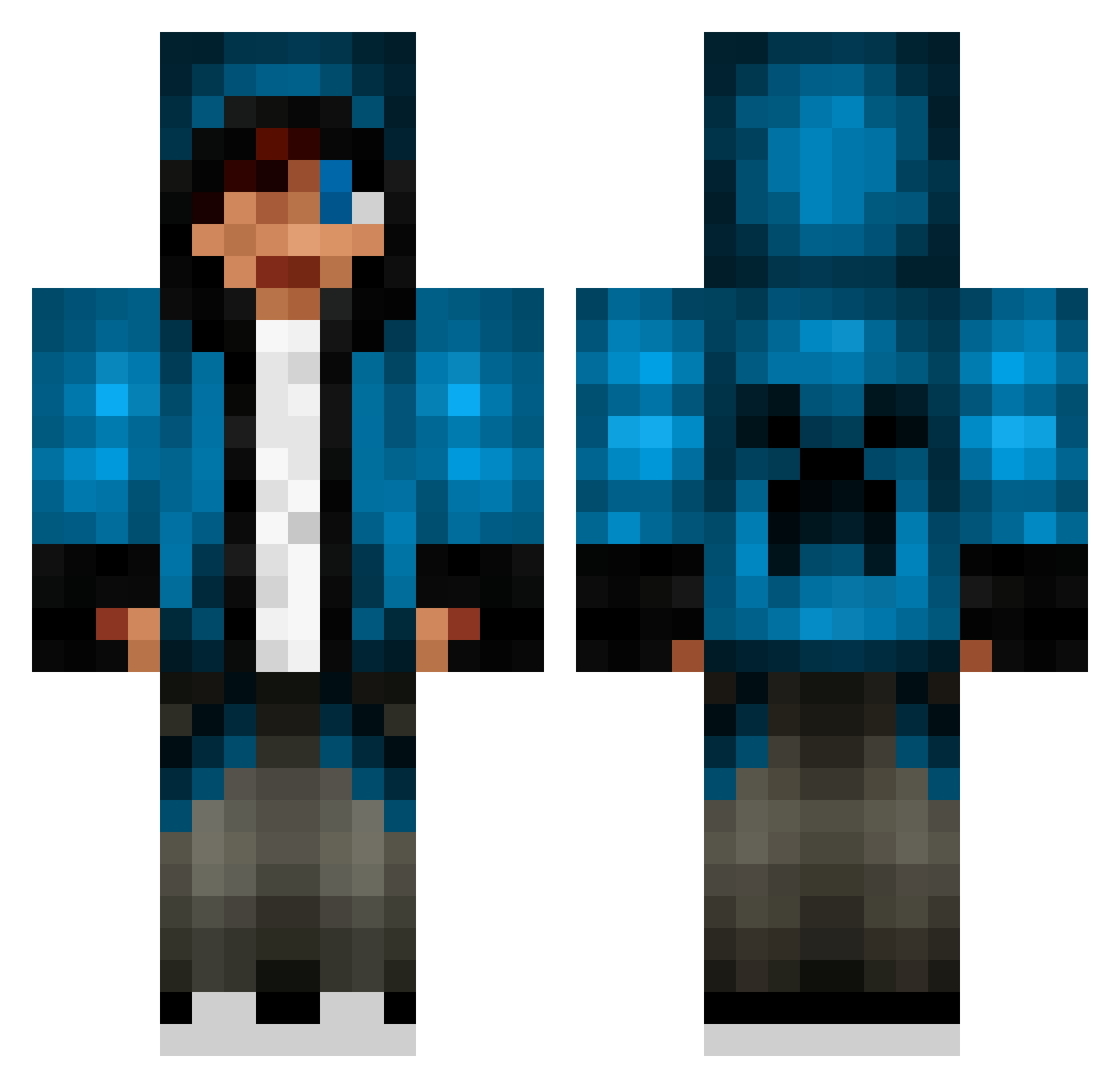
Current Minecraft skin of the player Ijver, loaded from the official Mojang API. Rotate the 3D model with your mouse or finger, then download the skin as a PNG file and use it in Minecraft: Bedrock Edition or Java Edition for free. When Ijver changes their skin, this page updates automatically and the old skin stays in the history below.
Other players with this skin (654)
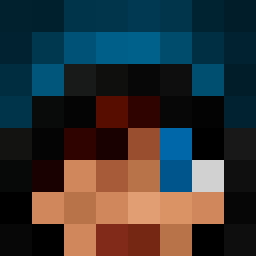
Ijver was the 302nd player we have seen with this skin, first spotted on 10.09.2026. The same skin was seen on these players. Open a nickname to see their current skin and skin history.
 1OTNs VolkKing rambosgunz lalyby2002 PurpleTraction girllover2165 brad1214 PandaBoss18 Punihead xXDarkSider123 Sharkojustin YoMastersMaster lima1818 LMS_02 builder200000 grizzlybear0135 fonebone26 Lui_Hatake DuncanKeith02 HoKo__ QowW Bergponny Josh6499 altaria04 Dragonboyhenry shirafune1 paa_paa ethanblou ReyAdvent Timekreeprs123 zoogling OMAN_DOOM colby3733 spiky10 RubinhoRoos jamiefish2301 Suarez_007 KIA753951 Carrot723 ivan8345 jack1145 Darkbladeom3n1 eatcat123 Amass33 danisthemann Dpeers platypie628 mrfancyhelm1 tigerboy8000 XwikipediaX conorheffernan HHaarruuttoo Telah AdamO237 El_BanditoX jakejohnminer101 NnCcHhAaLl M4A1MAN6035 NaturalVibess NateDaGamer
More Creeper Minecraft skins
How to install the Ijver skin
- Press the Download button above to save the skin as a PNG file.
- Minecraft: Bedrock Edition (PE): open the Dressing Room from the main menu (or tap your character → Edit Character), go to Classic Skins → Owned, press the + (new skin) button, choose the downloaded PNG and pick the Classic (Steve) model. Works on PC and mobile; consoles cannot import custom skins.
- Minecraft: Java Edition: open the Minecraft Launcher, go to the Skins tab, click New Skin, load the PNG, pick the Classic (Steve) model and press Save & Use. You can also upload it at minecraft.net → Profile → Change Skin.
The skin does not show up after import - what should I do?
Restart Minecraft and open the Dressing Room again - imported skins sometimes appear only after a restart. Also make sure you selected the imported skin and picked the Classic (Steve) model.
Which model should I choose, Classic or Slim?
This skin is designed for the Classic (Steve) model. If you pick the wrong model, the arms of the skin will look stretched or squeezed.
Is the skin of Ijver free to download?
Yes. Press Download, save the PNG file and use it in Minecraft: Bedrock Edition or Java Edition - no payment or registration needed. The skin also works on multiplayer servers and Realms.
More skins
Looking for more? Go back to all Minecraft skins and check the top skins of the week, month and all time, or find any player's skin by nickname.