
IchKlaueDeinLSD - Minecraft Skins & Skin History
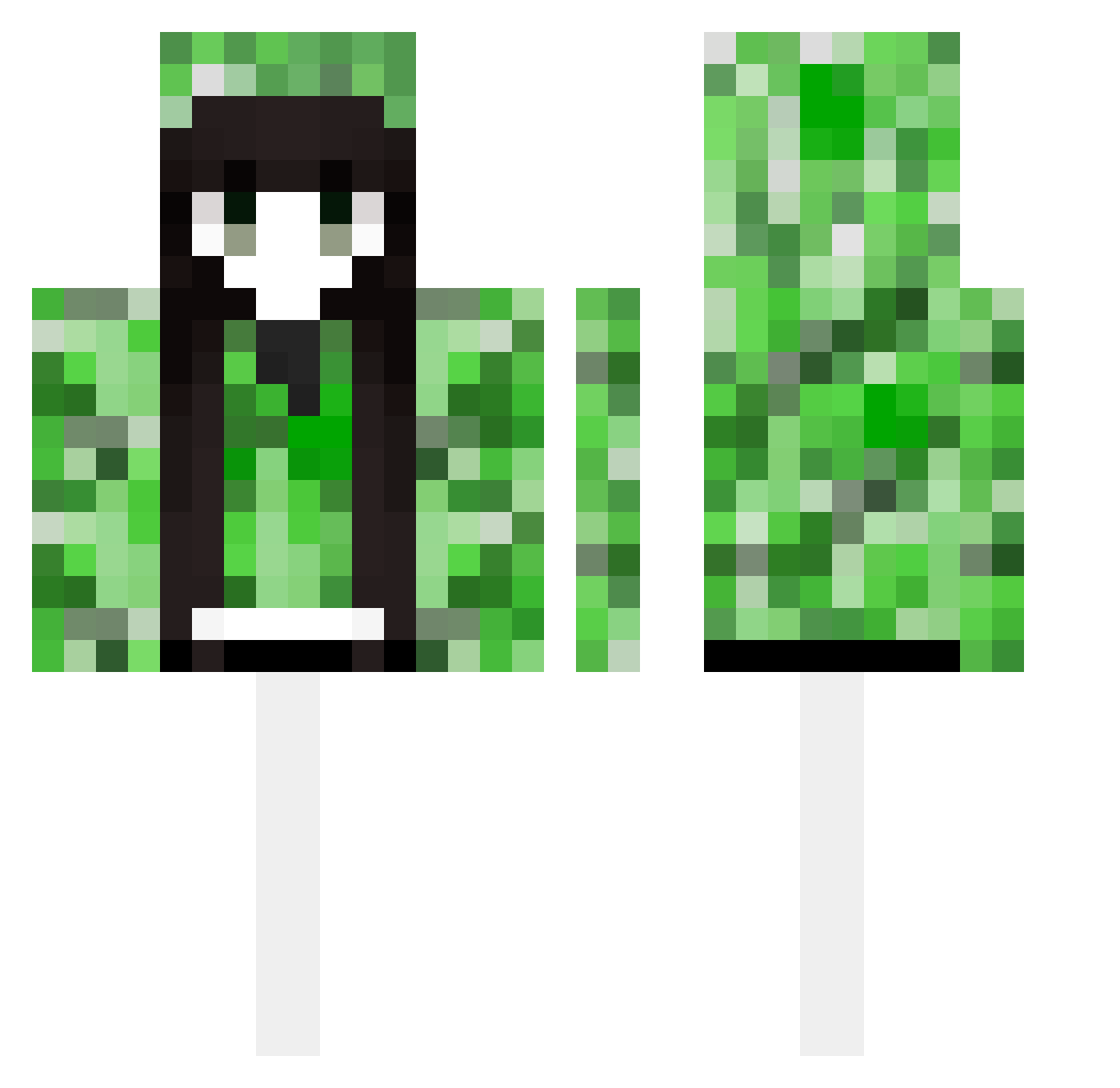
Current Minecraft skin of the player IchKlaueDeinLSD, loaded from the official Mojang API. Rotate the 3D model with your mouse or finger, then download the skin as a PNG file and use it in Minecraft: Bedrock Edition or Java Edition for free. When IchKlaueDeinLSD changes their skin, this page updates automatically and the old skin stays in the history below.
Other players with this skin (489)
IchKlaueDeinLSD was the 151st player we have seen with this skin, first spotted on 25.08.2026. The same skin was seen on these players. Open a nickname to see their current skin and skin history.
 Hestia_You FBNJD Madzixon345 Baozi121 ambition8023 nvr1 niuniko mazda99 XJB1337 xiaoxin_mei_la_b Pinkwolf666 akuyaqwe thekillqueen Talian_ LuLuSSSSS Alun3a Alison_play PinkWard0342 fgxcghu SamikoSatori kawa1WB RindC naiyia_ xbox222333 icypig001 Lisanke SleepySloth_ Polnarev SCci1230 STAR430 bat0430 YoungThirty FANbell Koish1_QAQ yadso 52013141 lissita1 Dalsie FULSI 133133 Izzmynn aks_XLZOk_03_04 Kyhu lonely1110 Arteezz otteyyy_1173 Unreadtunas Y_YF Sakayor11roha Yayuyon8 IceJinGua QAQWZM LRP0000 tiyv lililib xianzhe86 Demon_404 ghy988 FTCOM RegimeCee
More Creeper Minecraft skins
How to install the IchKlaueDeinLSD skin
- Press the Download button above to save the skin as a PNG file.
- Minecraft: Bedrock Edition (PE): open the Dressing Room from the main menu (or tap your character → Edit Character), go to Classic Skins → Owned, press the + (new skin) button, choose the downloaded PNG and pick the Classic (Steve) model. Works on PC and mobile; consoles cannot import custom skins.
- Minecraft: Java Edition: open the Minecraft Launcher, go to the Skins tab, click New Skin, load the PNG, pick the Classic (Steve) model and press Save & Use. You can also upload it at minecraft.net → Profile → Change Skin.
The skin does not show up after import - what should I do?
Restart Minecraft and open the Dressing Room again - imported skins sometimes appear only after a restart. Also make sure you selected the imported skin and picked the Classic (Steve) model.
Which model should I choose, Classic or Slim?
This skin is designed for the Classic (Steve) model. If you pick the wrong model, the arms of the skin will look stretched or squeezed.
Is the skin of IchKlaueDeinLSD free to download?
Yes. Press Download, save the PNG file and use it in Minecraft: Bedrock Edition or Java Edition - no payment or registration needed. The skin also works on multiplayer servers and Realms.
More skins
Looking for more? Go back to all Minecraft skins and check the top skins of the week, month and all time, or find any player's skin by nickname.