
Iceirno - Minecraft Skins & Skin History
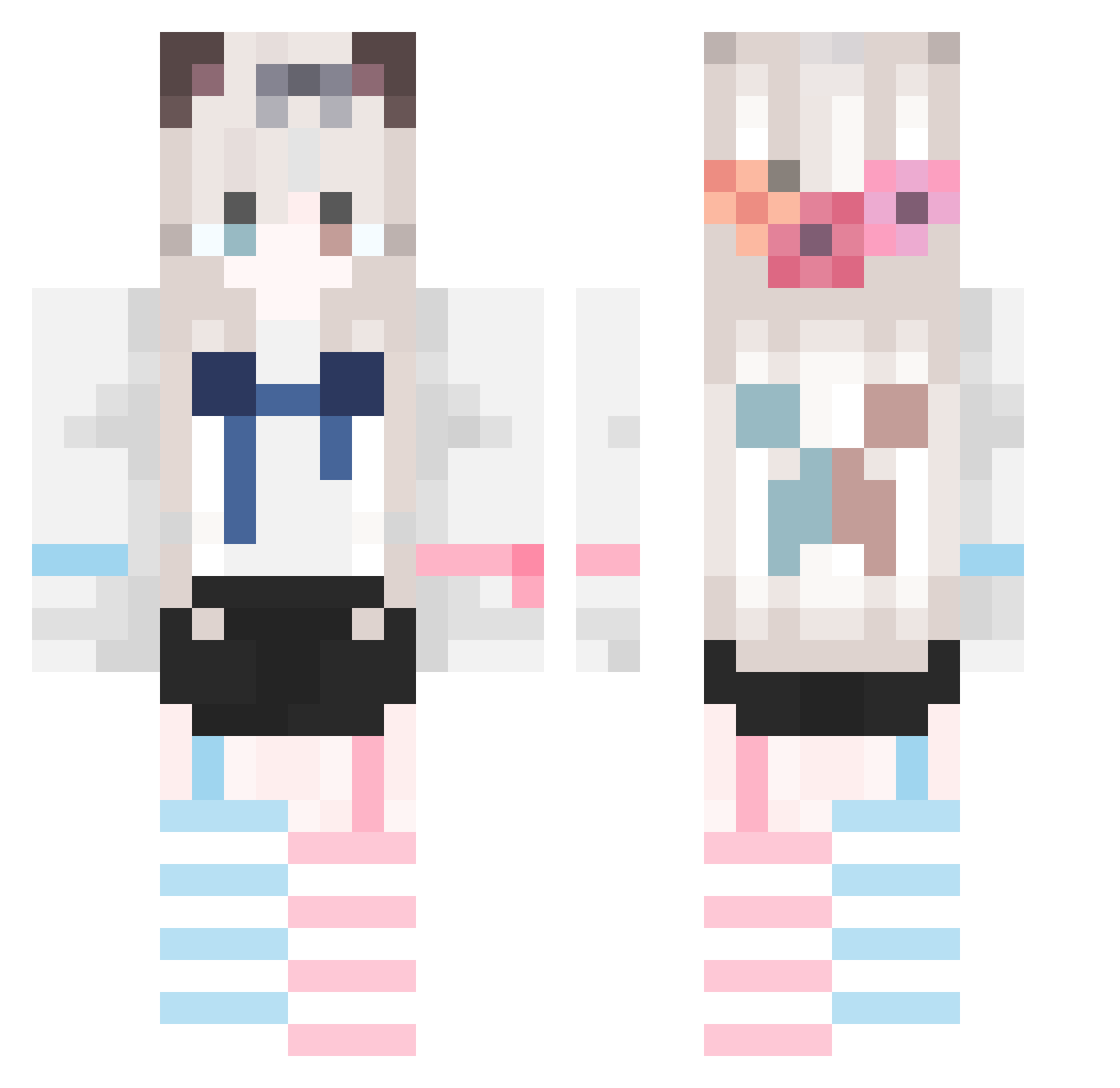
Current Minecraft skin of the player Iceirno, loaded from the official Mojang API. Rotate the 3D model with your mouse or finger, then download the skin as a PNG file and use it in Minecraft: Bedrock Edition or Java Edition for free. When Iceirno changes their skin, this page updates automatically and the old skin stays in the history below.
Other players with this skin (656)
Iceirno was the 437th player we have seen with this skin, first spotted on 30.09.2026. The same skin was seen on these players. Open a nickname to see their current skin and skin history.
 Atou_alll YunShenSwing Little_toy Thetinycat12345 1shining1 Lazycats AliNB CUICAN4 ZyrocsS Admini_strator MxmXw shen_MmOo Alic54 GoodDream1 Hertar_ Qranze virter zerohave Mr_QiangZi RedCloudCy Babiu Eyixin zy611 PuppetKnight666 TianZzai fye_yzy Sa_ka_na__ Alvinte lendbear Ja2RY winperp xiaomi2035 Satsuki_ng Darkjungler shixiyeyi ppman333 backview9 InkYun XinSang9223 Whisky_sir coookie_qwq lyy_1204 Zhi_Qu Lily2146 xinjican sevele pldlsl adccAA Fate_0_ tideng Tech_Energy onetime14 Jue_Y xiaomilier AonoToki CYHcity gejvdakai wxdongdong M_Orient BedrockDigger
More Cat Ears Minecraft skins
How to install the Iceirno skin
- Press the Download button above to save the skin as a PNG file.
- Minecraft: Bedrock Edition (PE): open the Dressing Room from the main menu (or tap your character → Edit Character), go to Classic Skins → Owned, press the + (new skin) button, choose the downloaded PNG and pick the Classic (Steve) model. Works on PC and mobile; consoles cannot import custom skins.
- Minecraft: Java Edition: open the Minecraft Launcher, go to the Skins tab, click New Skin, load the PNG, pick the Classic (Steve) model and press Save & Use. You can also upload it at minecraft.net → Profile → Change Skin.
The skin does not show up after import - what should I do?
Restart Minecraft and open the Dressing Room again - imported skins sometimes appear only after a restart. Also make sure you selected the imported skin and picked the Classic (Steve) model.
Which model should I choose, Classic or Slim?
This skin is designed for the Classic (Steve) model. If you pick the wrong model, the arms of the skin will look stretched or squeezed.
Is the skin of Iceirno free to download?
Yes. Press Download, save the PNG file and use it in Minecraft: Bedrock Edition or Java Edition - no payment or registration needed. The skin also works on multiplayer servers and Realms.
More skins
Looking for more? Go back to all Minecraft skins and check the top skins of the week, month and all time, or find any player's skin by nickname.