
 StillBreathing2 Shadow__K zbyTKL GGBond66 xuan1017 SaLeFenNi SHIKINEO xianbei520 budingdingding LMiiuu luckygems momoya520 SI10086 wanxianyou Farly1009 LeDirtUK zimo60 woshinidelaoba SSSFFF DaNigecly Sherlock465 songwang IXIM Yoimiya114 laurusu TheFatRice YiWen_G samumul XingZ9 qi_anQAQ SBDHQ Alliance852 snow9582 AmamiyaLian MountWind longyutao2 Sotca DewShadow MCdm001 shuibani cook1e_5 TheCatNana Ling_Xi_Yia Xiao_eye Minatomia MY_Loong vvxg LuckySheepMAX C_Sx_ TurbineA LY115 overzero9 Ltow233 zznb666 Eliagent lxde88 MHCMS1 riderkick77 hyz_nixx Wanan_0
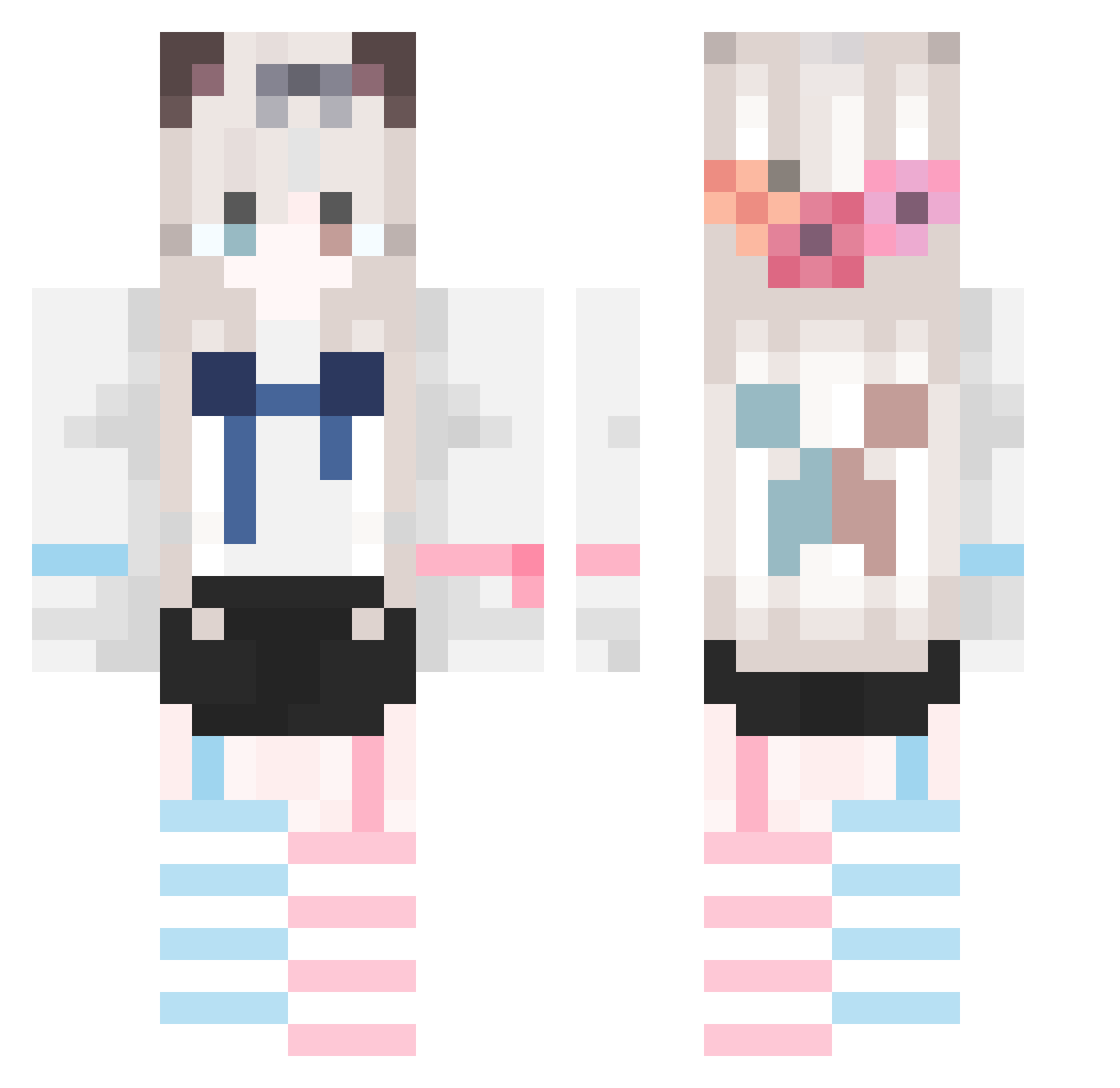
Minecraft skin of XIAOyu52066. Rotate the 3D model with your mouse or finger to view the skin from every angle, then download it as a PNG file and use it in Minecraft: Bedrock Edition or Java Edition for free. Rate the skin with stars to help other players find the best skins in our collection.
How to install the XIAOyu52066 skin
- Press the Download button above to save the skin as a PNG file.
- Minecraft: Bedrock Edition (PE): open the Dressing Room from the main menu (or tap your character → Edit Character), go to Classic Skins → Owned, press the + (new skin) button, choose the downloaded PNG and pick the Classic (Steve) model. Works on PC and mobile; consoles cannot import custom skins.
- Minecraft: Java Edition: open the Minecraft Launcher, go to the Skins tab, click New Skin, load the PNG, pick the Classic (Steve) model and press Save & Use. You can also upload it at minecraft.net → Profile → Change Skin.
The skin does not show up after import - what should I do?
Restart Minecraft and open the Dressing Room again - imported skins sometimes appear only after a restart. Also make sure you selected the imported skin and picked the Classic (Steve) model.
Which model should I choose, Classic or Slim?
This skin is designed for the Classic (Steve) model. If you pick the wrong model, the arms of the skin will look stretched or squeezed.
Is this skin free to use?
Yes. Press Download, save the PNG file and use it in Minecraft: Bedrock Edition or Java Edition - no payment or registration needed. The skin also works on multiplayer servers and Realms.
More Cat Ears Minecraft skins
More skins
Looking for more? Go back to all Minecraft skins and check the top skins of the week, month and all time, or find any player's skin by nickname.