
IMR_ROD - Minecraft Skins & Skin History
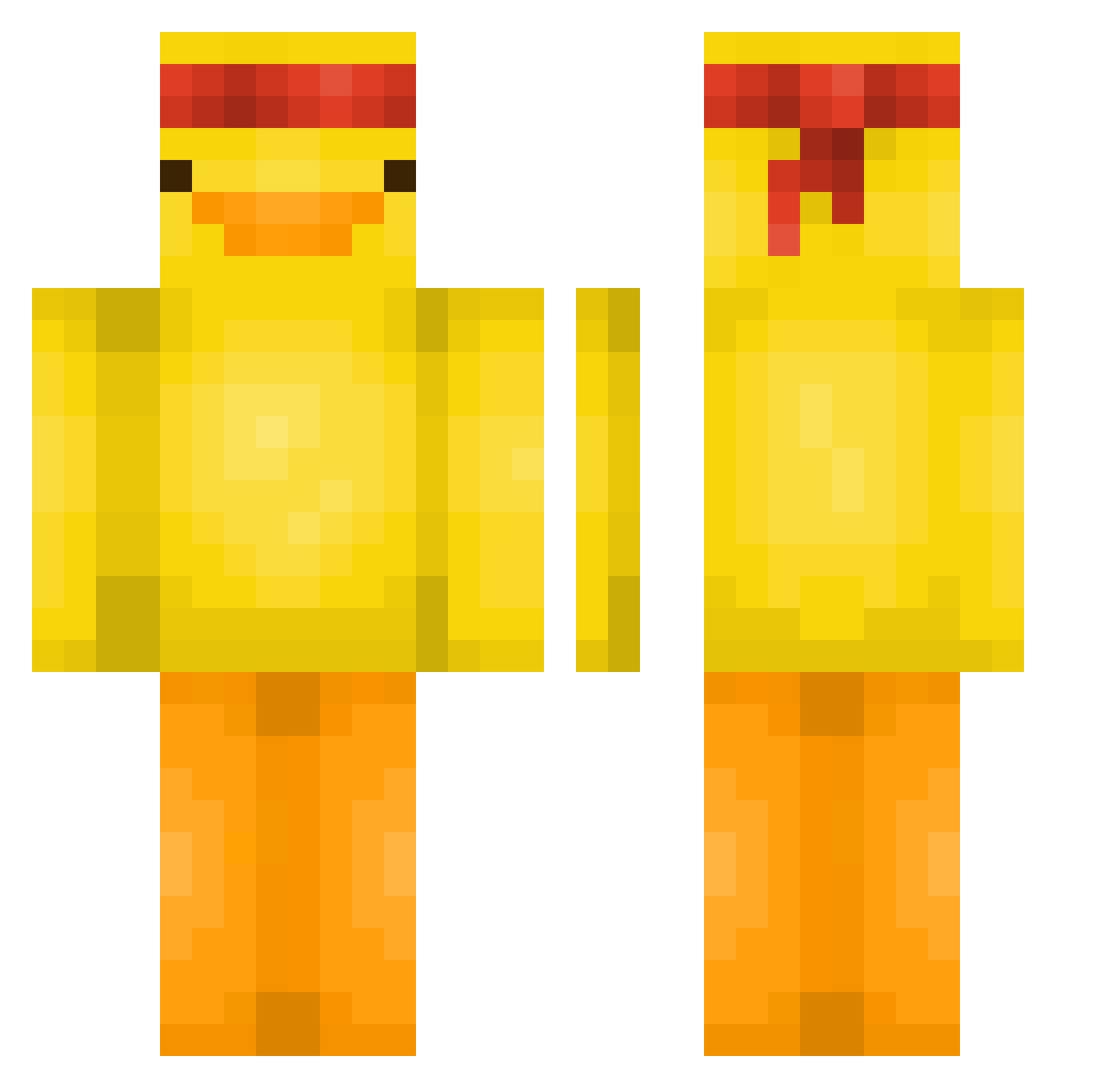
Current Minecraft skin of the player IMR_ROD, loaded from the official Mojang API. Rotate the 3D model with your mouse or finger, then download the skin as a PNG file and use it in Minecraft: Bedrock Edition or Java Edition for free. When IMR_ROD changes their skin, this page updates automatically and the old skin stays in the history below.
Other players with this skin (613)
IMR_ROD was the 601st player we have seen with this skin, first spotted on 10.11.2026. The same skin was seen on these players. Open a nickname to see their current skin and skin history.
 Gamarue pixelchip spada18 Jumin21 zzy7758521 Mustard_0129 The_Kraken124 themanloki Atsussa Potatoburger5 Larry012 YobiHui1016 Irondraft CinderClone KamiDam yvonneeeh Duckjape ciusmak sigmaalphawolf1 Kabybby OhAnbu ToasterCACTUS xodlf6740 sinncy sun0116 _Beamgiix_ 1CHAOTIC1 KeinName005 insert1name9here yaoong5 BigZen ProMindkrafter9 Cliented swaptee CookieCreeper07 WBolt Lauren1919 deathstalker000 RACSO_TV Julian_Nhax Nicolaos167 RainedayTTV Lisek364 liteqq Blockkrieger123 Henk0166 kaby2000 Luluruba BenMorland Duckey01 chorok2 Clutz1 paranoii Isaboll Luimen jung_ga SuMeDooSh Potato_was_taken NoirGuy33 Bananenbrot837
More Duck Minecraft skins
How to install the IMR_ROD skin
- Press the Download button above to save the skin as a PNG file.
- Minecraft: Bedrock Edition (PE): open the Dressing Room from the main menu (or tap your character → Edit Character), go to Classic Skins → Owned, press the + (new skin) button, choose the downloaded PNG and pick the Classic (Steve) model. Works on PC and mobile; consoles cannot import custom skins.
- Minecraft: Java Edition: open the Minecraft Launcher, go to the Skins tab, click New Skin, load the PNG, pick the Classic (Steve) model and press Save & Use. You can also upload it at minecraft.net → Profile → Change Skin.
The skin does not show up after import - what should I do?
Restart Minecraft and open the Dressing Room again - imported skins sometimes appear only after a restart. Also make sure you selected the imported skin and picked the Classic (Steve) model.
Which model should I choose, Classic or Slim?
This skin is designed for the Classic (Steve) model. If you pick the wrong model, the arms of the skin will look stretched or squeezed.
Is the skin of IMR_ROD free to download?
Yes. Press Download, save the PNG file and use it in Minecraft: Bedrock Edition or Java Edition - no payment or registration needed. The skin also works on multiplayer servers and Realms.
More skins
Looking for more? Go back to all Minecraft skins and check the top skins of the week, month and all time, or find any player's skin by nickname.