
IAmStarkid - Minecraft Skins & Skin History
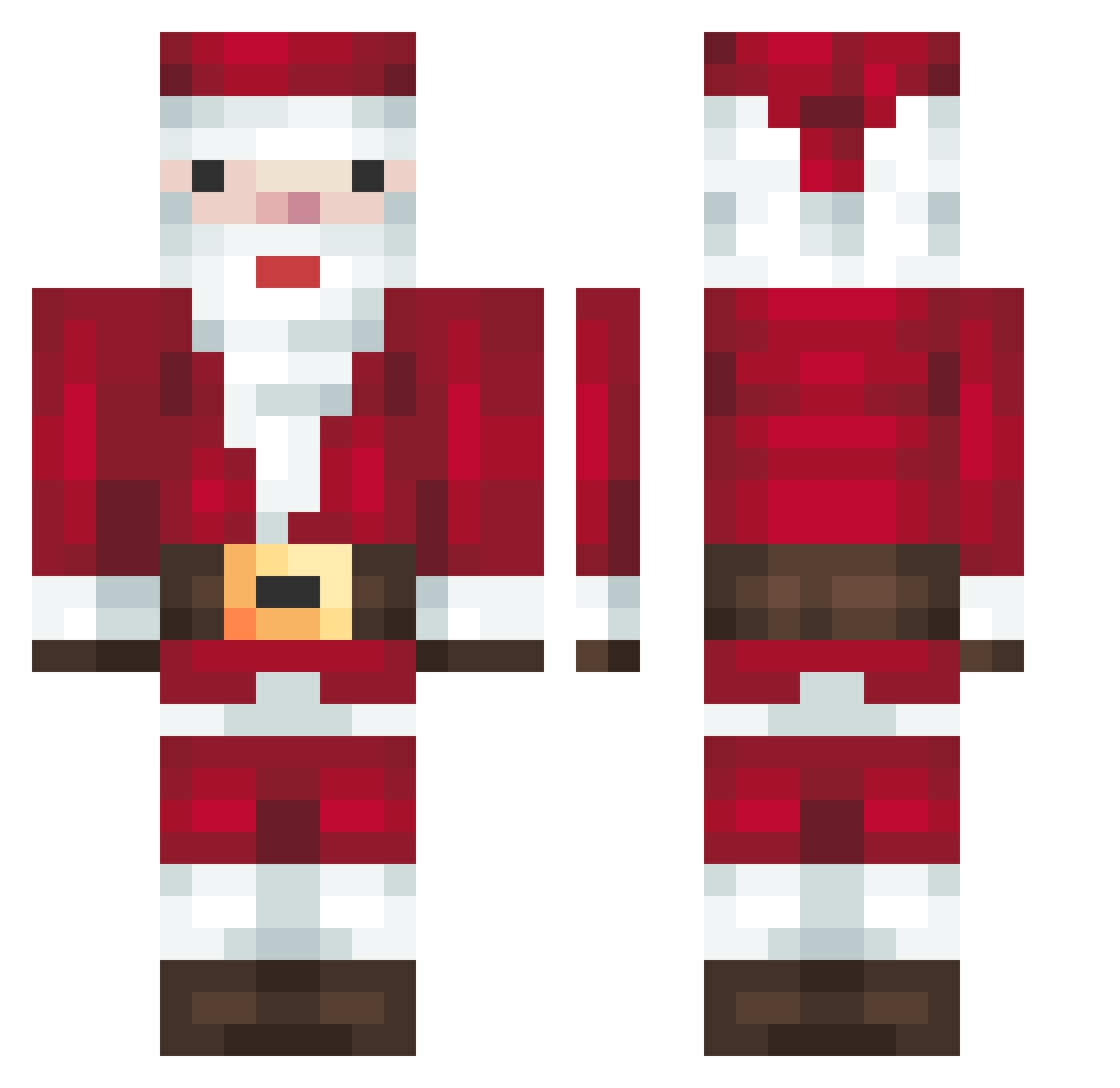
Current Minecraft skin of the player IAmStarkid, loaded from the official Mojang API. Rotate the 3D model with your mouse or finger, then download the skin as a PNG file and use it in Minecraft: Bedrock Edition or Java Edition for free. When IAmStarkid changes their skin, this page updates automatically and the old skin stays in the history below.
Other players with this skin (279)
IAmStarkid was the 92nd player we have seen with this skin, first spotted on 29.08.2026. The same skin was seen on these players. Open a nickname to see their current skin and skin history.
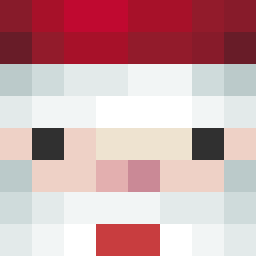 jan0828 Kimjongchan JoToX YJLL Everett_se Chaehyeon96 Toritos30 timmit3 jun_0519 Quizart1337 leif6908 zhuifeng123 Brumo420 hyeok0919
 SwaggyLuka quaeritur1 anasse_0 boocebaby kkccyy GcuGcu NoellXxXD kluKIPO KaiernX currych1ps 4FingerJoe Falsch316 bearjellies MiddleKnight24 HudcHewexe Noah050311 Rodipappa Razvica Plwsh dylan1237654 Henry5123 Lil__fella vicky_25 Mishn1 ChalupaLaLupa HorrorOfReality marinus420 losad Zephyrneo franiogamer marlon4451 Zeyzxe dayliip Hermansen676767 xy2115 hauntmode cpvpsanta Papitxo FlippyJocu KleinGustaf qianxun0 domdom97 MarciaJung Jfpro111 NormalFire4665 NotLoplop
More Santa Claus Minecraft skins
How to install the IAmStarkid skin
- Press the Download button above to save the skin as a PNG file.
- Minecraft: Bedrock Edition (PE): open the Dressing Room from the main menu (or tap your character → Edit Character), go to Classic Skins → Owned, press the + (new skin) button, choose the downloaded PNG and pick the Classic (Steve) model. Works on PC and mobile; consoles cannot import custom skins.
- Minecraft: Java Edition: open the Minecraft Launcher, go to the Skins tab, click New Skin, load the PNG, pick the Classic (Steve) model and press Save & Use. You can also upload it at minecraft.net → Profile → Change Skin.
The skin does not show up after import - what should I do?
Restart Minecraft and open the Dressing Room again - imported skins sometimes appear only after a restart. Also make sure you selected the imported skin and picked the Classic (Steve) model.
Which model should I choose, Classic or Slim?
This skin is designed for the Classic (Steve) model. If you pick the wrong model, the arms of the skin will look stretched or squeezed.
Is the skin of IAmStarkid free to download?
Yes. Press Download, save the PNG file and use it in Minecraft: Bedrock Edition or Java Edition - no payment or registration needed. The skin also works on multiplayer servers and Realms.
More skins
Looking for more? Go back to all Minecraft skins and check the top skins of the week, month and all time, or find any player's skin by nickname.