
HuskyBoiXD - Minecraft Skins & Skin History
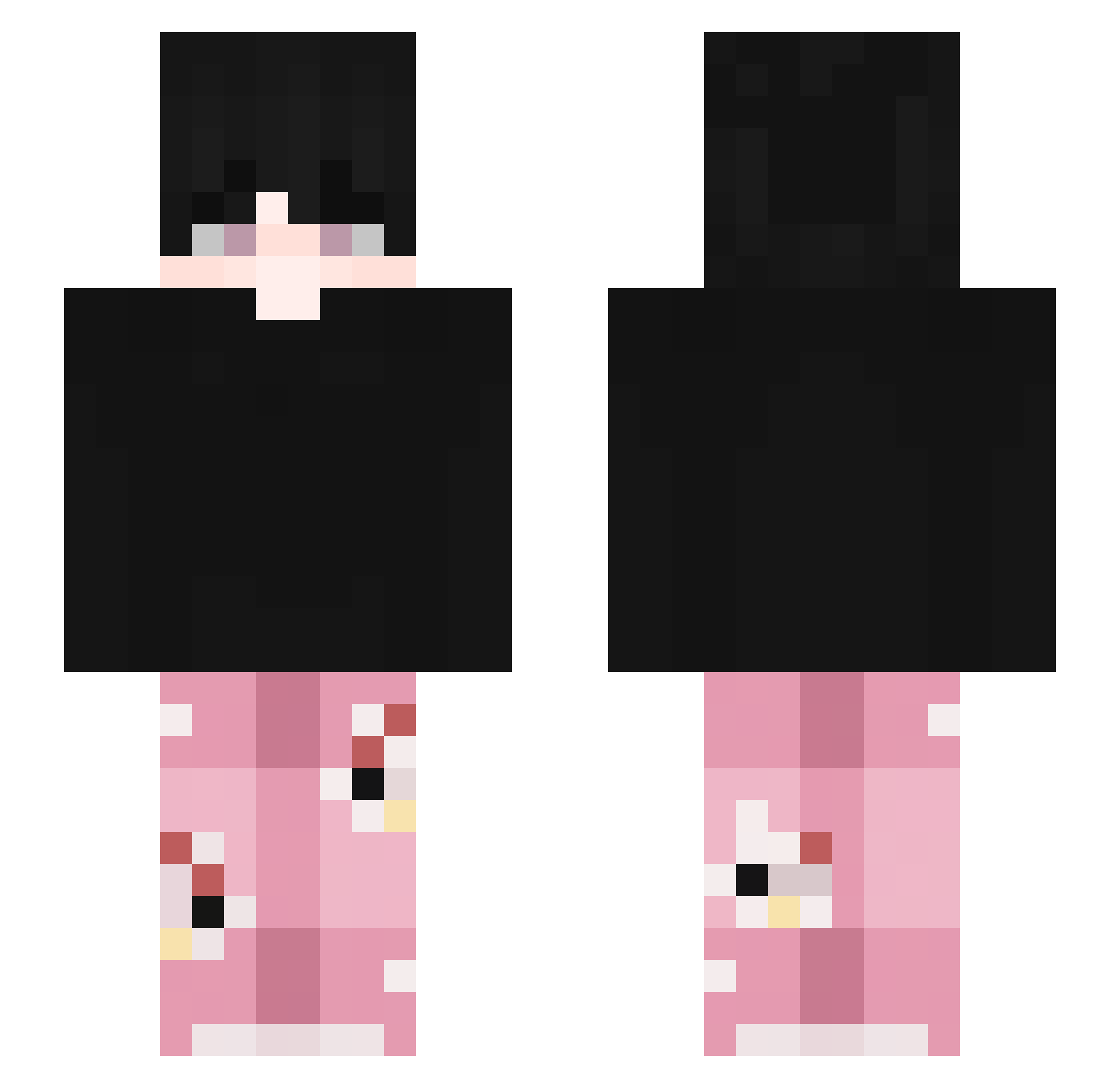
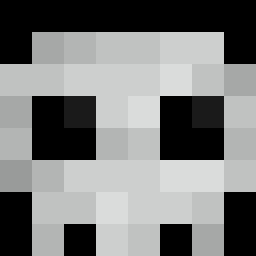
Current Minecraft skin of the player HuskyBoiXD, loaded from the official Mojang API. Rotate the 3D model with your mouse or finger, then download the skin as a PNG file and use it in Minecraft: Bedrock Edition or Java Edition for free. When HuskyBoiXD changes their skin, this page updates automatically and the old skin stays in the history below.
Other players with this skin (99)
HuskyBoiXD was the 24th player we have seen with this skin, first spotted on 14.08.2026. The same skin was seen on these players. Open a nickname to see their current skin and skin history.
 Tunox1
 Wxlshyuk bitewny__ gyk128523 Kaique29 SUKON256 PaoComXP ClownFlme Lanadelraylol Ozukat
 piorun14591
 _Flotrix_
 Flexlory Nexamc DYWANIKKQ1234 sungxoon Frymbexx SchorchedXD Thonicx KiyuttaMan
 wynst9 elvalenidk TheAxev SQUEEZE132 Wh1tyy Jason_20032 alisa4ko benalju JJAM_cat Ogunu
 itsMyToast hanifr Belly3031 GravEdillEggr
 Kaionoz hyuelix themanwithbrain byxxl MythicMxtti
 Tuiheee Judeau1 keytnn miichelle52 _Okke_ _RudraX Incognito1218 6zabil Fb_7
 GooniesXD Bertyy_ Stryke_787 Rudra_X Fneaxy JiuChu03 raddek_ crymsonHex HollowShiwo Heeatzy__ Leixing69_TW xFrezu
How to install the HuskyBoiXD skin
- Press the Download button above to save the skin as a PNG file.
- Minecraft: Bedrock Edition (PE): open the Dressing Room from the main menu (or tap your character → Edit Character), go to Classic Skins → Owned, press the + (new skin) button, choose the downloaded PNG and pick the Slim (Alex) model. Works on PC and mobile; consoles cannot import custom skins.
- Minecraft: Java Edition: open the Minecraft Launcher, go to the Skins tab, click New Skin, load the PNG, pick the Slim (Alex) model and press Save & Use. You can also upload it at minecraft.net → Profile → Change Skin.
The skin does not show up after import - what should I do?
Restart Minecraft and open the Dressing Room again - imported skins sometimes appear only after a restart. Also make sure you selected the imported skin and picked the Slim (Alex) model.
Which model should I choose, Classic or Slim?
This skin is designed for the Slim (Alex) model. If you pick the wrong model, the arms of the skin will look stretched or squeezed.
Is the skin of HuskyBoiXD free to download?
Yes. Press Download, save the PNG file and use it in Minecraft: Bedrock Edition or Java Edition - no payment or registration needed. The skin also works on multiplayer servers and Realms.
More skins
Looking for more? Go back to all Minecraft skins and check the top skins of the week, month and all time, or find any player's skin by nickname.