
HunterDR0IID - Minecraft Skins & Skin History
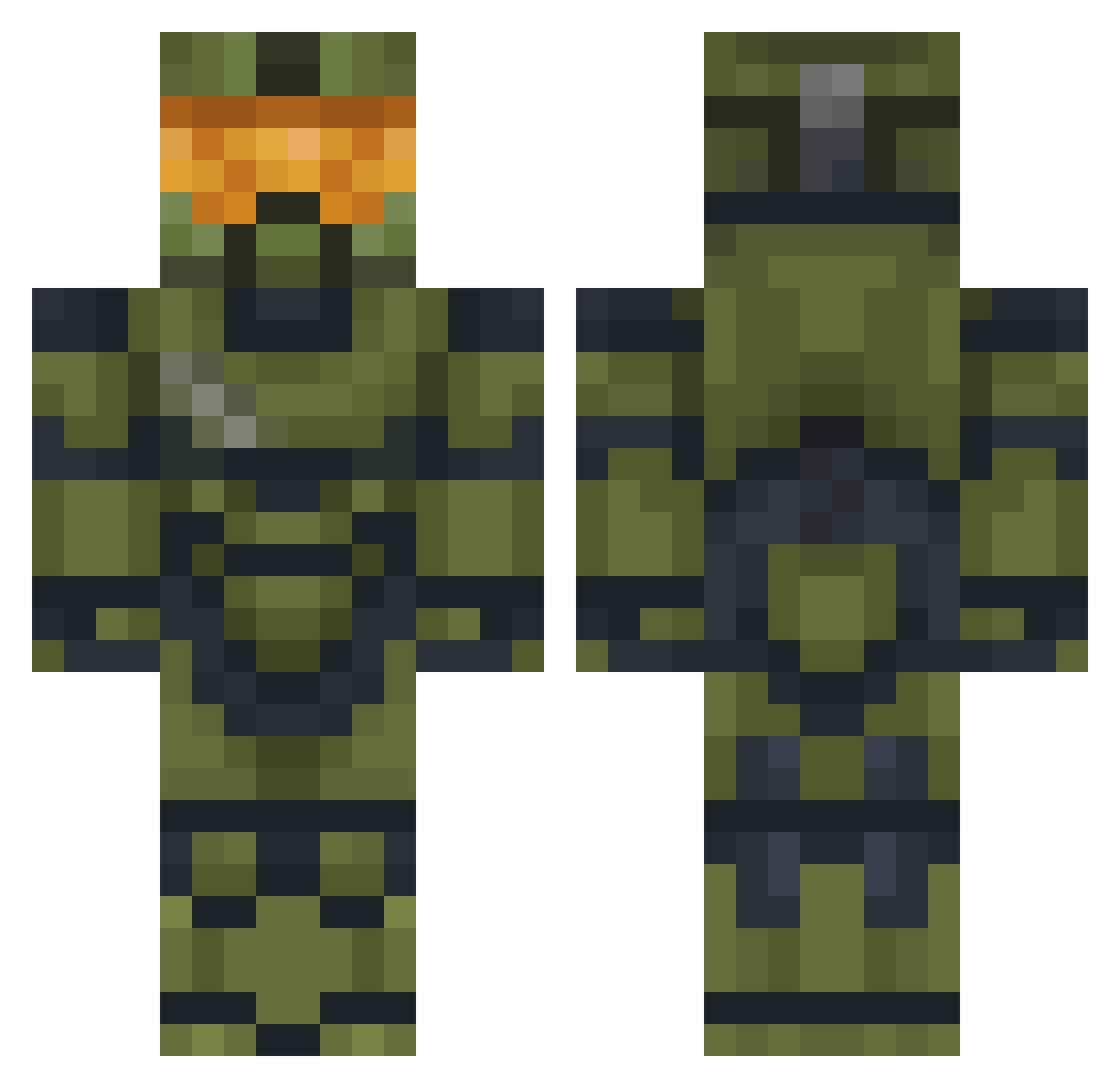
Current Minecraft skin of the player HunterDR0IID, loaded from the official Mojang API. Rotate the 3D model with your mouse or finger, then download the skin as a PNG file and use it in Minecraft: Bedrock Edition or Java Edition for free. When HunterDR0IID changes their skin, this page updates automatically and the old skin stays in the history below.
Other players with this skin (477)
HunterDR0IID was the 16th player we have seen with this skin, first spotted on 25.07.2026. The same skin was seen on these players. Open a nickname to see their current skin and skin history.
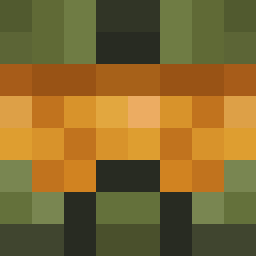 VinceMad novagsy Astr0Beanz Sableram1 alpha1680 WHOS_NEXT_22 TheAssassin7201 bingciling SX797 ItalianYeti98 Natedude4348 TheMonoMenace Coovin Master_Chi3f117 Juan_BB gaaabsz JosephJames110 EuanB1103 flibberdipper StafkeMusketier Azmo12 DedaSpartan FaZeCarter BABASCHP CodyStuntbike SaboniBoni II_Carnage_II driment Sir_Lomie Pathfinder1613 TyingPolecat Magnusbross Operator_Stealth TinyAssassin96 Mussolinni420 KEYKERS FoE_SpartanPrime barrettgriffith MORBINGTIME PancakeTickler NICO072012 vKryTex PapitaPeruana Bolado867
 S3SCP Super_Miner_Ben7 Ace4534
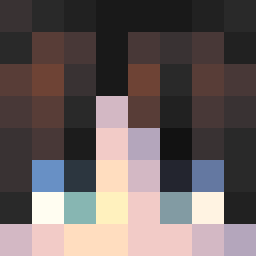 Nos_44 blantxo SP4RT4N_03 fappins TheRiverRunsDeep UnforgettableJay
 SammyTheKing KittyyKillerr Averagemug Spartan086x Zetaboxgame CursedCrusader2 DixiNormas
More Master Chief Minecraft skins
See all 526 Master Chief skins
How to install the HunterDR0IID skin
- Press the Download button above to save the skin as a PNG file.
- Minecraft: Bedrock Edition (PE): open the Dressing Room from the main menu (or tap your character → Edit Character), go to Classic Skins → Owned, press the + (new skin) button, choose the downloaded PNG and pick the Classic (Steve) model. Works on PC and mobile; consoles cannot import custom skins.
- Minecraft: Java Edition: open the Minecraft Launcher, go to the Skins tab, click New Skin, load the PNG, pick the Classic (Steve) model and press Save & Use. You can also upload it at minecraft.net → Profile → Change Skin.
The skin does not show up after import - what should I do?
Restart Minecraft and open the Dressing Room again - imported skins sometimes appear only after a restart. Also make sure you selected the imported skin and picked the Classic (Steve) model.
Which model should I choose, Classic or Slim?
This skin is designed for the Classic (Steve) model. If you pick the wrong model, the arms of the skin will look stretched or squeezed.
Is the skin of HunterDR0IID free to download?
Yes. Press Download, save the PNG file and use it in Minecraft: Bedrock Edition or Java Edition - no payment or registration needed. The skin also works on multiplayer servers and Realms.
More skins
Looking for more? Go back to all Minecraft skins and check the top skins of the week, month and all time, or find any player's skin by nickname.