
Hogback - Minecraft Skins & Skin History
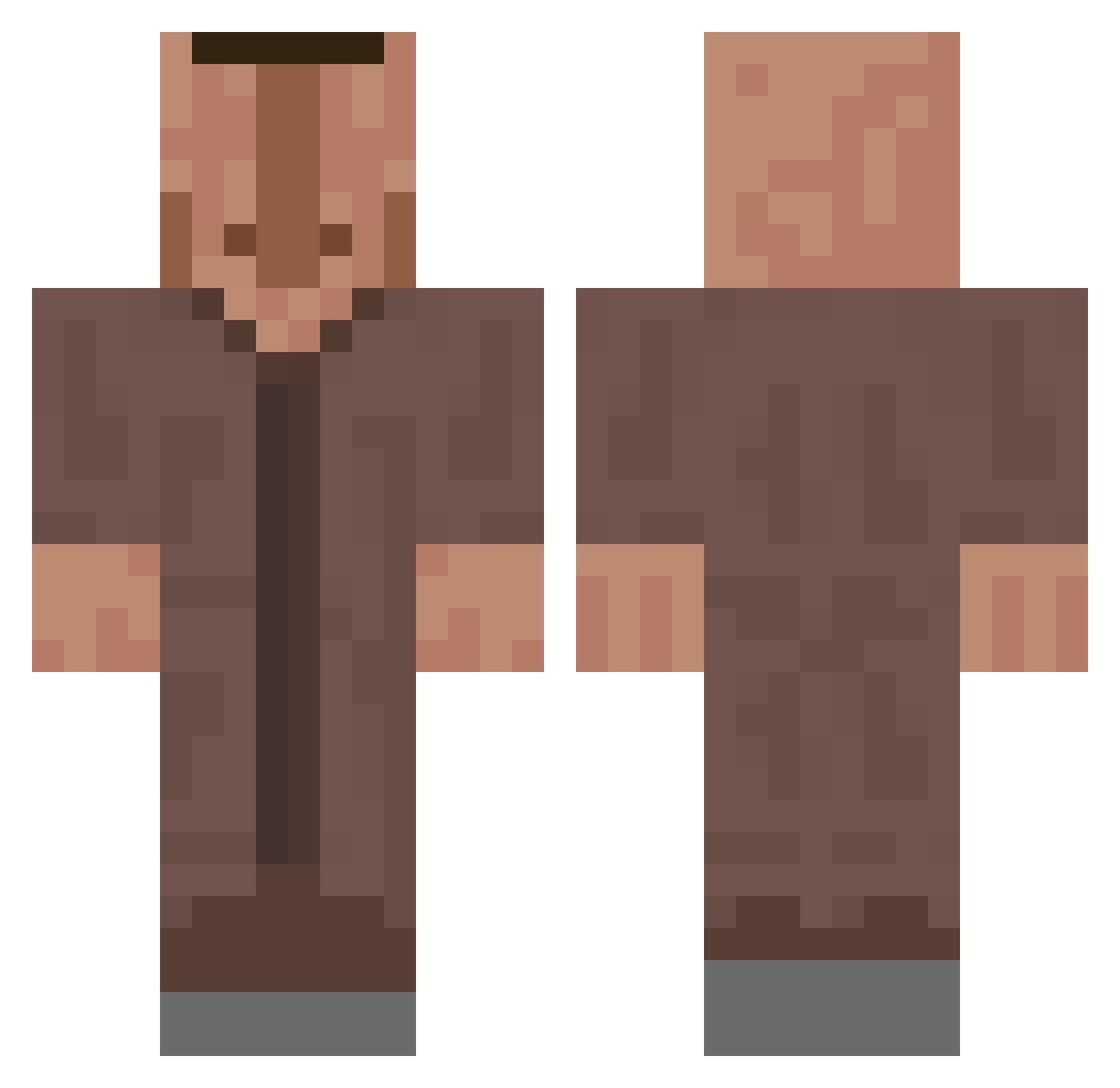
Current Minecraft skin of the player Hogback, loaded from the official Mojang API. Rotate the 3D model with your mouse or finger, then download the skin as a PNG file and use it in Minecraft: Bedrock Edition or Java Edition for free. When Hogback changes their skin, this page updates automatically and the old skin stays in the history below.
Other players with this skin (660)
Hogback was the 214th player we have seen with this skin, first spotted on 28.08.2026. The same skin was seen on these players. Open a nickname to see their current skin and skin history.
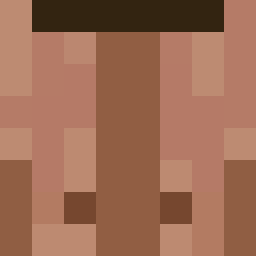 Axool96 haxforme Unlucky2b
 Panxos __TOAM__ Felix_McCrafty xcroaght McDomii MasterUninvited Karlou36 diablovici ASYDENIS chrisssscom XXylis Awe_dog pretendpit NRV1 dandans2 WarKiziX Kanoto_
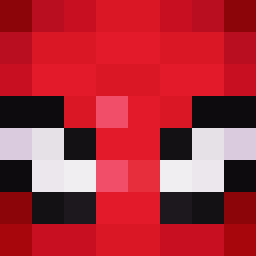 tiresome730 Fensnake DoctorWolf _ISwiix_ DarkRenoxx iwaqel Rinor_Abi tormide Harborland YaroMaero Qesu93 Esarnad Yokoharu_ Hizora12 Rojao shua____ InfernoSXI DaddyFlynn_ cheatra AXSENSS Daetrece_ gscherry Ahmad_Abdulah cuNix_ Fanthom_3 Boozleg 6yphe TuerkischTarzan __Sosna__ omeska Le_gouter1 Phrasax DanatoD flos_octo FatAS5Boi crxv_ Boskwal Kuposzto fifa909 _Astrox_
More Villager Minecraft skins
How to install the Hogback skin
- Press the Download button above to save the skin as a PNG file.
- Minecraft: Bedrock Edition (PE): open the Dressing Room from the main menu (or tap your character → Edit Character), go to Classic Skins → Owned, press the + (new skin) button, choose the downloaded PNG and pick the Classic (Steve) model. Works on PC and mobile; consoles cannot import custom skins.
- Minecraft: Java Edition: open the Minecraft Launcher, go to the Skins tab, click New Skin, load the PNG, pick the Classic (Steve) model and press Save & Use. You can also upload it at minecraft.net → Profile → Change Skin.
The skin does not show up after import - what should I do?
Restart Minecraft and open the Dressing Room again - imported skins sometimes appear only after a restart. Also make sure you selected the imported skin and picked the Classic (Steve) model.
Which model should I choose, Classic or Slim?
This skin is designed for the Classic (Steve) model. If you pick the wrong model, the arms of the skin will look stretched or squeezed.
Is the skin of Hogback free to download?
Yes. Press Download, save the PNG file and use it in Minecraft: Bedrock Edition or Java Edition - no payment or registration needed. The skin also works on multiplayer servers and Realms.
More skins
Looking for more? Go back to all Minecraft skins and check the top skins of the week, month and all time, or find any player's skin by nickname.