
Herkes - Minecraft Skins & Skin History
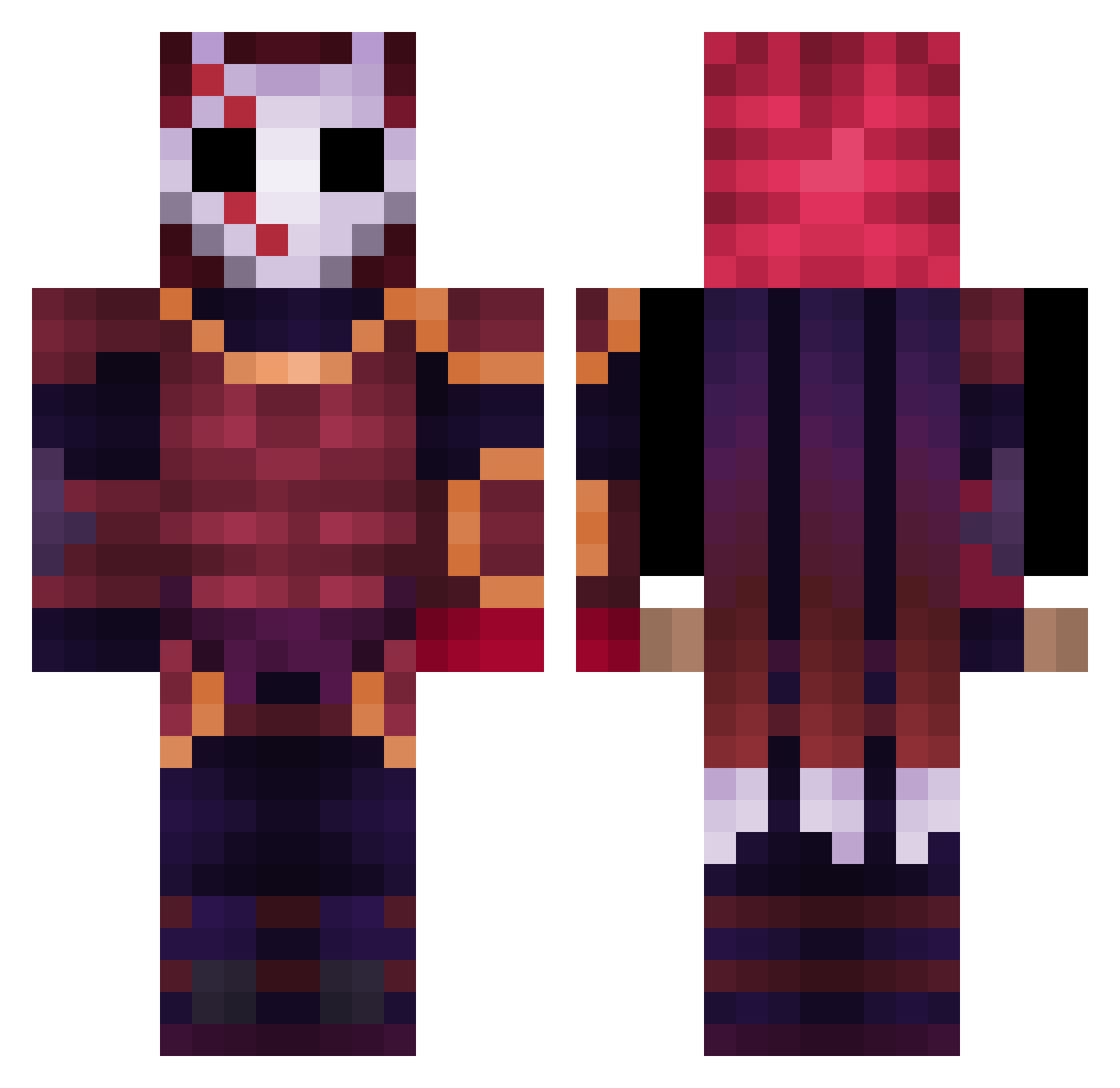
Current Minecraft skin of the player Herkes, loaded from the official Mojang API. Rotate the 3D model with your mouse or finger, then download the skin as a PNG file and use it in Minecraft: Bedrock Edition or Java Edition for free. When Herkes changes their skin, this page updates automatically and the old skin stays in the history below.
Other players with this skin (409)
Herkes was the 320th player we have seen with this skin, first spotted on 16.10.2026. The same skin was seen on these players. Open a nickname to see their current skin and skin history.
 COGHOOT FrancoMK422 Vik93 Javi2009crack Kebosa Eythor ivanerx55 Vit3rZ _jvan CrimsonEZ Hozziew BubblegumInk0 Nevxone Sir_NomNoms dongin0920 TNT_On_Spooke PietroSamuel23 AKNC71 Gabrulfr kamikazu556 Babanba bzippyb 5iYu4n BienenFutt5535 SirImperivm_ betelgueuse MythicKilla Nesec Amirkjx Kanata127 DVNone narutoani Ryrekxx Raghnarrock ShaDowY_Y Aphelium2137 Pxndaz_ chevalier6666 ItzPesca V1rgys5 Onu_Hoang Zachog16 Actual_Rat_V Ezrathewarrior Violentclown Lzinfxp derkimyang Snifferwalk19 Toxic_beste CreepyDerCreeper SlushyGuuy Sanda0 ySafr Dadoul08 jonasgigI jacktsims Joseffo1 SonEnDiken seiko_tempest XManL
More Warrior Minecraft skins
How to install the Herkes skin
- Press the Download button above to save the skin as a PNG file.
- Minecraft: Bedrock Edition (PE): open the Dressing Room from the main menu (or tap your character → Edit Character), go to Classic Skins → Owned, press the + (new skin) button, choose the downloaded PNG and pick the Classic (Steve) model. Works on PC and mobile; consoles cannot import custom skins.
- Minecraft: Java Edition: open the Minecraft Launcher, go to the Skins tab, click New Skin, load the PNG, pick the Classic (Steve) model and press Save & Use. You can also upload it at minecraft.net → Profile → Change Skin.
The skin does not show up after import - what should I do?
Restart Minecraft and open the Dressing Room again - imported skins sometimes appear only after a restart. Also make sure you selected the imported skin and picked the Classic (Steve) model.
Which model should I choose, Classic or Slim?
This skin is designed for the Classic (Steve) model. If you pick the wrong model, the arms of the skin will look stretched or squeezed.
Is the skin of Herkes free to download?
Yes. Press Download, save the PNG file and use it in Minecraft: Bedrock Edition or Java Edition - no payment or registration needed. The skin also works on multiplayer servers and Realms.
More skins
Looking for more? Go back to all Minecraft skins and check the top skins of the week, month and all time, or find any player's skin by nickname.