
Hellm4ker - Minecraft Skins & Skin History
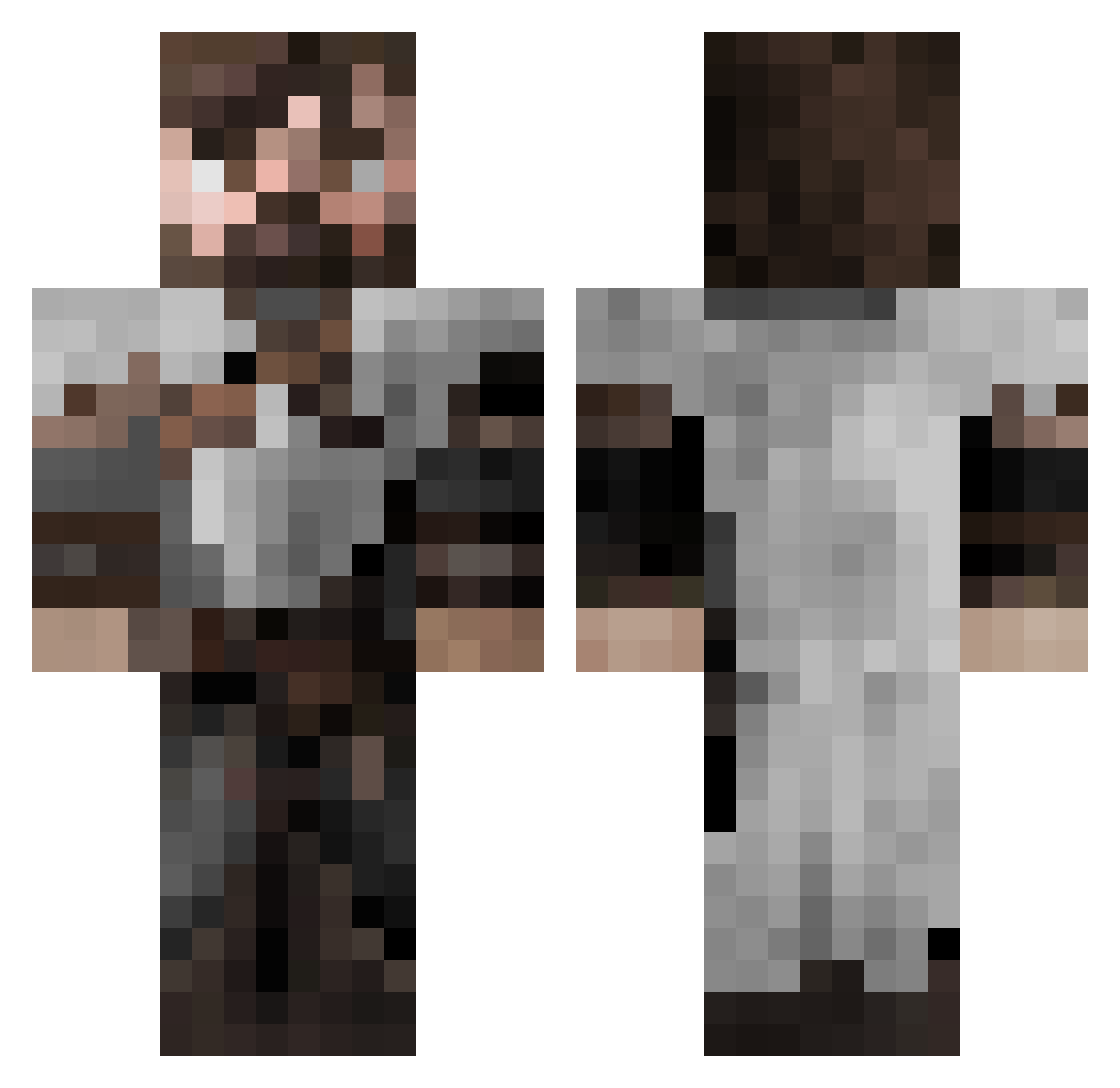
Current Minecraft skin of the player Hellm4ker, loaded from the official Mojang API. Rotate the 3D model with your mouse or finger, then download the skin as a PNG file and use it in Minecraft: Bedrock Edition or Java Edition for free. When Hellm4ker changes their skin, this page updates automatically and the old skin stays in the history below.
Other players with this skin (553)
Hellm4ker was the 254th player we have seen with this skin, first spotted on 16.09.2026. The same skin was seen on these players. Open a nickname to see their current skin and skin history.
 imisterd KingCaveman jude_cox Camersonn Lizard_Scales _Platon JebTailor Rejik_Namis squidarepeople hobbitopposite MaciekDD Dino_Dennis yqz1221 RulerBoy EricGviking InsaNitY_CS yo_Sr_G EKRonin huzziron im_step_bro LordHoth_90 Tomato251 Andros91 sambo_mines SlayeRrdeus ARNORIO bighead82 nicknuttz YOLCUBEG Eserizm ArataSpieler jaegertheviking d4lan_ BURNHAMMER xEcli StaryEnergol NICKTNT Heimdal9895 TheLanternBat SONICBEANS Event541 s1epp inyecction TailsStrife Marshallofir LarsFT Firebeatz yipman72 Ovalkurbel l1berta BasilTheGrey DivineGriffin Trollmaru Compactic2 AlexDaGreat2214 mysticmonkey749 Alexrosal21 larsneve DirtyDan_01 DrThernas
More Crusader Minecraft skins
How to install the Hellm4ker skin
- Press the Download button above to save the skin as a PNG file.
- Minecraft: Bedrock Edition (PE): open the Dressing Room from the main menu (or tap your character → Edit Character), go to Classic Skins → Owned, press the + (new skin) button, choose the downloaded PNG and pick the Classic (Steve) model. Works on PC and mobile; consoles cannot import custom skins.
- Minecraft: Java Edition: open the Minecraft Launcher, go to the Skins tab, click New Skin, load the PNG, pick the Classic (Steve) model and press Save & Use. You can also upload it at minecraft.net → Profile → Change Skin.
The skin does not show up after import - what should I do?
Restart Minecraft and open the Dressing Room again - imported skins sometimes appear only after a restart. Also make sure you selected the imported skin and picked the Classic (Steve) model.
Which model should I choose, Classic or Slim?
This skin is designed for the Classic (Steve) model. If you pick the wrong model, the arms of the skin will look stretched or squeezed.
Is the skin of Hellm4ker free to download?
Yes. Press Download, save the PNG file and use it in Minecraft: Bedrock Edition or Java Edition - no payment or registration needed. The skin also works on multiplayer servers and Realms.
More skins
Looking for more? Go back to all Minecraft skins and check the top skins of the week, month and all time, or find any player's skin by nickname.