
Heathcliff6129 - Minecraft Skins & Skin History
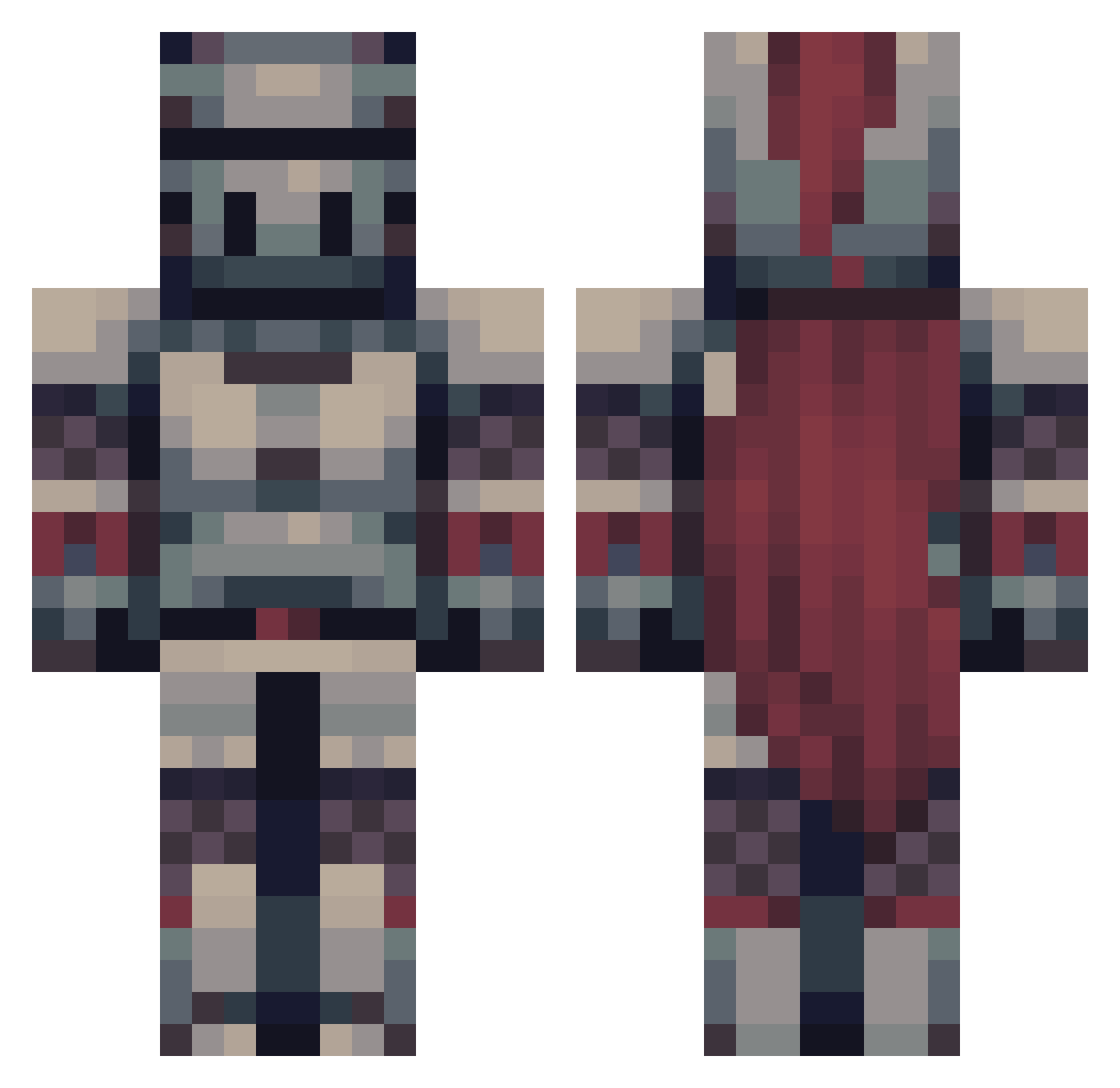
Current Minecraft skin of the player Heathcliff6129, loaded from the official Mojang API. Rotate the 3D model with your mouse or finger, then download the skin as a PNG file and use it in Minecraft: Bedrock Edition or Java Edition for free. When Heathcliff6129 changes their skin, this page updates automatically and the old skin stays in the history below.
Other players with this skin (475)
Heathcliff6129 was the 64th player we have seen with this skin, first spotted on 07.08.2026. The same skin was seen on these players. Open a nickname to see their current skin and skin history.
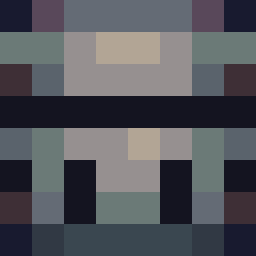 CaptainDock Foxtails001 Shur1ko TheRedWinged Wouefuls zljan Crazy_Maxx DragonBoss200201 Lucstep orangepanda333 Rogilon Wweez Splasy Grandpix444 Aermies Hennyw315 Dragoniel2 _Dogbert_ zakhooi KlevinROD Rongil94 Arsaenko GelatinLove AMID_UI karis009 brandyxo SandBox988 T0asty9 RE_somaR XXL_Cooper The_RyRod TheAssassin3876 leMrMan wiseraxis DR0NG0 RissBee BetaKing1 NeDurashka R4v1xSt4r sierramiist_ Charlyboi Sliptex hot024rod anrex20 Sama_Rama Jackk018 PureTrip fastcam06 VinnieMorgan Yusshii sinematech MrBevil BaxterKnight hanjingshu lunchfever96 KingKuren EspressoD3presso L3Ghosty bombasticbadger Guthbrandr
More Knight Minecraft skins
How to install the Heathcliff6129 skin
- Press the Download button above to save the skin as a PNG file.
- Minecraft: Bedrock Edition (PE): open the Dressing Room from the main menu (or tap your character → Edit Character), go to Classic Skins → Owned, press the + (new skin) button, choose the downloaded PNG and pick the Classic (Steve) model. Works on PC and mobile; consoles cannot import custom skins.
- Minecraft: Java Edition: open the Minecraft Launcher, go to the Skins tab, click New Skin, load the PNG, pick the Classic (Steve) model and press Save & Use. You can also upload it at minecraft.net → Profile → Change Skin.
The skin does not show up after import - what should I do?
Restart Minecraft and open the Dressing Room again - imported skins sometimes appear only after a restart. Also make sure you selected the imported skin and picked the Classic (Steve) model.
Which model should I choose, Classic or Slim?
This skin is designed for the Classic (Steve) model. If you pick the wrong model, the arms of the skin will look stretched or squeezed.
Is the skin of Heathcliff6129 free to download?
Yes. Press Download, save the PNG file and use it in Minecraft: Bedrock Edition or Java Edition - no payment or registration needed. The skin also works on multiplayer servers and Realms.
More skins
Looking for more? Go back to all Minecraft skins and check the top skins of the week, month and all time, or find any player's skin by nickname.