
Hanzelle - Minecraft Skins & Skin History
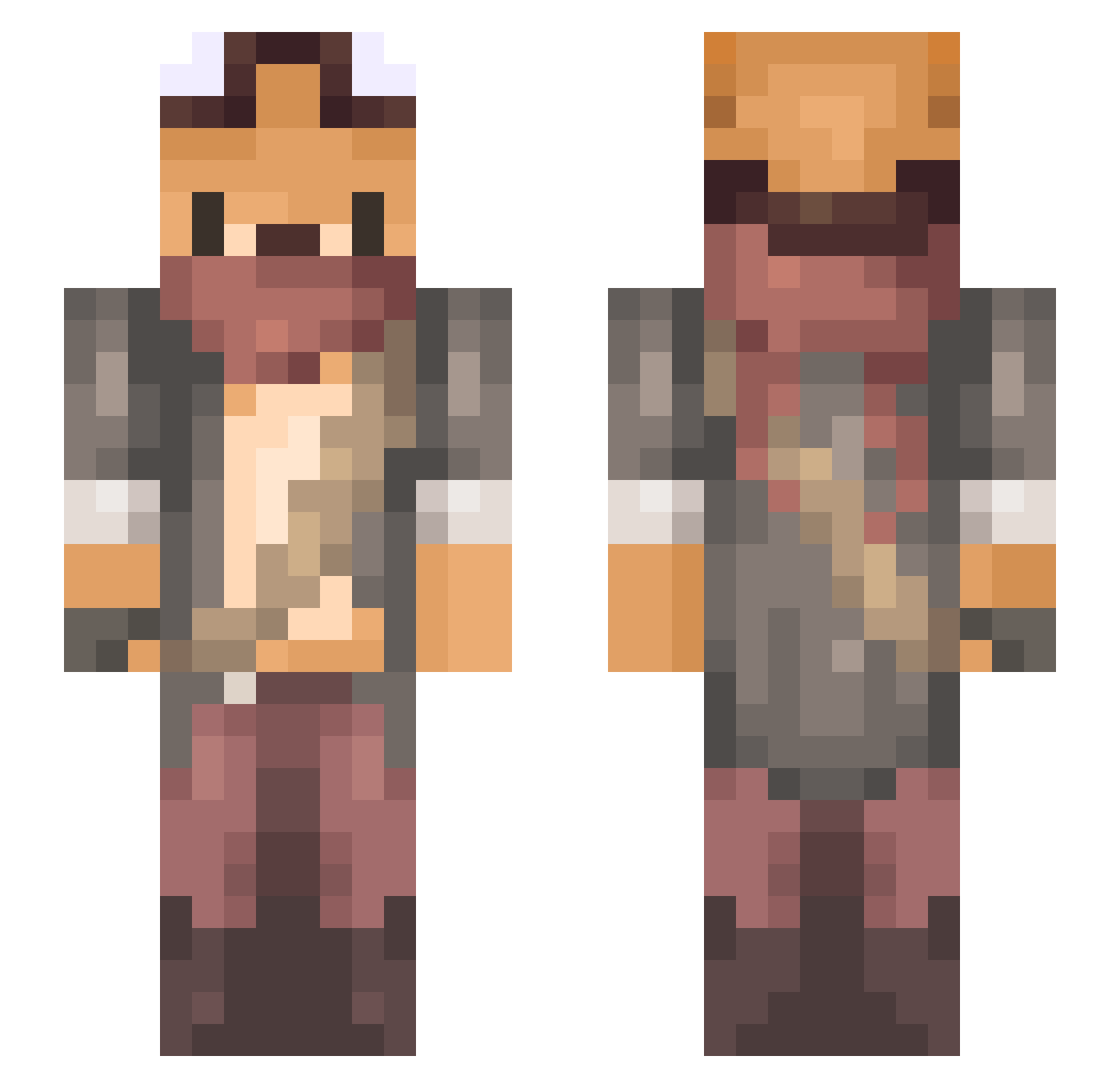
Current Minecraft skin of the player Hanzelle, loaded from the official Mojang API. Rotate the 3D model with your mouse or finger, then download the skin as a PNG file and use it in Minecraft: Bedrock Edition or Java Edition for free. When Hanzelle changes their skin, this page updates automatically and the old skin stays in the history below.
Other players with this skin (734)
Hanzelle was the 516th player we have seen with this skin, first spotted on 10.10.2026. The same skin was seen on these players. Open a nickname to see their current skin and skin history.
 BigodeRaposa meilleur0_0 Padiolleau campoine _WhiteFox__ HeyIm_Jae Taker404 Jrookie TheExodiaMech Foxpond TheEvolution27 U_Uranus C_Dog01 AMGShau _y31 NightFoxPL thirsty_theta White_fox_farm Maltido_Pollo WZeelander Nathanfl0 Perry0524 RRitsu922 MajorMaverick Biblopp Enais_181218 Feyrost flor_de_ipe stroboduese LQ6k Twisted_Exi Garylopi110121 Piggyrabbit0505 _Bealz_ KenApp Richard_KC Caramelitus Frechel SenGluten Samhai Kilala12a Knzxy HanKro Luxore_du_Nord chuhai neekoooo11 MrYuka Han_baha __epman NoGuRi Keyvar Sayphir Alex242425 gundamew JcMiler DaniruAthask moonmoon520 LordMookie MangoRabbit Mobelong
More Scavenger Minecraft skins
How to install the Hanzelle skin
- Press the Download button above to save the skin as a PNG file.
- Minecraft: Bedrock Edition (PE): open the Dressing Room from the main menu (or tap your character → Edit Character), go to Classic Skins → Owned, press the + (new skin) button, choose the downloaded PNG and pick the Slim (Alex) model. Works on PC and mobile; consoles cannot import custom skins.
- Minecraft: Java Edition: open the Minecraft Launcher, go to the Skins tab, click New Skin, load the PNG, pick the Slim (Alex) model and press Save & Use. You can also upload it at minecraft.net → Profile → Change Skin.
The skin does not show up after import - what should I do?
Restart Minecraft and open the Dressing Room again - imported skins sometimes appear only after a restart. Also make sure you selected the imported skin and picked the Slim (Alex) model.
Which model should I choose, Classic or Slim?
This skin is designed for the Slim (Alex) model. If you pick the wrong model, the arms of the skin will look stretched or squeezed.
Is the skin of Hanzelle free to download?
Yes. Press Download, save the PNG file and use it in Minecraft: Bedrock Edition or Java Edition - no payment or registration needed. The skin also works on multiplayer servers and Realms.
More skins
Looking for more? Go back to all Minecraft skins and check the top skins of the week, month and all time, or find any player's skin by nickname.