
Hannaaaai - Minecraft Skins & Skin History
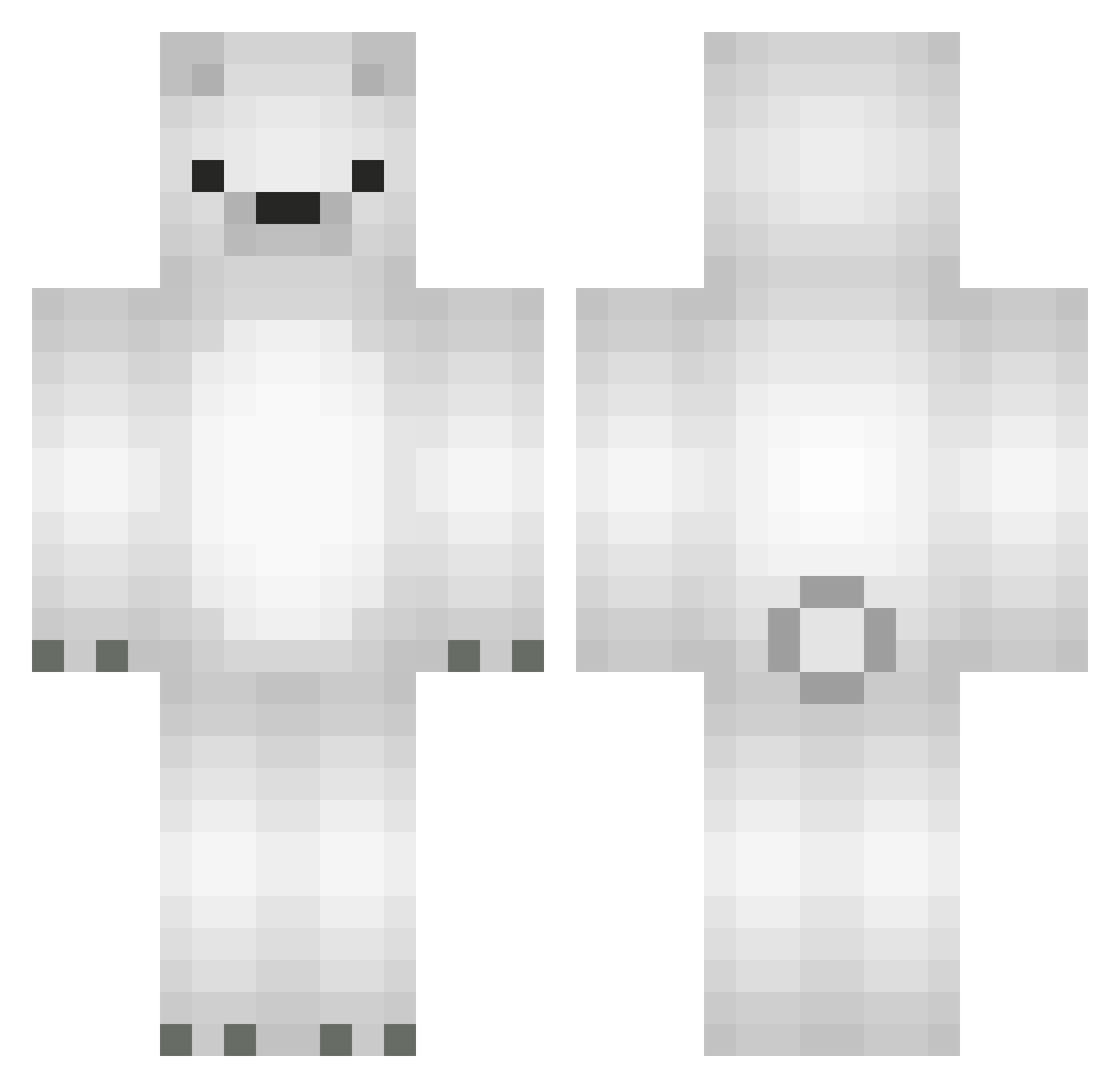
Current Minecraft skin of the player Hannaaaai, loaded from the official Mojang API. Rotate the 3D model with your mouse or finger, then download the skin as a PNG file and use it in Minecraft: Bedrock Edition or Java Edition for free. When Hannaaaai changes their skin, this page updates automatically and the old skin stays in the history below.
Other players with this skin (445)
Hannaaaai was the 415th player we have seen with this skin, first spotted on 12.10.2026. The same skin was seen on these players. Open a nickname to see their current skin and skin history.
 norton316 Milaos purrchina Bagely1 C00liojj DiogoC00 MC_Polar_Bear KevinhoKiss_ _Sygurd_ joonhong12 britannica_ Krabsie SyuMay beeboy_8 nnathfan UekaraTNT pippo_mito Duke_Kaz yiggi17 shyun0406 EZ1913 REKINPVP nicoo242 wendyyhh BOT_KEV TuThichThu gamingira Kartofflen44 bundlebox Laggy3399 HonestBear jjajjag lliiaammyy Kiciu JYN62 sophielol Vixchy xmfl34 h3xGame YUYA0305 seys228 msjjang21 tibitan1128 yeonwooki SenzSR J_IRAN Linksaussen buunko xxkuma0513 ruk_cool Syur_ AutristBrian Darkprisoner Zyeap SHIDO2797 smrmaak08 __Fever__ majo99100 bvssbot ProblyGames
More Polar Bear Minecraft skins
How to install the Hannaaaai skin
- Press the Download button above to save the skin as a PNG file.
- Minecraft: Bedrock Edition (PE): open the Dressing Room from the main menu (or tap your character → Edit Character), go to Classic Skins → Owned, press the + (new skin) button, choose the downloaded PNG and pick the Classic (Steve) model. Works on PC and mobile; consoles cannot import custom skins.
- Minecraft: Java Edition: open the Minecraft Launcher, go to the Skins tab, click New Skin, load the PNG, pick the Classic (Steve) model and press Save & Use. You can also upload it at minecraft.net → Profile → Change Skin.
The skin does not show up after import - what should I do?
Restart Minecraft and open the Dressing Room again - imported skins sometimes appear only after a restart. Also make sure you selected the imported skin and picked the Classic (Steve) model.
Which model should I choose, Classic or Slim?
This skin is designed for the Classic (Steve) model. If you pick the wrong model, the arms of the skin will look stretched or squeezed.
Is the skin of Hannaaaai free to download?
Yes. Press Download, save the PNG file and use it in Minecraft: Bedrock Edition or Java Edition - no payment or registration needed. The skin also works on multiplayer servers and Realms.
More skins
Looking for more? Go back to all Minecraft skins and check the top skins of the week, month and all time, or find any player's skin by nickname.