
HaasJacket - Minecraft Skins & Skin History
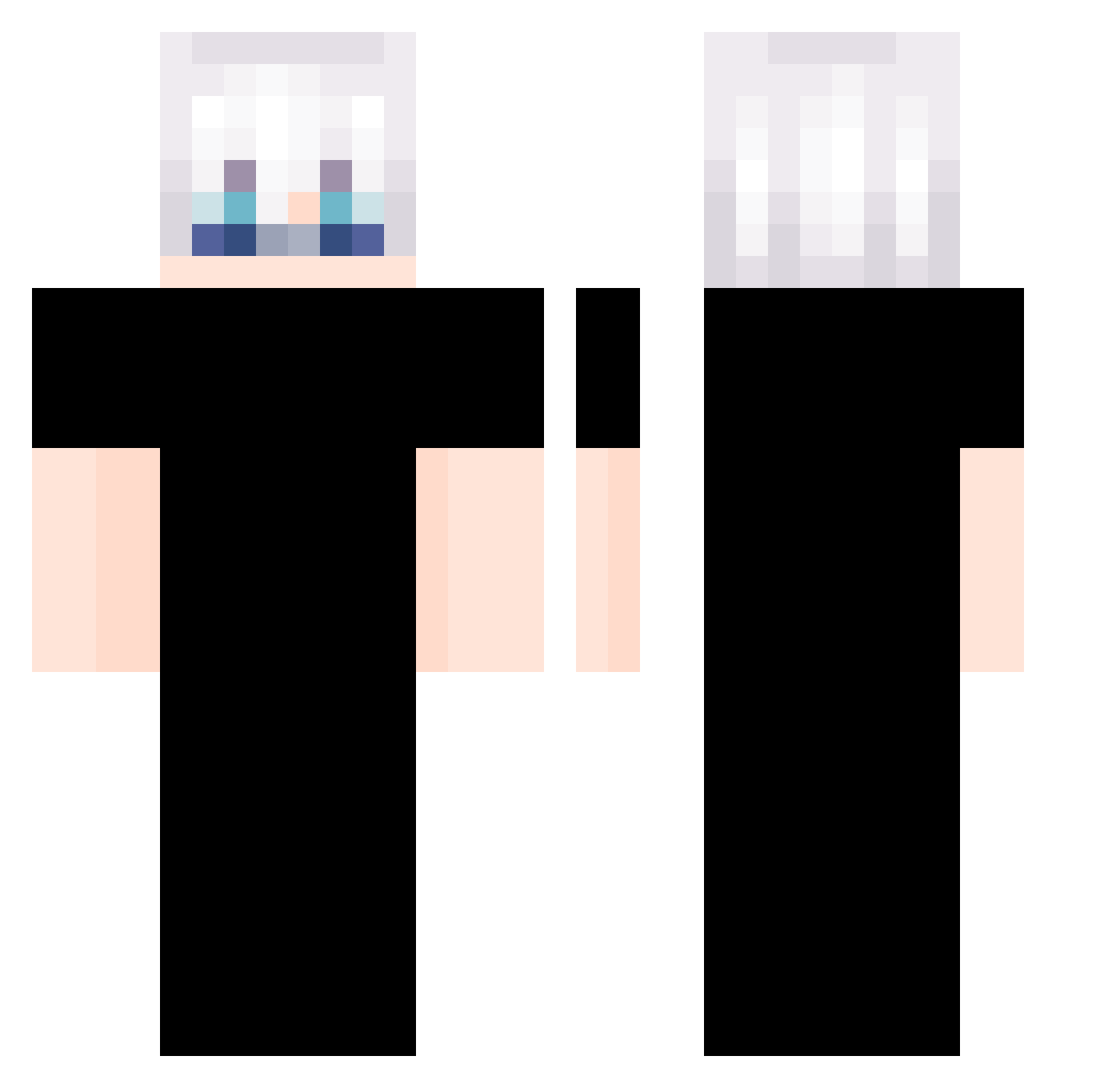
Current Minecraft skin of the player HaasJacket, loaded from the official Mojang API. Rotate the 3D model with your mouse or finger, then download the skin as a PNG file and use it in Minecraft: Bedrock Edition or Java Edition for free. When HaasJacket changes their skin, this page updates automatically and the old skin stays in the history below.
Other players with this skin (417)
HaasJacket was the 319th player we have seen with this skin, first spotted on 26.10.2026. The same skin was seen on these players. Open a nickname to see their current skin and skin history.
 yunho126 woon929 Speedy_HaHa MiguelParmi kenkty POCHIKUN16 jonason1213 EinD1on YNKY28 EddieMorandi rkdarko Together69 Hakryu1455 Hayleigh19 debilindokk Soppyrd LZYZNB Merlint42 ImSharting Aledomper zz9487 lastyouth RomanianK1NG Tiqzz Leonn2409 DTZB waleedb219 GK1114 d4pore Prosticute Nanamix_x kira3790 Co0uCo0u XXSFA7XX GREAT1112 tatuto0104 willgld AuRoRaMin Justtinbe_ber Soshinyyy ChrisChen2005 yagmur04 AgustinasSon peachLv99 hchen52 Yommy_0 BlackLotor ttyyuu07 carlosjlpz Tireeeeeeeee 0xkhlw Swiiz754 hoo_kwon santiinaa Yin_00 BANBANGYElove xyigitx2 Ampted6 pumpkin_1024 HiMSkiii
More Satoru Gojo Minecraft skins
See all 1484 Satoru Gojo skins
How to install the HaasJacket skin
- Press the Download button above to save the skin as a PNG file.
- Minecraft: Bedrock Edition (PE): open the Dressing Room from the main menu (or tap your character → Edit Character), go to Classic Skins → Owned, press the + (new skin) button, choose the downloaded PNG and pick the Classic (Steve) model. Works on PC and mobile; consoles cannot import custom skins.
- Minecraft: Java Edition: open the Minecraft Launcher, go to the Skins tab, click New Skin, load the PNG, pick the Classic (Steve) model and press Save & Use. You can also upload it at minecraft.net → Profile → Change Skin.
The skin does not show up after import - what should I do?
Restart Minecraft and open the Dressing Room again - imported skins sometimes appear only after a restart. Also make sure you selected the imported skin and picked the Classic (Steve) model.
Which model should I choose, Classic or Slim?
This skin is designed for the Classic (Steve) model. If you pick the wrong model, the arms of the skin will look stretched or squeezed.
Is the skin of HaasJacket free to download?
Yes. Press Download, save the PNG file and use it in Minecraft: Bedrock Edition or Java Edition - no payment or registration needed. The skin also works on multiplayer servers and Realms.
More skins
Looking for more? Go back to all Minecraft skins and check the top skins of the week, month and all time, or find any player's skin by nickname.