
HSUQ641 - Minecraft Skins & Skin History
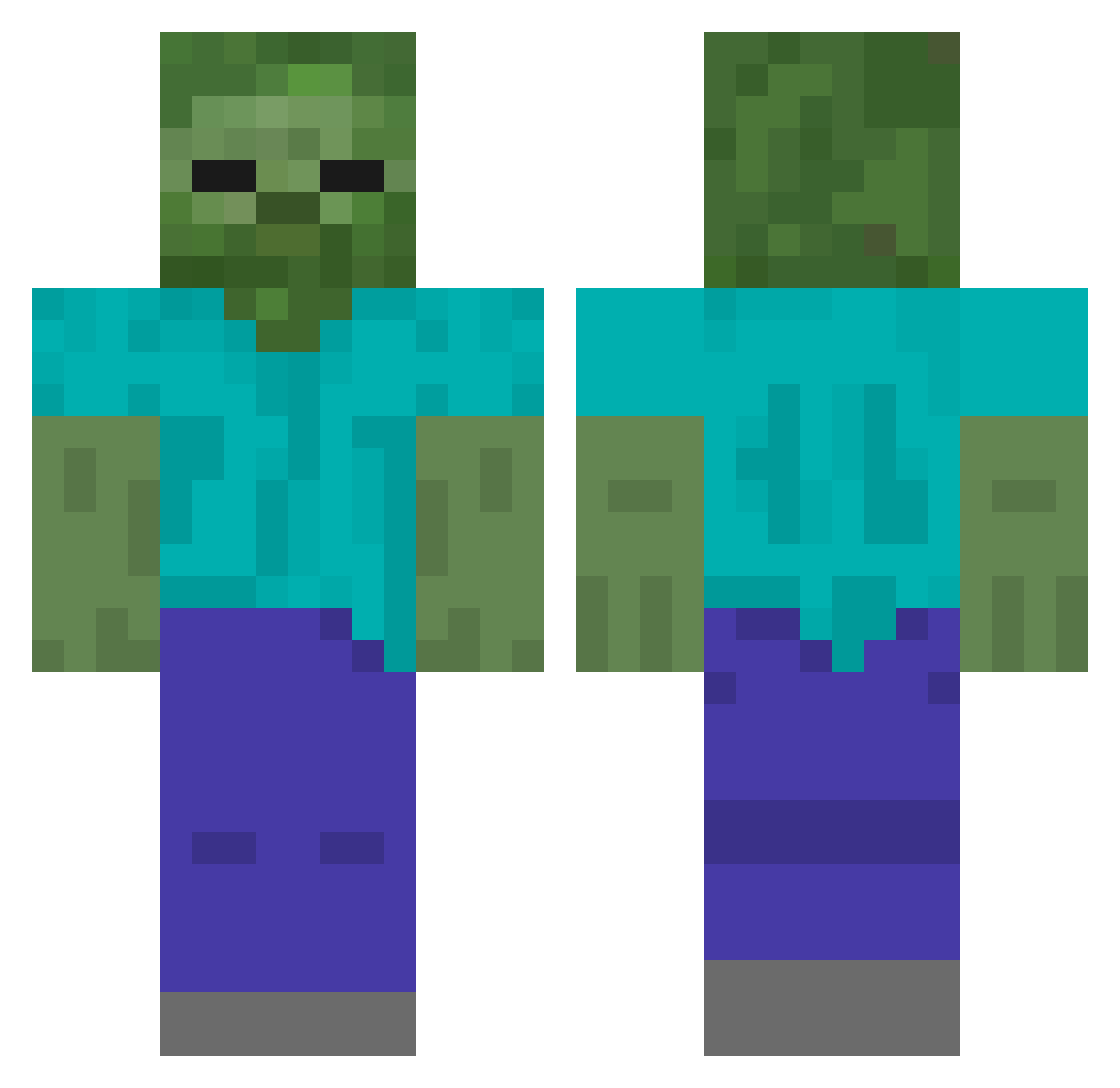
Current Minecraft skin of the player HSUQ641, loaded from the official Mojang API. Rotate the 3D model with your mouse or finger, then download the skin as a PNG file and use it in Minecraft: Bedrock Edition or Java Edition for free. When HSUQ641 changes their skin, this page updates automatically and the old skin stays in the history below.
Other players with this skin (613)
HSUQ641 was the 581st player we have seen with this skin, first spotted on 13.11.2026. The same skin was seen on these players. Open a nickname to see their current skin and skin history.
 AnnTAB FISH_HONG fengzheng999 HsPD646 afdsgcf xuann_n HEyo638 www6237 123qac HmTT263 GN11_ ZENG_YF yangyx66 HrZu347 yy1987 Ash_Echoes _YLH HGTu108 iota333 HOci459 DreamLanterm ttvfattybtw HnBj209 LK_vOKbZavIwbTFv MHXW slriu yilin1102 4090dedog DistrutPioneer yuanweilan wads789 LuisAmgel HUEY374 HmRu522 _XxiAoyU_ HDbf150 Nekkethirteen HOPf29 LiQUORRRR Hyoy257 L_yue HNim135 La_biiiiii HJtK179 sliverhand258 sumu667 wejian MadK3311 ydsn ZYL96 Wilsonbedx HSZw74 HcQJ344 Island_milk HvjZ693 Godmonday LiuLaoShi1 KIOKLL 123jjo HxnO931
More Undead Minecraft skins
How to install the HSUQ641 skin
- Press the Download button above to save the skin as a PNG file.
- Minecraft: Bedrock Edition (PE): open the Dressing Room from the main menu (or tap your character → Edit Character), go to Classic Skins → Owned, press the + (new skin) button, choose the downloaded PNG and pick the Classic (Steve) model. Works on PC and mobile; consoles cannot import custom skins.
- Minecraft: Java Edition: open the Minecraft Launcher, go to the Skins tab, click New Skin, load the PNG, pick the Classic (Steve) model and press Save & Use. You can also upload it at minecraft.net → Profile → Change Skin.
The skin does not show up after import - what should I do?
Restart Minecraft and open the Dressing Room again - imported skins sometimes appear only after a restart. Also make sure you selected the imported skin and picked the Classic (Steve) model.
Which model should I choose, Classic or Slim?
This skin is designed for the Classic (Steve) model. If you pick the wrong model, the arms of the skin will look stretched or squeezed.
Is the skin of HSUQ641 free to download?
Yes. Press Download, save the PNG file and use it in Minecraft: Bedrock Edition or Java Edition - no payment or registration needed. The skin also works on multiplayer servers and Realms.
More skins
Looking for more? Go back to all Minecraft skins and check the top skins of the week, month and all time, or find any player's skin by nickname.