
HUEY374 - Minecraft Skins & Skin History
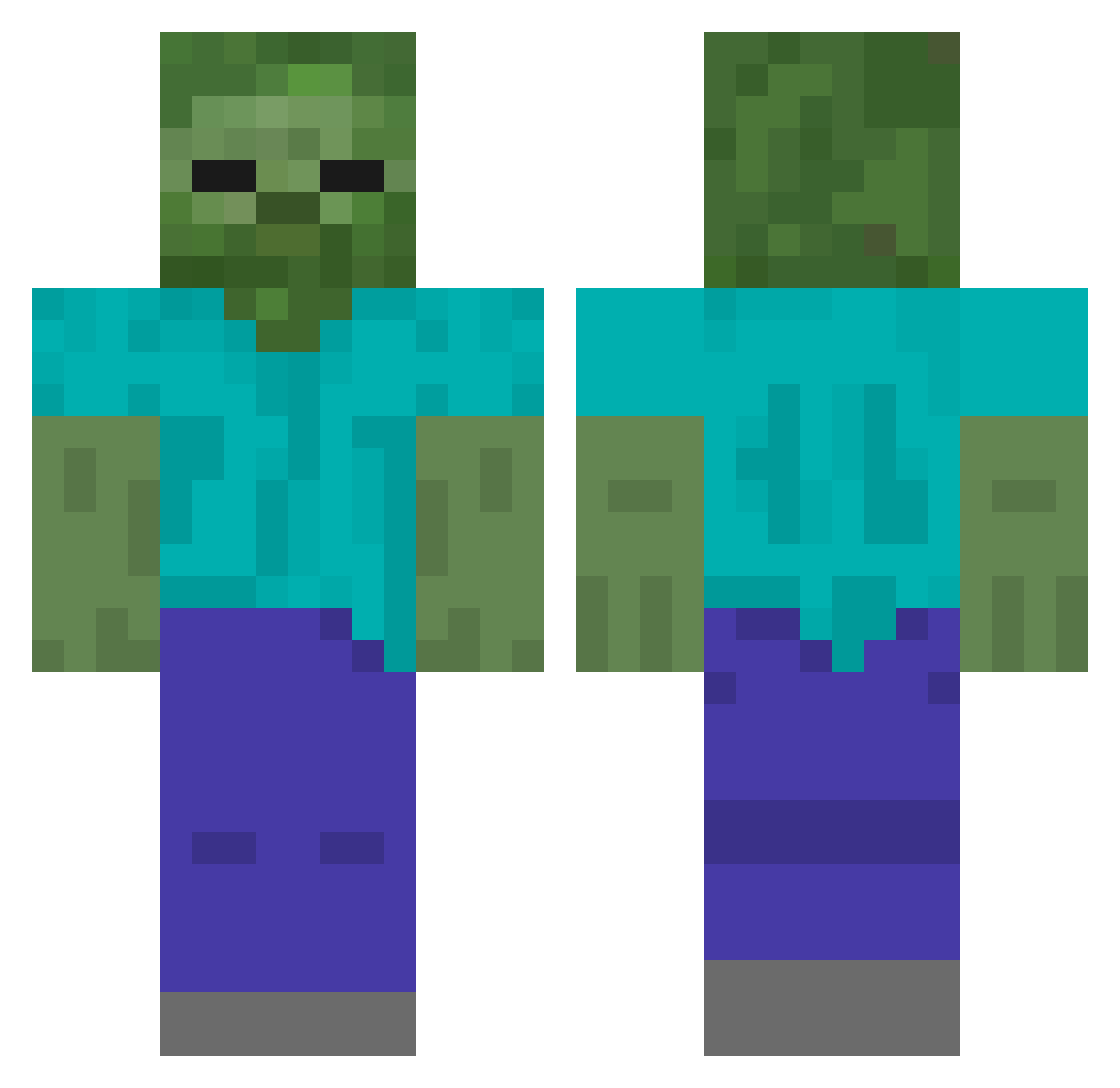
Current Minecraft skin of the player HUEY374, loaded from the official Mojang API. Rotate the 3D model with your mouse or finger, then download the skin as a PNG file and use it in Minecraft: Bedrock Edition or Java Edition for free. When HUEY374 changes their skin, this page updates automatically and the old skin stays in the history below.
Other players with this skin (561)
HUEY374 was the 562nd player we have seen with this skin, first spotted on 10.11.2026. The same skin was seen on these players. Open a nickname to see their current skin and skin history.
 HmRu522 _XxiAoyU_ Nekkethirteen Hyoy257 L_yue HNim135 La_biiiiii HJtK179 sumu667 wejian Wilsonbedx HcQJ344 HvjZ693 Godmonday KIOKLL 123jjo GGTOU HiSU869 pig_god_want_pvp Hvyv111 DestinyKT HlHI211 YiHmx littlegougou Hacb436 wzry882 kinget1779 guidie HQUx116 txn104 Baz1337 isuckatgaming5 OPUSEA Saderalter pengcheng5 TuoHuan HWyM192 HlLp724 GUDEBBB ALLEN2715 HPBq845 HFjz316 INF32768 HKYx861 zeroerc Vation6166 zuimengxian xiaoguo2323 Wwwwhat_ HdfS672 HYBF340 JJ_Huge Terastains HwHS944 scpunit Ninety990 HCEN378 HfzI173 MSYL HATL463
More Undead Minecraft skins
How to install the HUEY374 skin
- Press the Download button above to save the skin as a PNG file.
- Minecraft: Bedrock Edition (PE): open the Dressing Room from the main menu (or tap your character → Edit Character), go to Classic Skins → Owned, press the + (new skin) button, choose the downloaded PNG and pick the Classic (Steve) model. Works on PC and mobile; consoles cannot import custom skins.
- Minecraft: Java Edition: open the Minecraft Launcher, go to the Skins tab, click New Skin, load the PNG, pick the Classic (Steve) model and press Save & Use. You can also upload it at minecraft.net → Profile → Change Skin.
The skin does not show up after import - what should I do?
Restart Minecraft and open the Dressing Room again - imported skins sometimes appear only after a restart. Also make sure you selected the imported skin and picked the Classic (Steve) model.
Which model should I choose, Classic or Slim?
This skin is designed for the Classic (Steve) model. If you pick the wrong model, the arms of the skin will look stretched or squeezed.
Is the skin of HUEY374 free to download?
Yes. Press Download, save the PNG file and use it in Minecraft: Bedrock Edition or Java Edition - no payment or registration needed. The skin also works on multiplayer servers and Realms.
More skins
Looking for more? Go back to all Minecraft skins and check the top skins of the week, month and all time, or find any player's skin by nickname.