
GonBlack18 - Minecraft Skins & Skin History
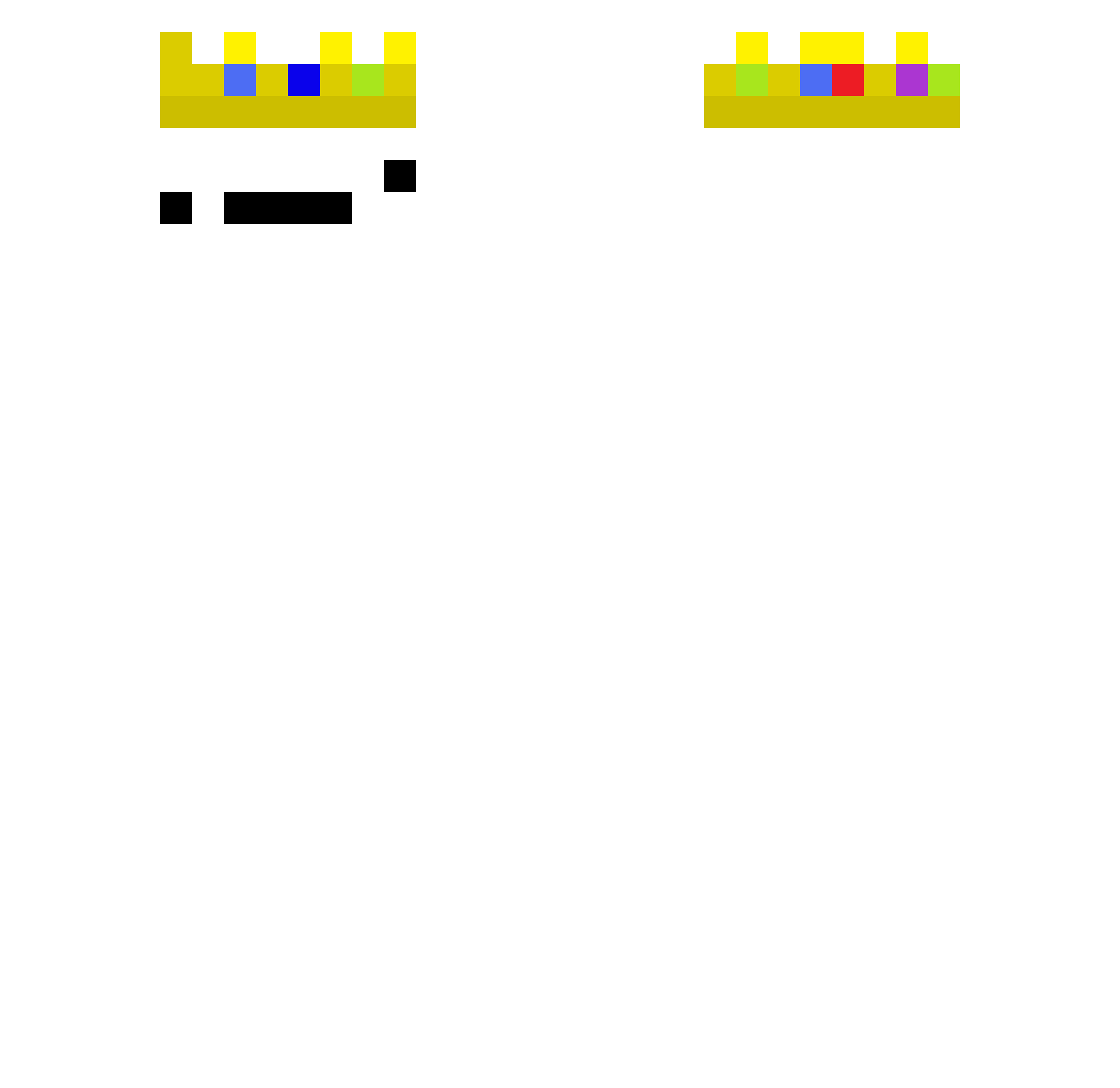
Current Minecraft skin of the player GonBlack18, loaded from the official Mojang API. Rotate the 3D model with your mouse or finger, then download the skin as a PNG file and use it in Minecraft: Bedrock Edition or Java Edition for free. When GonBlack18 changes their skin, this page updates automatically and the old skin stays in the history below.
Other players with this skin (374)
GonBlack18 was the 361st player we have seen with this skin, first spotted on 23.10.2026. The same skin was seen on these players. Open a nickname to see their current skin and skin history.
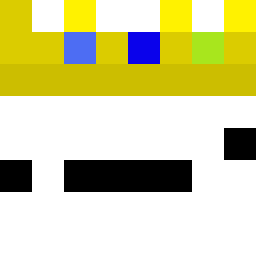 Eason11191956 Cute_tura1 nurriaxx abdoalq1 msk974 HGZ_XiE chocomushroom13 omcn XiaoFengNN JIONEKIM FandaAida bloodfelt l3nny_ksp Regenbogen710 BourrasqueMLZ TilindeCalistop cadadadada Luckas_22 edsinde123_ victor125728 QAQ4546 kebi664 AndreaAntonelli waythh zzzzzzzing _QuanXiDaBao HazretiGudullah MCpro1200 dxnyllo whyteek Zepyxls Ramirez1456 Monkeyy01_ EscapyisKing BelialXrD Redclone506 gzb521 ImJJa mayankkoli oranjr nada12345 ironkingMC nolannishere Aveshkhatri002 softicecream212 OlivierXx d3stroythesystem RotationDive abdu6767767 CELOBOLINHA Raysc Asht0n313 zero1208 DaV1d776 mablestory debrisk AriWasThere HyperWhisper465 Giks228 MrGazzzza
More Technoblade Minecraft skins
See all 3807 Technoblade skins
How to install the GonBlack18 skin
- Press the Download button above to save the skin as a PNG file.
- Minecraft: Bedrock Edition (PE): open the Dressing Room from the main menu (or tap your character → Edit Character), go to Classic Skins → Owned, press the + (new skin) button, choose the downloaded PNG and pick the Classic (Steve) model. Works on PC and mobile; consoles cannot import custom skins.
- Minecraft: Java Edition: open the Minecraft Launcher, go to the Skins tab, click New Skin, load the PNG, pick the Classic (Steve) model and press Save & Use. You can also upload it at minecraft.net → Profile → Change Skin.
The skin does not show up after import - what should I do?
Restart Minecraft and open the Dressing Room again - imported skins sometimes appear only after a restart. Also make sure you selected the imported skin and picked the Classic (Steve) model.
Which model should I choose, Classic or Slim?
This skin is designed for the Classic (Steve) model. If you pick the wrong model, the arms of the skin will look stretched or squeezed.
Is the skin of GonBlack18 free to download?
Yes. Press Download, save the PNG file and use it in Minecraft: Bedrock Edition or Java Edition - no payment or registration needed. The skin also works on multiplayer servers and Realms.
More skins
Looking for more? Go back to all Minecraft skins and check the top skins of the week, month and all time, or find any player's skin by nickname.