
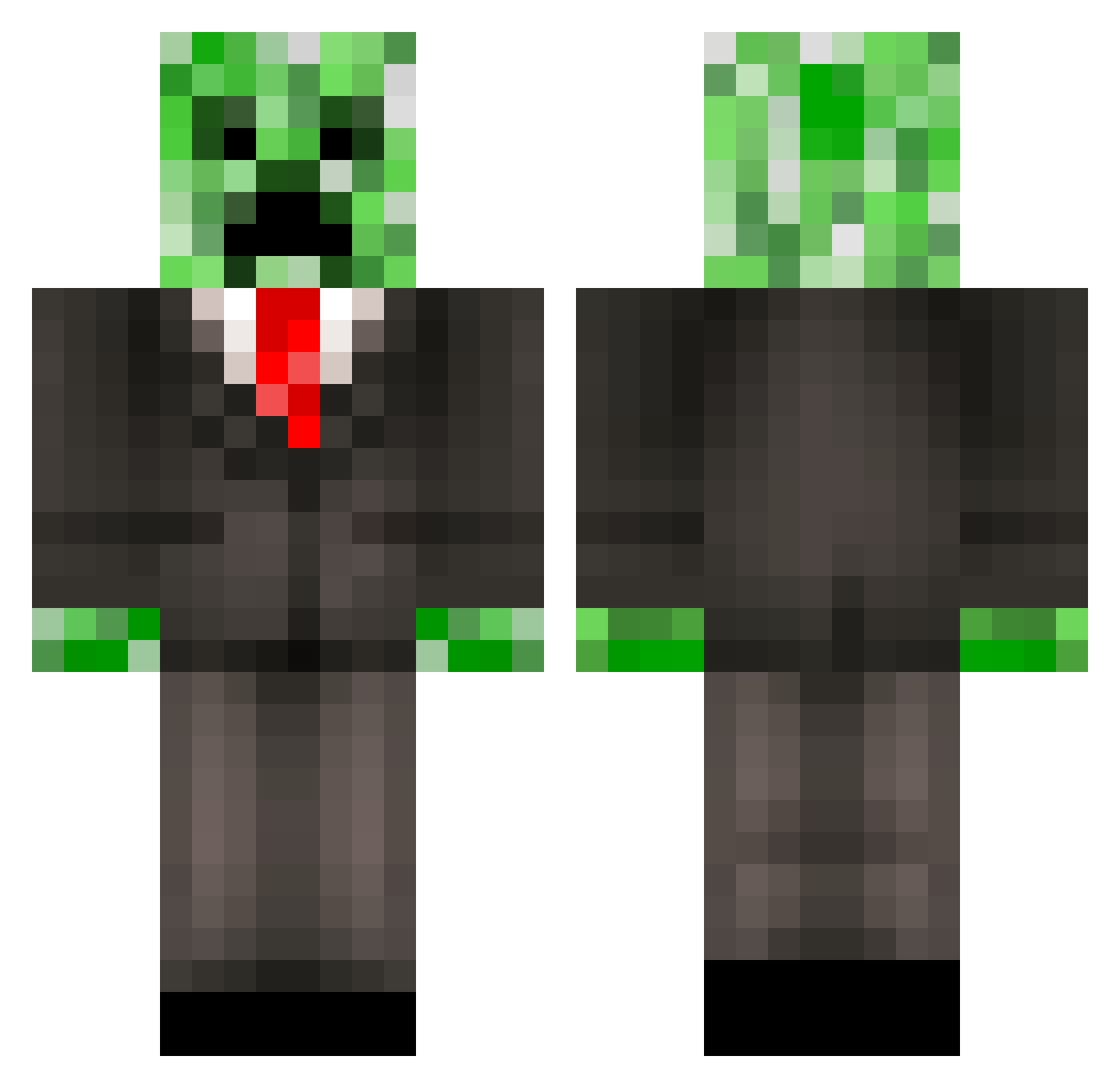
Current Minecraft skin of the player Goldwin, loaded from the official Mojang API. Rotate the 3D model with your mouse or finger, then download the skin as a PNG file and use it in Minecraft: Bedrock Edition or Java Edition for free. When Goldwin changes their skin, this page updates automatically and the old skin stays in the history below.
Other players with this skin (388)
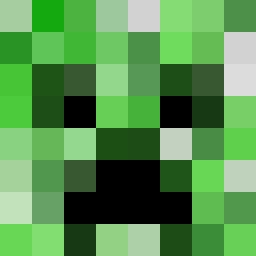
Goldwin was the 125th player we have seen with this skin, first spotted on 24.08.2026. The same skin was seen on these players. Open a nickname to see their current skin and skin history.
 creepergabri kero3006 speedycow1 Experium DifWa Winky5000 Zip_Zap_45 MadMax0608 SamMacdonald_ Dos_Bros Mazahad BigBearr Carlosper15 Pandagan Luca_2106 StofferE Natdarat26 waik102 johnnybeast3 TheJuJuBelaire_ vousiik borntoski GrantsTown Awesomerage10 billamy40 Satanssohn Robastala Madmanlucas leepaul123 leftrightcorner stephanosbro cuberboi42069 LJH2005 mooserider2 xBlack_Beautyx Britishmuffin36 GhostRider98 xBlueKnightx08 florabe13 claasichtfolie JOKEwarochi grimmie6d6 3lliot7 Ze_Master_Creep emantb linker2702 TurboMotionZ dylanstar12 Gatrat cutiesnoot AngryGumball01 Rorschach0204 fansyboy Simgaz Diamondlooter224 miningmaster5300 The_Flaming_Duck Cydonics gjfman00 maksplays
More Creeper Minecraft skins
How to install the Goldwin skin
- Press the Download button above to save the skin as a PNG file.
- Minecraft: Bedrock Edition (PE): open the Dressing Room from the main menu (or tap your character → Edit Character), go to Classic Skins → Owned, press the + (new skin) button, choose the downloaded PNG and pick the Classic (Steve) model. Works on PC and mobile; consoles cannot import custom skins.
- Minecraft: Java Edition: open the Minecraft Launcher, go to the Skins tab, click New Skin, load the PNG, pick the Classic (Steve) model and press Save & Use. You can also upload it at minecraft.net → Profile → Change Skin.
The skin does not show up after import - what should I do?
Restart Minecraft and open the Dressing Room again - imported skins sometimes appear only after a restart. Also make sure you selected the imported skin and picked the Classic (Steve) model.
Which model should I choose, Classic or Slim?
This skin is designed for the Classic (Steve) model. If you pick the wrong model, the arms of the skin will look stretched or squeezed.
Is the skin of Goldwin free to download?
Yes. Press Download, save the PNG file and use it in Minecraft: Bedrock Edition or Java Edition - no payment or registration needed. The skin also works on multiplayer servers and Realms.
More skins
Looking for more? Go back to all Minecraft skins and check the top skins of the week, month and all time, or find any player's skin by nickname.