
Gokhanbabapro - Minecraft Skins & Skin History
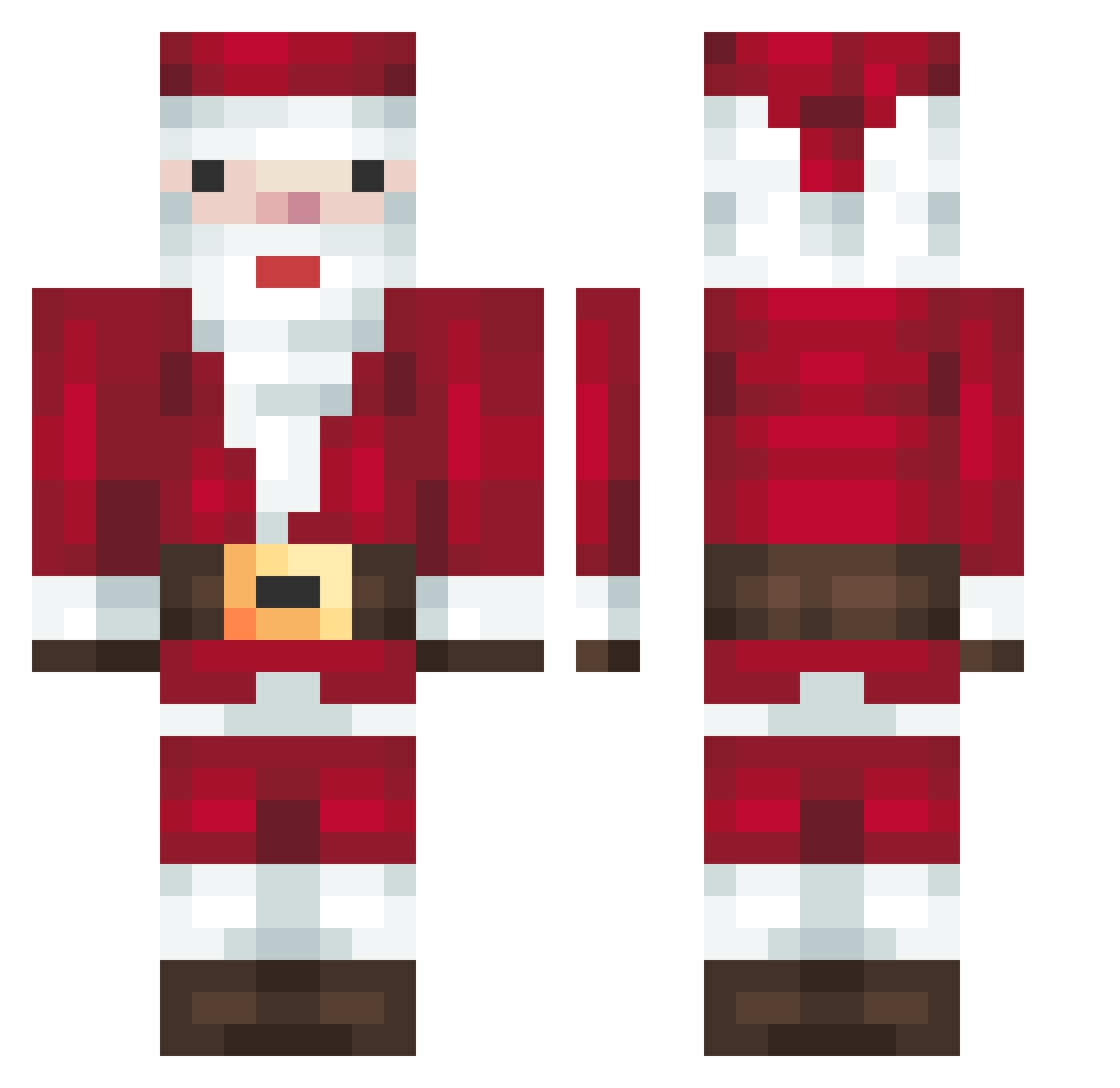
Current Minecraft skin of the player Gokhanbabapro, loaded from the official Mojang API. Rotate the 3D model with your mouse or finger, then download the skin as a PNG file and use it in Minecraft: Bedrock Edition or Java Edition for free. When Gokhanbabapro changes their skin, this page updates automatically and the old skin stays in the history below.
Other players with this skin (279)
Gokhanbabapro was the 185th player we have seen with this skin, first spotted on 02.10.2026. The same skin was seen on these players. Open a nickname to see their current skin and skin history.
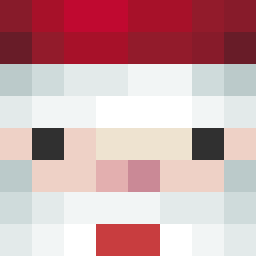 Richard_184 RWW_BT SantaW Yurasxd SoKeNz Kaixd12 Chillisssss MuHo71 Charitylove Vleudex_ Pcahh Eruestan0900 Alonsoprotuki dlwnsgh0 noahhshz iPartyyy Hermz__ king_of_67 Moist2107 LN2002 mrLEESH Balta77 ChristmasAL luokekeqwq xananapink BoterSnoepje dragongio_ circle_1 jOOjiel MightyBen004 Philosoph_ Lucas34563 Unicomb JCJimmyH2O Yotsuba_Koiwaine huskrat Julian319 corec26 hyunwoojin2 KillerIsSweaty OGFel alternexx SntAClAus_ Wesleyzin1 ChaSumm dodobird1230 topic_hwan Muf_mde Luisoquendo21 maximinius2 BubblyBanana14 Rizasto otaeyun minh0o0o orish_ BlueMoonPower NIHU213 skybluur CheekyDogWater NELABF
More Santa Claus Minecraft skins
How to install the Gokhanbabapro skin
- Press the Download button above to save the skin as a PNG file.
- Minecraft: Bedrock Edition (PE): open the Dressing Room from the main menu (or tap your character → Edit Character), go to Classic Skins → Owned, press the + (new skin) button, choose the downloaded PNG and pick the Classic (Steve) model. Works on PC and mobile; consoles cannot import custom skins.
- Minecraft: Java Edition: open the Minecraft Launcher, go to the Skins tab, click New Skin, load the PNG, pick the Classic (Steve) model and press Save & Use. You can also upload it at minecraft.net → Profile → Change Skin.
The skin does not show up after import - what should I do?
Restart Minecraft and open the Dressing Room again - imported skins sometimes appear only after a restart. Also make sure you selected the imported skin and picked the Classic (Steve) model.
Which model should I choose, Classic or Slim?
This skin is designed for the Classic (Steve) model. If you pick the wrong model, the arms of the skin will look stretched or squeezed.
Is the skin of Gokhanbabapro free to download?
Yes. Press Download, save the PNG file and use it in Minecraft: Bedrock Edition or Java Edition - no payment or registration needed. The skin also works on multiplayer servers and Realms.
More skins
Looking for more? Go back to all Minecraft skins and check the top skins of the week, month and all time, or find any player's skin by nickname.