
Gojo_Satoru_1 - Minecraft Skins & Skin History
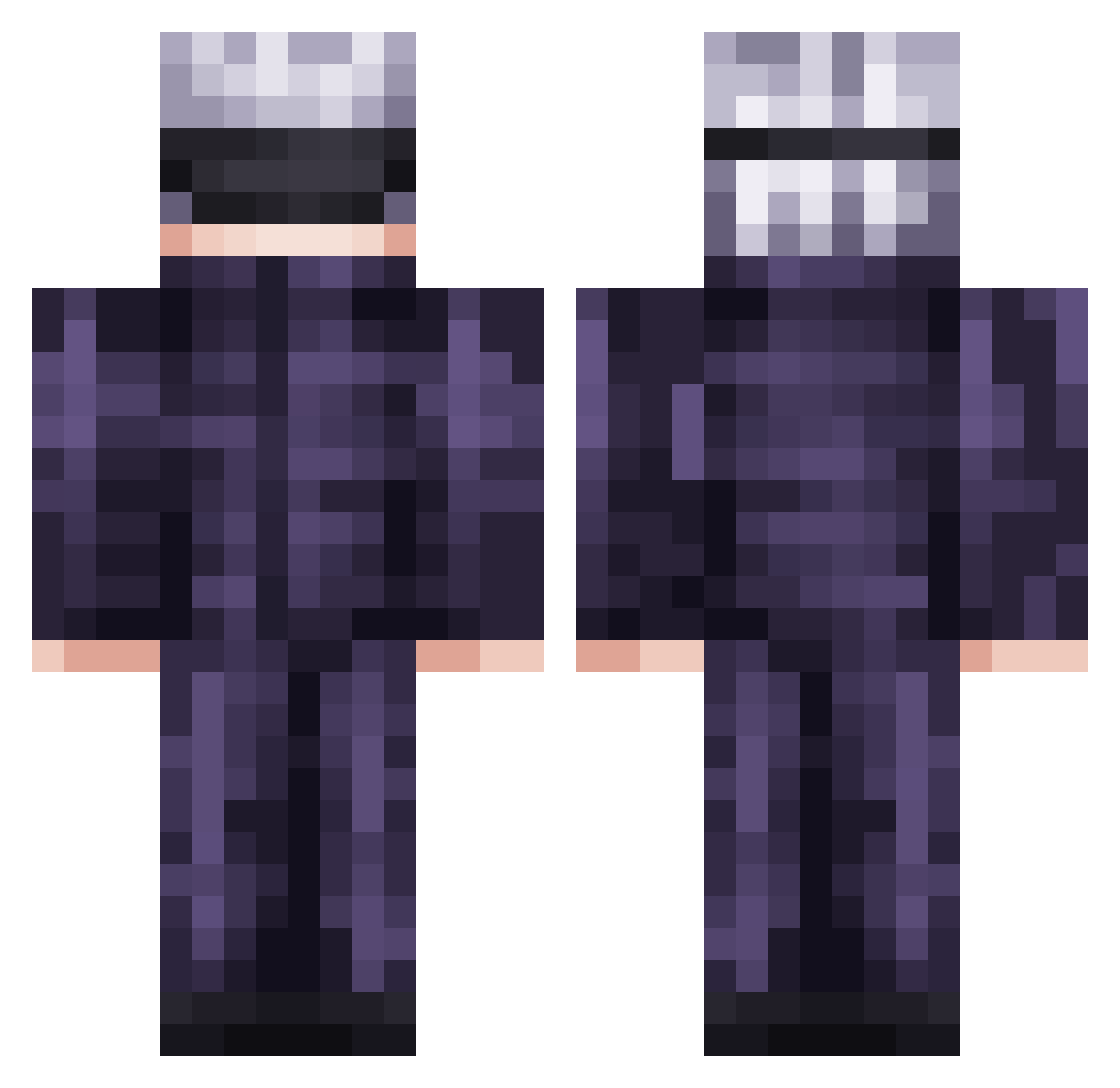
Current Minecraft skin of the player Gojo_Satoru_1, loaded from the official Mojang API. Rotate the 3D model with your mouse or finger, then download the skin as a PNG file and use it in Minecraft: Bedrock Edition or Java Edition for free. When Gojo_Satoru_1 changes their skin, this page updates automatically and the old skin stays in the history below.
Other players with this skin (736)
Gojo_Satoru_1 was the 378th player we have seen with this skin, first spotted on 22.09.2026. The same skin was seen on these players. Open a nickname to see their current skin and skin history.
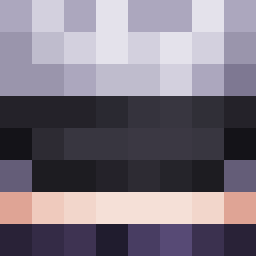 MLOOK8 kensingtonn NiftyDude ExNautiluss anais0909 astromiki Ometixx W4koJ4k0 horbagg carcarmoose2014 OmegaCrayonEater partyomo Arksenos Fussieststew samuka548 BigChunginator12 keshhi Rocktimus Yoowon_ Adrien1er Hyaral Anonioh69 Yukezzo Rev3rseHyper JacobD69 nameko48 airbull96 paneh SkyRox51 Tommy1318 NoLife0208 infernix__ AP_RealEz DiVARis_ HeyItsYuuki_ KAMS20 chipmunk0309 Rodrigueslol papaGIRTHQUAKES Scremer666 RiotMK2 sawache dhatz luisv1011 lukeLTG qSch1zo SnashX62 fredricktoetiklr kihiro200911 Yeluzob Maestriin Redven_ N0ke_ mattheculture Asherazzz patapaiin Felixyo2009 Jeythemaster007 uuuok0 GeneralVeebz
More Satoru Gojo Minecraft skins
See all 1319 Satoru Gojo skins
How to install the Gojo_Satoru_1 skin
- Press the Download button above to save the skin as a PNG file.
- Minecraft: Bedrock Edition (PE): open the Dressing Room from the main menu (or tap your character → Edit Character), go to Classic Skins → Owned, press the + (new skin) button, choose the downloaded PNG and pick the Classic (Steve) model. Works on PC and mobile; consoles cannot import custom skins.
- Minecraft: Java Edition: open the Minecraft Launcher, go to the Skins tab, click New Skin, load the PNG, pick the Classic (Steve) model and press Save & Use. You can also upload it at minecraft.net → Profile → Change Skin.
The skin does not show up after import - what should I do?
Restart Minecraft and open the Dressing Room again - imported skins sometimes appear only after a restart. Also make sure you selected the imported skin and picked the Classic (Steve) model.
Which model should I choose, Classic or Slim?
This skin is designed for the Classic (Steve) model. If you pick the wrong model, the arms of the skin will look stretched or squeezed.
Is the skin of Gojo_Satoru_1 free to download?
Yes. Press Download, save the PNG file and use it in Minecraft: Bedrock Edition or Java Edition - no payment or registration needed. The skin also works on multiplayer servers and Realms.
More skins
Looking for more? Go back to all Minecraft skins and check the top skins of the week, month and all time, or find any player's skin by nickname.