
Giolopy - Minecraft Skins & Skin History
Current Minecraft skin of the player Giolopy, loaded from the official Mojang API. Rotate the 3D model with your mouse or finger, then download the skin as a PNG file and use it in Minecraft: Bedrock Edition or Java Edition for free. When Giolopy changes their skin, this page updates automatically and the old skin stays in the history below.
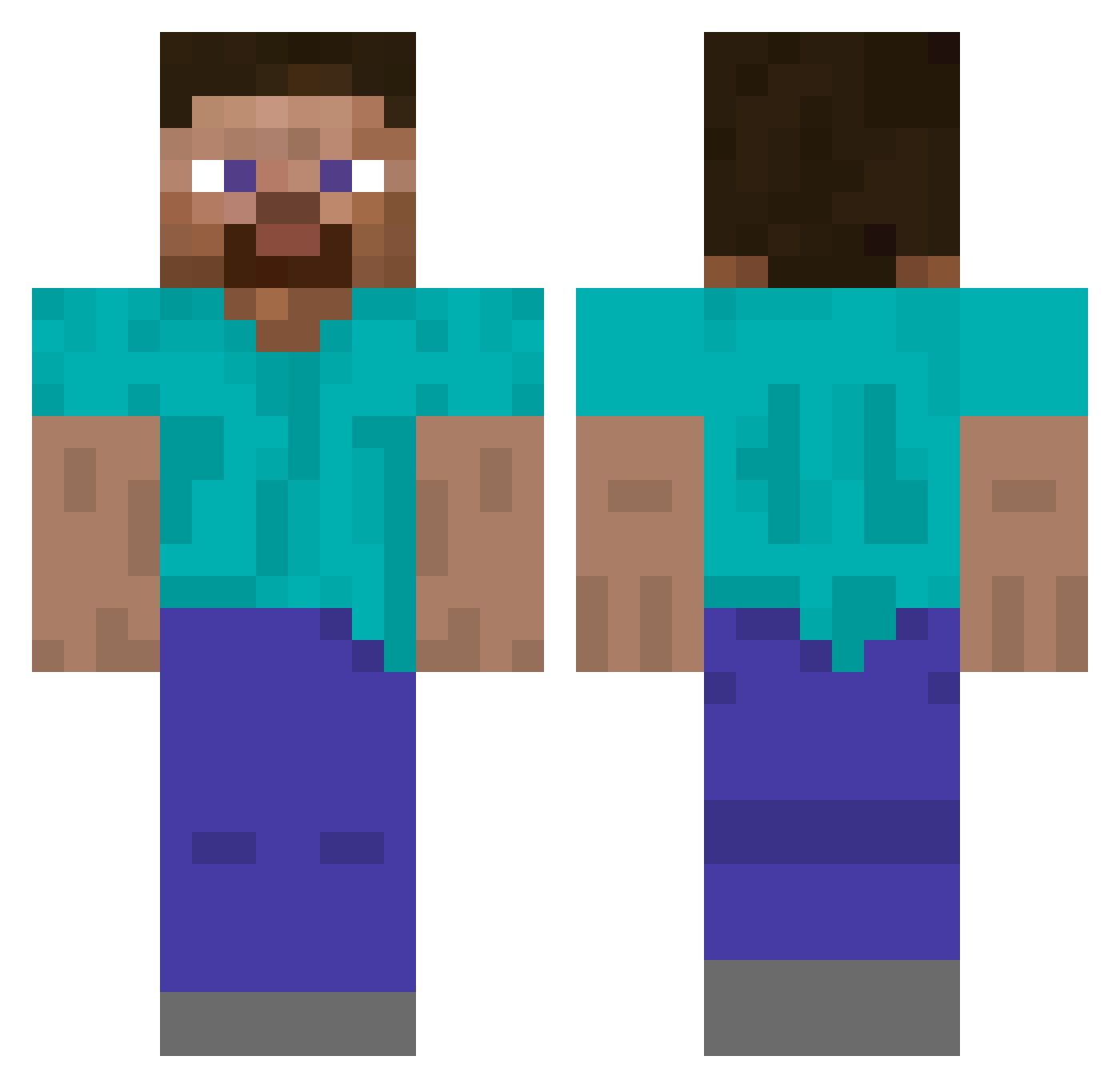
Other players with this skin (554)
Giolopy was the 345th player we have seen with this skin, first spotted on 04.10.2026. The same skin was seen on these players. Open a nickname to see their current skin and skin history.
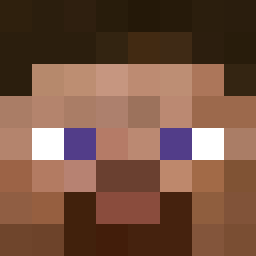 scottish_lunatic m_bi Egbert3 pandan2525 BareMinimum04 SubarcticTiara6 DrumMath r259419aiueo Onny1 valeseee ho_o_d Kaisheng21 TwistyReptile Anden1203 jman51 Cuppy_MC Harambowicz D3dotatedWAM aleksik77 SereneRiver35 uomopalestrato OriginalAndy liluytiwxen ABadAvatar doomdzan Blittzy0 Derekaminer Carwashingly sqrt64 ArminYess SparingAmoeba57 bigman1 tharmoth sstk sh106gust Freddles7 garagara330 henlohen Lollo223 Shilkey RoboTap van5198 BlackNinjaEel Lionnerouge SlowboatPVP alqdafebinladen Fajntaur JakeSnake358 Housemaster_ zoomer_69 KingAragorn_ hfnvcf ballistic_photon BL4NK_PL4YER Guest12345 Oscargaming2005 Gorzwood Mrmanbaby pepemustd1e luck_74
How to install the Giolopy skin
- Press the Download button above to save the skin as a PNG file.
- Minecraft: Bedrock Edition (PE): open the Dressing Room from the main menu (or tap your character → Edit Character), go to Classic Skins → Owned, press the + (new skin) button, choose the downloaded PNG and pick the Classic (Steve) model. Works on PC and mobile; consoles cannot import custom skins.
- Minecraft: Java Edition: open the Minecraft Launcher, go to the Skins tab, click New Skin, load the PNG, pick the Classic (Steve) model and press Save & Use. You can also upload it at minecraft.net → Profile → Change Skin.
The skin does not show up after import - what should I do?
Restart Minecraft and open the Dressing Room again - imported skins sometimes appear only after a restart. Also make sure you selected the imported skin and picked the Classic (Steve) model.
Which model should I choose, Classic or Slim?
This skin is designed for the Classic (Steve) model. If you pick the wrong model, the arms of the skin will look stretched or squeezed.
Is the skin of Giolopy free to download?
Yes. Press Download, save the PNG file and use it in Minecraft: Bedrock Edition or Java Edition - no payment or registration needed. The skin also works on multiplayer servers and Realms.
More skins
Looking for more? Go back to all Minecraft skins and check the top skins of the week, month and all time, or find any player's skin by nickname.