
 Qookiie AveryTheCool1313 _moonlightstar Kalenminer SharkCookie_ kenpo141 AlphaFinsSix dakuoneg haddoghavefood ABadAvatar HUEVOS69420 HelpXO4 TheRealMalaka Stillflying9 MrShine_ _Snow0_0 FRANCITO123 GomezioX NotFsza richh0twhyteguy4 fredeboy200 joaacocm DonTonberry stupendousk williamrc98 metalmann1993 ChemV usero_jw thelolek1 Directional Goldford JiiTeez MoraMaus h2rtkos oscarmiche2 Rokasisgod Sgt_Deagle Xzcfe Conepic cicciocc EndreRuhe Lucaspro987 SD_005 Kajo9872 Noobernate patches_21 RusTY3576 Ornithoid LordVatek datss ClassyTomcat595 excellence3 NickKnackz julycaezar Timren_E LordDilmer XxUniqueGamerxXI R360Ryder Wickeddestryer01 Kazivxx
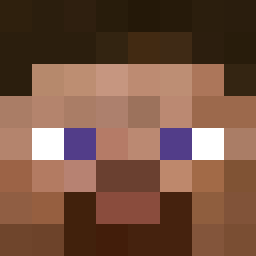
Minecraft skin of GNSLNGR. Rotate the 3D model with your mouse or finger to view the skin from every angle, then download it as a PNG file and use it in Minecraft: Bedrock Edition or Java Edition for free. Rate the skin with stars to help other players find the best skins in our collection.
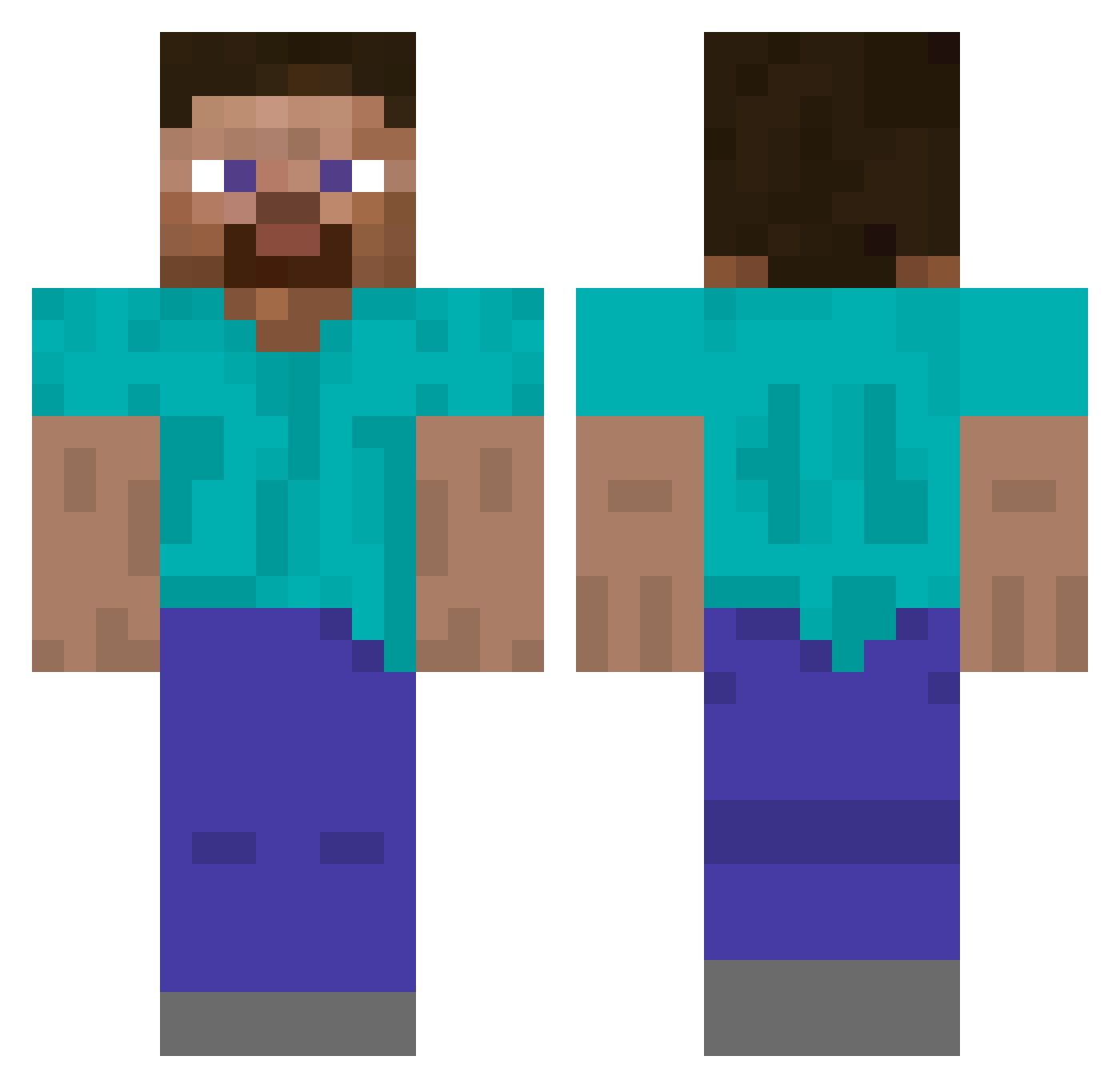
How to install the GNSLNGR skin
- Press the Download button above to save the skin as a PNG file.
- Minecraft: Bedrock Edition (PE): open the Dressing Room from the main menu (or tap your character → Edit Character), go to Classic Skins → Owned, press the + (new skin) button, choose the downloaded PNG and pick the Classic (Steve) model. Works on PC and mobile; consoles cannot import custom skins.
- Minecraft: Java Edition: open the Minecraft Launcher, go to the Skins tab, click New Skin, load the PNG, pick the Classic (Steve) model and press Save & Use. You can also upload it at minecraft.net → Profile → Change Skin.
The skin does not show up after import - what should I do?
Restart Minecraft and open the Dressing Room again - imported skins sometimes appear only after a restart. Also make sure you selected the imported skin and picked the Classic (Steve) model.
Which model should I choose, Classic or Slim?
This skin is designed for the Classic (Steve) model. If you pick the wrong model, the arms of the skin will look stretched or squeezed.
Is this skin free to use?
Yes. Press Download, save the PNG file and use it in Minecraft: Bedrock Edition or Java Edition - no payment or registration needed. The skin also works on multiplayer servers and Realms.
More skins
Looking for more? Go back to all Minecraft skins and check the top skins of the week, month and all time, or find any player's skin by nickname.