
Gerard_Butler - Minecraft Skins & Skin History
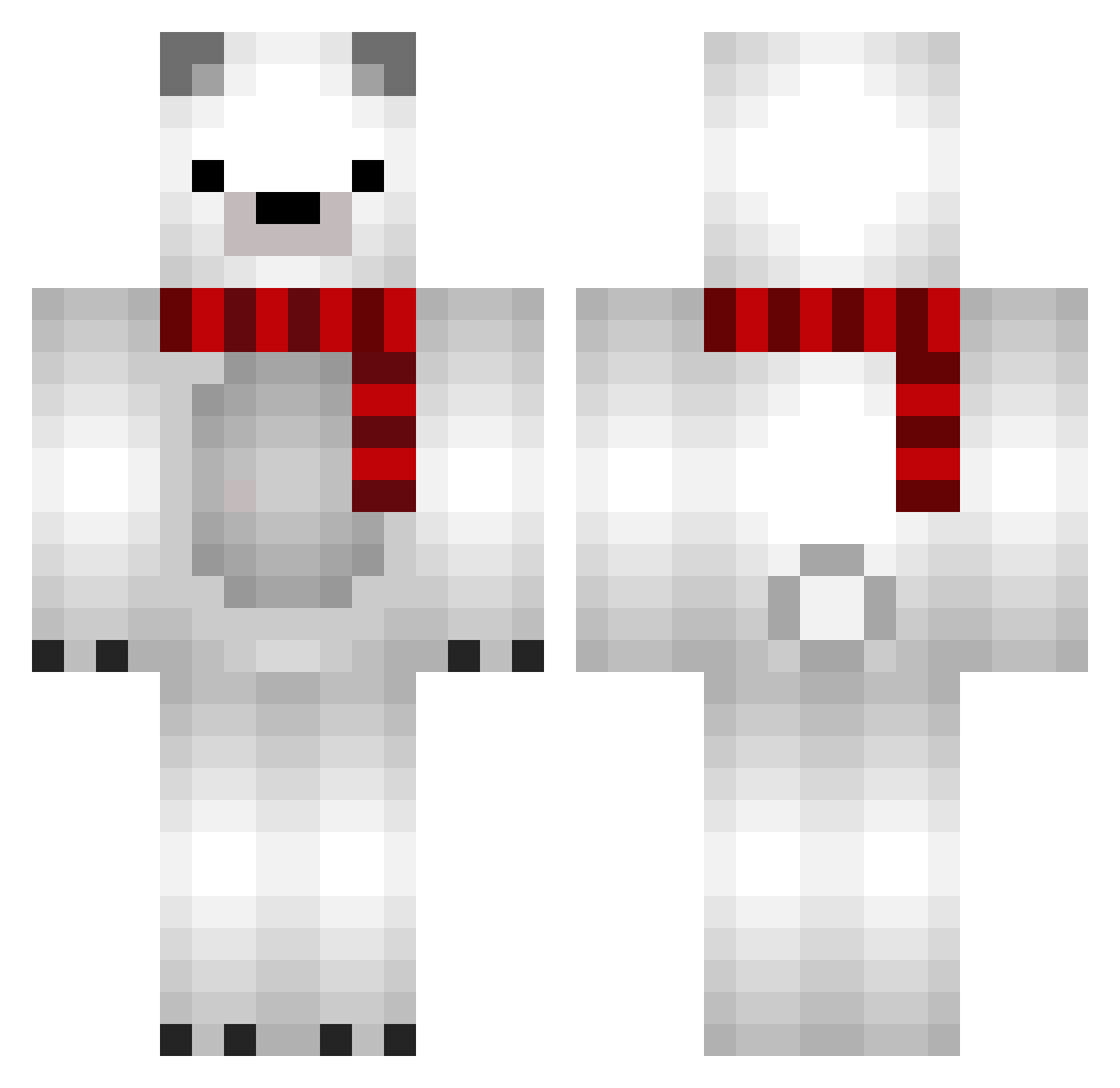
Current Minecraft skin of the player Gerard_Butler, loaded from the official Mojang API. Rotate the 3D model with your mouse or finger, then download the skin as a PNG file and use it in Minecraft: Bedrock Edition or Java Edition for free. When Gerard_Butler changes their skin, this page updates automatically and the old skin stays in the history below.
Other players with this skin (683)
Gerard_Butler was the 511th player we have seen with this skin, first spotted on 01.10.2026. The same skin was seen on these players. Open a nickname to see their current skin and skin history.
 CuteGeunI Remakeeeee LazyBan oooKUROMIooo Foury mad1989 Uzabii molla14 Lealeventre Yulyeongstep GoldNiger jemilia misosoup_tofu diao230272 callia12 MINDAL9E ChouChuu Tyxa_ Jim_Myster SirTapu yslive i72awr Pie_8601 Accuwacs Ps215 jiyun_02 Zendigass Pappii001 whooot stephhaaaniie Eusebiony Xdartt Jayteenz DoHyun0515 RysJestZlyDzis DOBI9412 mireiis T4mk1 shuying wuheyon Munyar Sobro_ Sattone Jyc12 DeerCharles TheFoolsDog Snowball000 WhiteBear1337 cyakaneko whiteHORAENG OKIJOE CHOLONG22 simbaksa21 yoona417 kioskero toshikokun revikou 1ato1 angelxcf seongsu0423
More Polar Bear Minecraft skins
How to install the Gerard_Butler skin
- Press the Download button above to save the skin as a PNG file.
- Minecraft: Bedrock Edition (PE): open the Dressing Room from the main menu (or tap your character → Edit Character), go to Classic Skins → Owned, press the + (new skin) button, choose the downloaded PNG and pick the Classic (Steve) model. Works on PC and mobile; consoles cannot import custom skins.
- Minecraft: Java Edition: open the Minecraft Launcher, go to the Skins tab, click New Skin, load the PNG, pick the Classic (Steve) model and press Save & Use. You can also upload it at minecraft.net → Profile → Change Skin.
The skin does not show up after import - what should I do?
Restart Minecraft and open the Dressing Room again - imported skins sometimes appear only after a restart. Also make sure you selected the imported skin and picked the Classic (Steve) model.
Which model should I choose, Classic or Slim?
This skin is designed for the Classic (Steve) model. If you pick the wrong model, the arms of the skin will look stretched or squeezed.
Is the skin of Gerard_Butler free to download?
Yes. Press Download, save the PNG file and use it in Minecraft: Bedrock Edition or Java Edition - no payment or registration needed. The skin also works on multiplayer servers and Realms.
More skins
Looking for more? Go back to all Minecraft skins and check the top skins of the week, month and all time, or find any player's skin by nickname.