
GenzinVN - Minecraft Skins & Skin History
Current Minecraft skin of the player GenzinVN, loaded from the official Mojang API. Rotate the 3D model with your mouse or finger, then download the skin as a PNG file and use it in Minecraft: Bedrock Edition or Java Edition for free. When GenzinVN changes their skin, this page updates automatically and the old skin stays in the history below.
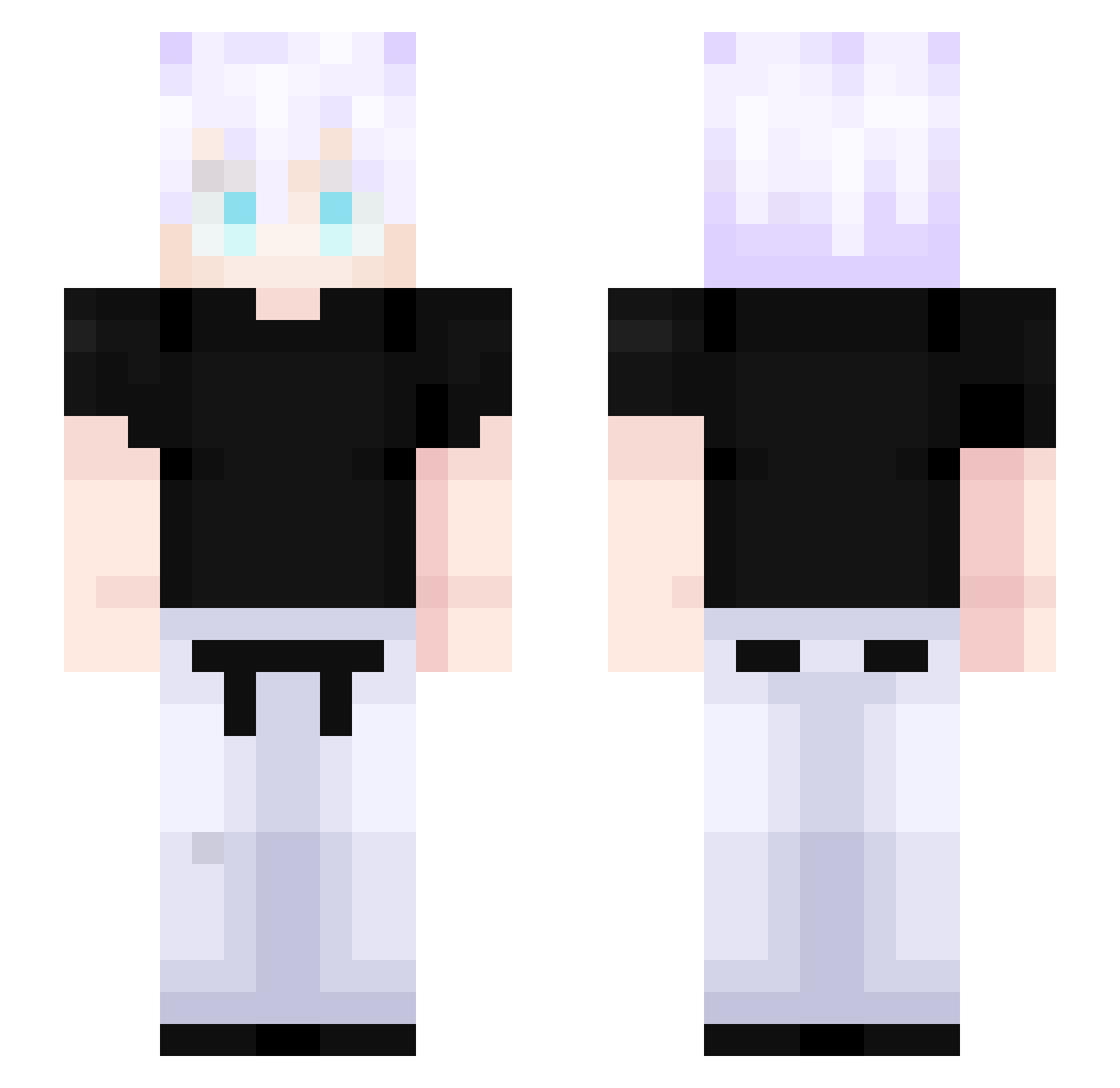
Other players with this skin (397)
GenzinVN was the 66th player we have seen with this skin, first spotted on 09.08.2026. The same skin was seen on these players. Open a nickname to see their current skin and skin history.
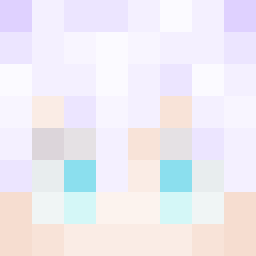 Yuni_01 AdlanIbra apaar XxWASSIMxX BlackStar_OG cst0410 polikj Kha_el805 Mexo007
 JulioGamerBoss Gray_42 youfef_ Deku1997 Jirni megiskissa iBlinxz satoru_mr MaroC2745 zBSTz Blxnd_kun SliceHD mrmaxi97 LordZ23 AkDoStriker Mrboss10 AkashAse ArdaAtay Regilekis LolaTigre Fenrir106 PeckRona rykarry0516 GojoSatoruGOAT ashrguez D3co0 Mephisto__Pheles DrLaZovan Legazus Myriu7 oduroom Nuiski Soulbarren joe_leo_02 BsamaOinladen Lippyxoxo Nex1k Bruno_Henrique12 xCrytoz MOOwMOOw Wildaoz craftwarfan Ouzan Cautro DantyM3 MelihBugra34 AnyBUTKICKER Pluto_is_gooder dava1605 LiamPeak zle0o
More Satoru Gojo Minecraft skins
See all 1175 Satoru Gojo skins
How to install the GenzinVN skin
- Press the Download button above to save the skin as a PNG file.
- Minecraft: Bedrock Edition (PE): open the Dressing Room from the main menu (or tap your character → Edit Character), go to Classic Skins → Owned, press the + (new skin) button, choose the downloaded PNG and pick the Slim (Alex) model. Works on PC and mobile; consoles cannot import custom skins.
- Minecraft: Java Edition: open the Minecraft Launcher, go to the Skins tab, click New Skin, load the PNG, pick the Slim (Alex) model and press Save & Use. You can also upload it at minecraft.net → Profile → Change Skin.
The skin does not show up after import - what should I do?
Restart Minecraft and open the Dressing Room again - imported skins sometimes appear only after a restart. Also make sure you selected the imported skin and picked the Slim (Alex) model.
Which model should I choose, Classic or Slim?
This skin is designed for the Slim (Alex) model. If you pick the wrong model, the arms of the skin will look stretched or squeezed.
Is the skin of GenzinVN free to download?
Yes. Press Download, save the PNG file and use it in Minecraft: Bedrock Edition or Java Edition - no payment or registration needed. The skin also works on multiplayer servers and Realms.
More skins
Looking for more? Go back to all Minecraft skins and check the top skins of the week, month and all time, or find any player's skin by nickname.