
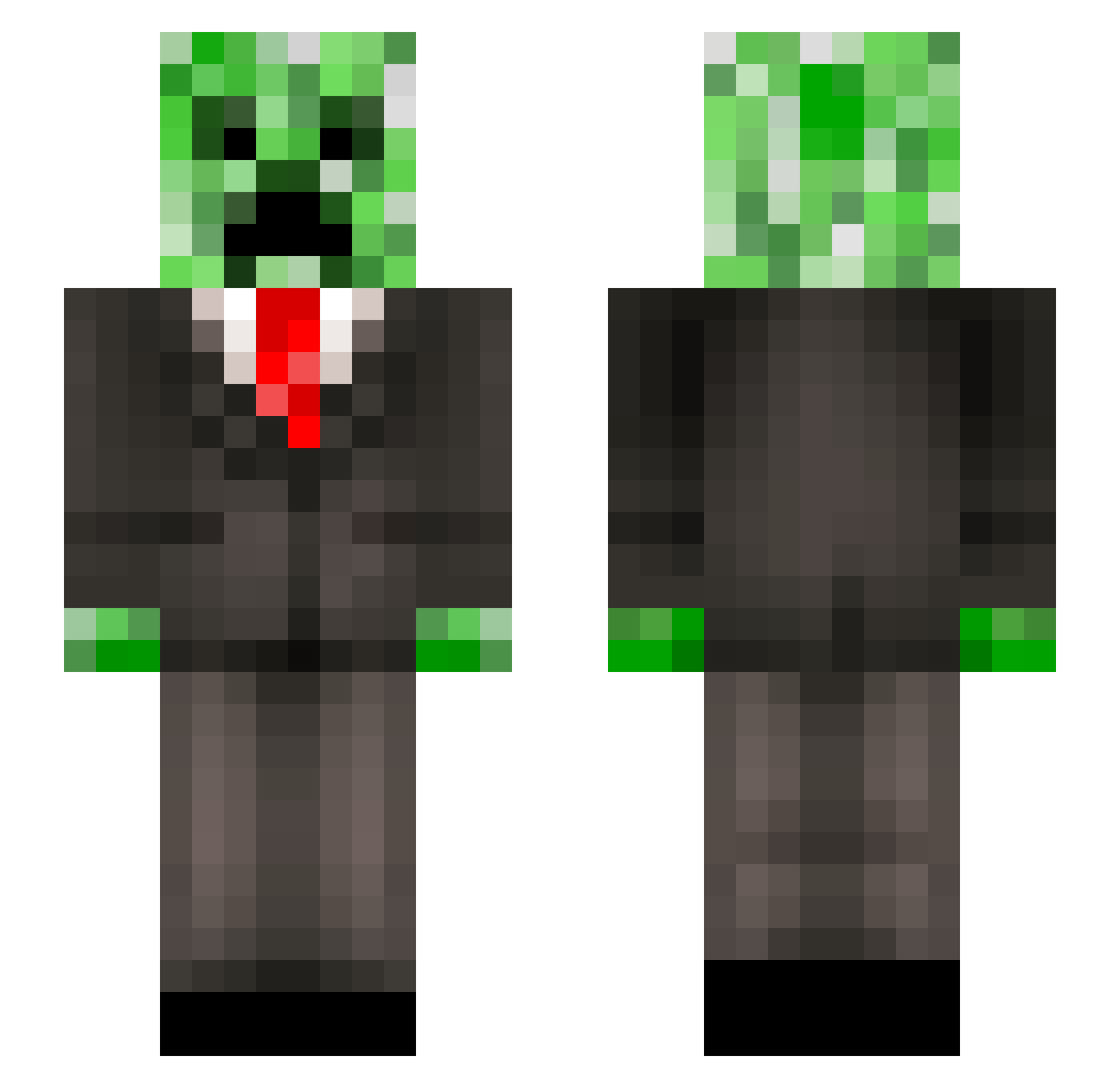
Current Minecraft skin of the player GamingBoy597, loaded from the official Mojang API. Rotate the 3D model with your mouse or finger, then download the skin as a PNG file and use it in Minecraft: Bedrock Edition or Java Edition for free. When GamingBoy597 changes their skin, this page updates automatically and the old skin stays in the history below.
Other players with this skin (190)
GamingBoy597 was the 55th player we have seen with this skin, first spotted on 15.08.2026. The same skin was seen on these players. Open a nickname to see their current skin and skin history.
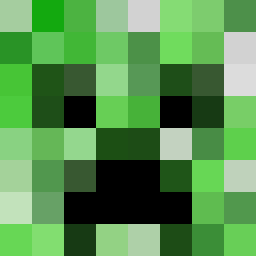 xxMLGmasterx420 mcelvand 787er Joshy5001 heitorplay_games SwagSmasher1 doyo2335 Wisdom_one Crisp_1989 legomolina ImBadAtChemistry Ryan886669 AKlegends14 Whale_Man dreamwanabeUWU mrmarcus5485
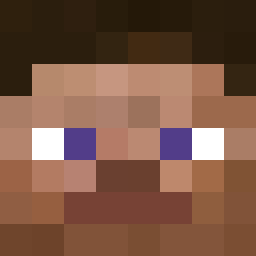 xsnnn Ilouse CyberPoney lassimio Conqueror_Chuck Kail719ck ArcticFox8901 tdgxalb MrBakerr KalinKush nupidagoat PIsTouchMe Star_56 DEZ74 TCSCNG XZEEE Frenchy0307
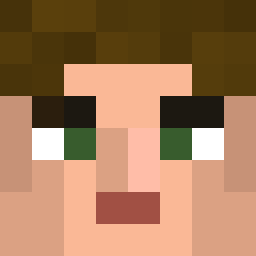 xDytro xc114 PopoRigolo MangoMatt123 Reaktor919 FANFOWAR PuppetLord L4YTN BlackWoodsDad evilEyeX IDSPISPOPD klokmani SpArKz6969 Creeper_Kayo YaB0iMJ MrKoala93 Pinkk_Potatoo LilDookieVert Wartodamax Hamskillet406 QRMNotFound Roysiwans blobfish0154 zylwanzi Qabbiqah AbleParsley pokkuni
More Creeper Minecraft skins
How to install the GamingBoy597 skin
- Press the Download button above to save the skin as a PNG file.
- Minecraft: Bedrock Edition (PE): open the Dressing Room from the main menu (or tap your character → Edit Character), go to Classic Skins → Owned, press the + (new skin) button, choose the downloaded PNG and pick the Slim (Alex) model. Works on PC and mobile; consoles cannot import custom skins.
- Minecraft: Java Edition: open the Minecraft Launcher, go to the Skins tab, click New Skin, load the PNG, pick the Slim (Alex) model and press Save & Use. You can also upload it at minecraft.net → Profile → Change Skin.
The skin does not show up after import - what should I do?
Restart Minecraft and open the Dressing Room again - imported skins sometimes appear only after a restart. Also make sure you selected the imported skin and picked the Slim (Alex) model.
Which model should I choose, Classic or Slim?
This skin is designed for the Slim (Alex) model. If you pick the wrong model, the arms of the skin will look stretched or squeezed.
Is the skin of GamingBoy597 free to download?
Yes. Press Download, save the PNG file and use it in Minecraft: Bedrock Edition or Java Edition - no payment or registration needed. The skin also works on multiplayer servers and Realms.
More skins
Looking for more? Go back to all Minecraft skins and check the top skins of the week, month and all time, or find any player's skin by nickname.