
GOQil - Minecraft Skins & Skin History
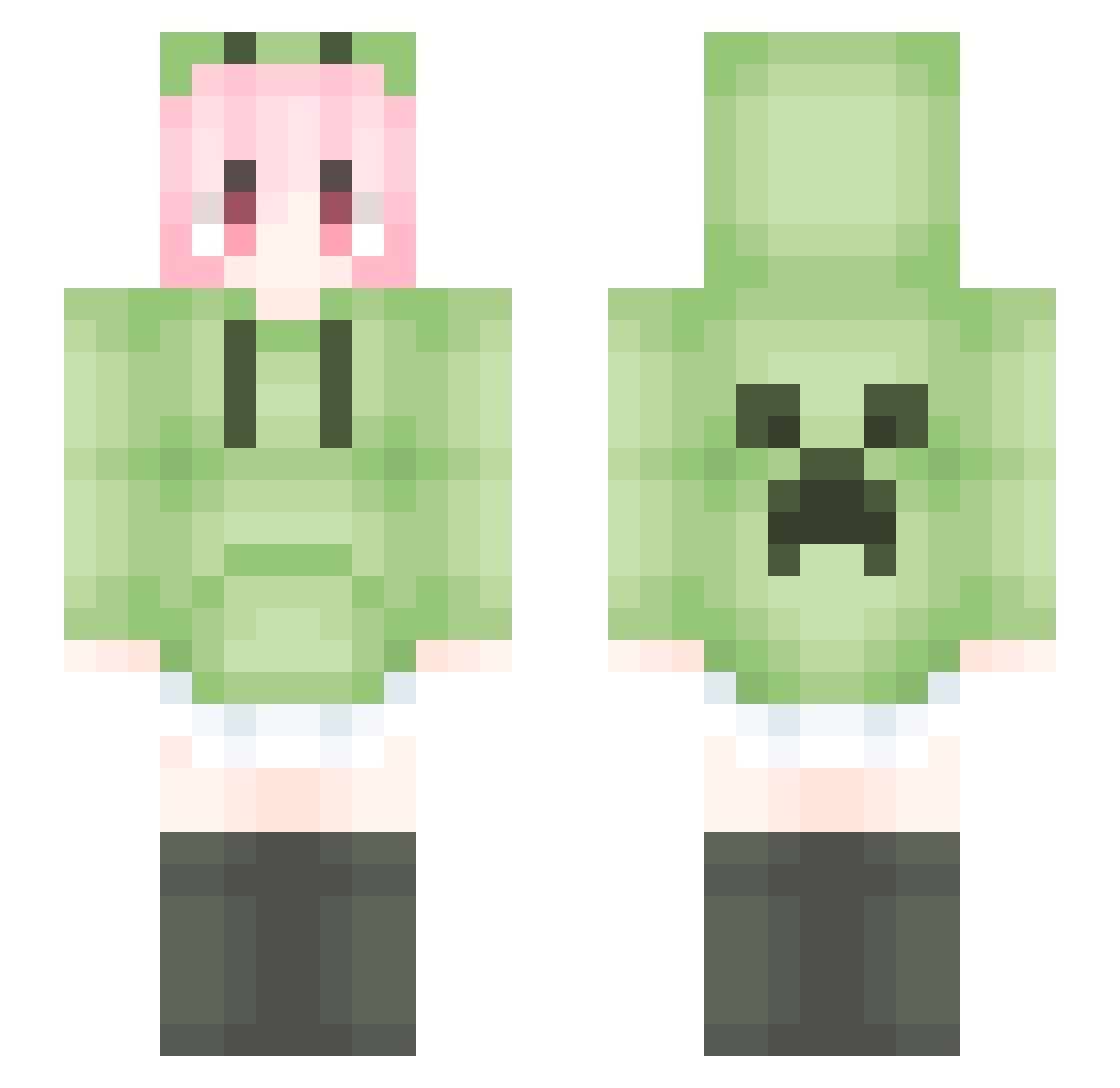
Current Minecraft skin of the player GOQil, loaded from the official Mojang API. Rotate the 3D model with your mouse or finger, then download the skin as a PNG file and use it in Minecraft: Bedrock Edition or Java Edition for free. When GOQil changes their skin, this page updates automatically and the old skin stays in the history below.
Other players with this skin (1787)
GOQil was the 798th player we have seen with this skin, first spotted on 16.09.2026. The same skin was seen on these players. Open a nickname to see their current skin and skin history.
 EIsiay primting hejin1111 F10wer06 Men_men_ OoGAT Mayey yukino0908 Prolifor IT_S_ZERO mister_killerPP DUCK666666666665 Dreamb0 xiaomengxin12 Melarity Shaoyu_nb YeRAFT Rushsugar Mut86 Hakimi0721 nnbkn abuyhy 45ryut liokp Chenh_ TU688 FNMDPNMSL cuihangshuo questionboxkujk 81361412 Upeksa Q834209906_SUrAW KLDDJ dddashui AceLiLi chiefzhu jimigai dousha1 leanHP cyndibabywang Amorts baobei_520 Lu_Jiaqi yun_zhongxian XFei24 HappyKnow liuli11 lous2002 kam1jou 3FLYFISH MinimalOvO ysg62345 xlxdm shanqi0v0 ArcticDawn_ Nenver1 Thepointa NMBTS MoonxLunar ANATOML
More Anime Girl Minecraft skins
See all 13722 Anime Girl skins
How to install the GOQil skin
- Press the Download button above to save the skin as a PNG file.
- Minecraft: Bedrock Edition (PE): open the Dressing Room from the main menu (or tap your character → Edit Character), go to Classic Skins → Owned, press the + (new skin) button, choose the downloaded PNG and pick the Slim (Alex) model. Works on PC and mobile; consoles cannot import custom skins.
- Minecraft: Java Edition: open the Minecraft Launcher, go to the Skins tab, click New Skin, load the PNG, pick the Slim (Alex) model and press Save & Use. You can also upload it at minecraft.net → Profile → Change Skin.
The skin does not show up after import - what should I do?
Restart Minecraft and open the Dressing Room again - imported skins sometimes appear only after a restart. Also make sure you selected the imported skin and picked the Slim (Alex) model.
Which model should I choose, Classic or Slim?
This skin is designed for the Slim (Alex) model. If you pick the wrong model, the arms of the skin will look stretched or squeezed.
Is the skin of GOQil free to download?
Yes. Press Download, save the PNG file and use it in Minecraft: Bedrock Edition or Java Edition - no payment or registration needed. The skin also works on multiplayer servers and Realms.
More skins
Looking for more? Go back to all Minecraft skins and check the top skins of the week, month and all time, or find any player's skin by nickname.