
G59VIN - Minecraft Skins & Skin History
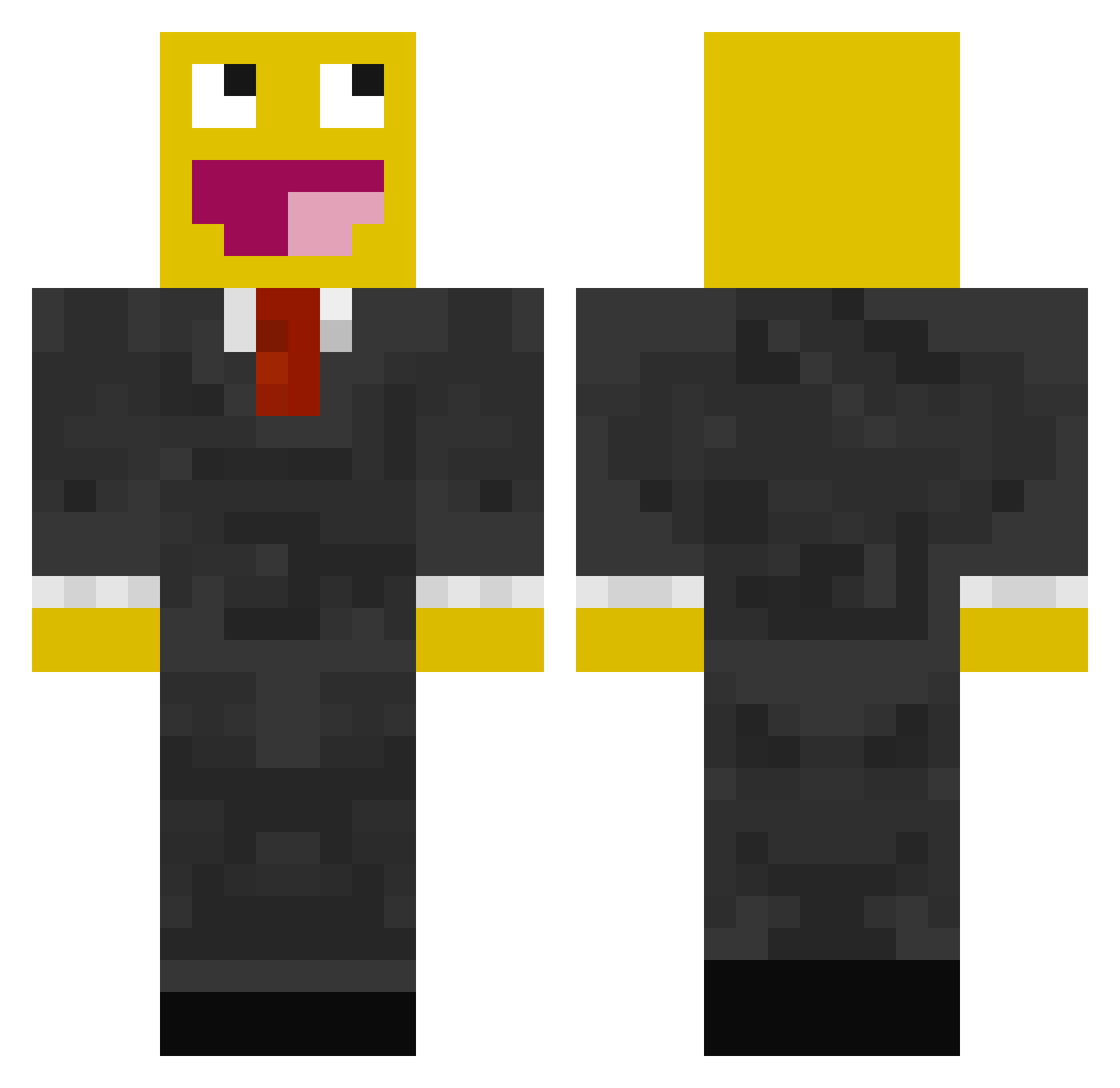
Current Minecraft skin of the player G59VIN, loaded from the official Mojang API. Rotate the 3D model with your mouse or finger, then download the skin as a PNG file and use it in Minecraft: Bedrock Edition or Java Edition for free. When G59VIN changes their skin, this page updates automatically and the old skin stays in the history below.
Other players with this skin (529)
G59VIN was the 114th player we have seen with this skin, first spotted on 17.08.2026. The same skin was seen on these players. Open a nickname to see their current skin and skin history.
 IWill95 VJoao Craazy_Digger BarnettBros lukeyboy599 iceboy8 AzpireSWE d3r_GeRAeT eduncan Nomac715 jamie_brown123 pjdj44 Griffsbrown Mexay bamsebama xeez98 MakeItHale henners14 purplestoner66 deathrust Takey1212 Hectic_Skillz Wurstkoffer Rman122 Rosserton bmstalker Mast3rExplod3r marcolivierlemay NoSDuDe 310u502 top_maso jhowes801 48Y Mayson444 eefqub Flokatzis Zergbot By_Pol8 Supermario1925 Groebi Lhridley jinthagerman Applecake246 Modmz Jacksxn 2Creepers1Cup pinapplehd skateboard297 yoyou312 Centipi super_Fin238 domscute KA2___ viperassassin BLarrson aab010799 _wicker_ BOYzzz13 ptitquebec ShawnH18
More Smiley Face Minecraft skins
See all 2039 Smiley Face skins
How to install the G59VIN skin
- Press the Download button above to save the skin as a PNG file.
- Minecraft: Bedrock Edition (PE): open the Dressing Room from the main menu (or tap your character → Edit Character), go to Classic Skins → Owned, press the + (new skin) button, choose the downloaded PNG and pick the Classic (Steve) model. Works on PC and mobile; consoles cannot import custom skins.
- Minecraft: Java Edition: open the Minecraft Launcher, go to the Skins tab, click New Skin, load the PNG, pick the Classic (Steve) model and press Save & Use. You can also upload it at minecraft.net → Profile → Change Skin.
The skin does not show up after import - what should I do?
Restart Minecraft and open the Dressing Room again - imported skins sometimes appear only after a restart. Also make sure you selected the imported skin and picked the Classic (Steve) model.
Which model should I choose, Classic or Slim?
This skin is designed for the Classic (Steve) model. If you pick the wrong model, the arms of the skin will look stretched or squeezed.
Is the skin of G59VIN free to download?
Yes. Press Download, save the PNG file and use it in Minecraft: Bedrock Edition or Java Edition - no payment or registration needed. The skin also works on multiplayer servers and Realms.
More skins
Looking for more? Go back to all Minecraft skins and check the top skins of the week, month and all time, or find any player's skin by nickname.