
FrostViper83 - Minecraft Skins & Skin History
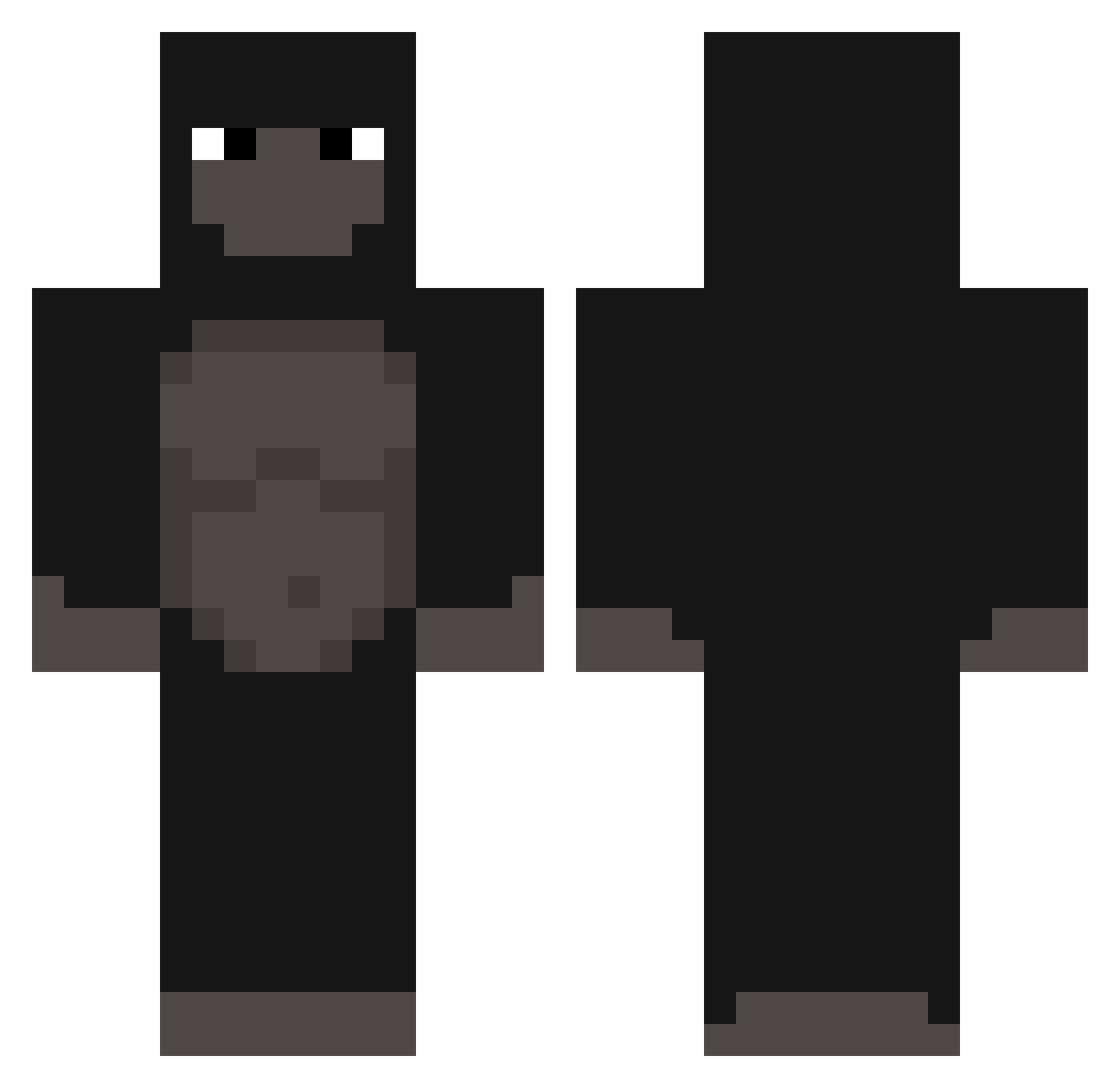
Current Minecraft skin of the player FrostViper83, loaded from the official Mojang API. Rotate the 3D model with your mouse or finger, then download the skin as a PNG file and use it in Minecraft: Bedrock Edition or Java Edition for free. When FrostViper83 changes their skin, this page updates automatically and the old skin stays in the history below.
Other players with this skin (377)
FrostViper83 was the 320th player we have seen with this skin, first spotted on 05.11.2026. The same skin was seen on these players. Open a nickname to see their current skin and skin history.
 buildertomo23 LoMeow Tuky_292 zembais Batgui superdude222 Jamkapo Nickster9810 The_VuIture Hen_Doug LookinBroke Bizarre_World GeunRilla pceAnt WakeXXI 77c AbdulKareem0318 AbdomenFive pinev2 harper001 ArdaBnW Tamalero455 GucciBrick Michaelcaps Sakke_321 Ernis007 udguuuuu atticusNZ makshw SUPCOMenjoyer __Wilson GiFuraQuarentena corpono Jeel_young UlrikNorge Talesito Meispolish marimo777 BreadCatFan5930 JohnathanMonkey Soda_Stereo sonny339 Rade1 Bananenplukker69 yujisung_ natadesaopaulo ShyLIV xiaoguanchadash_ GorillaCorpse Guiz1nh0 Harrassed MrBigyMiner Onmymamma2532 DuelChampion SpillCyanide luckieoutthisbih ryguyvd NotGorillaNate jihukim0130 Blxzzd
More Gorilla Minecraft skins
How to install the FrostViper83 skin
- Press the Download button above to save the skin as a PNG file.
- Minecraft: Bedrock Edition (PE): open the Dressing Room from the main menu (or tap your character → Edit Character), go to Classic Skins → Owned, press the + (new skin) button, choose the downloaded PNG and pick the Classic (Steve) model. Works on PC and mobile; consoles cannot import custom skins.
- Minecraft: Java Edition: open the Minecraft Launcher, go to the Skins tab, click New Skin, load the PNG, pick the Classic (Steve) model and press Save & Use. You can also upload it at minecraft.net → Profile → Change Skin.
The skin does not show up after import - what should I do?
Restart Minecraft and open the Dressing Room again - imported skins sometimes appear only after a restart. Also make sure you selected the imported skin and picked the Classic (Steve) model.
Which model should I choose, Classic or Slim?
This skin is designed for the Classic (Steve) model. If you pick the wrong model, the arms of the skin will look stretched or squeezed.
Is the skin of FrostViper83 free to download?
Yes. Press Download, save the PNG file and use it in Minecraft: Bedrock Edition or Java Edition - no payment or registration needed. The skin also works on multiplayer servers and Realms.
More skins
Looking for more? Go back to all Minecraft skins and check the top skins of the week, month and all time, or find any player's skin by nickname.