
FrenchToqst - Minecraft Skins & Skin History
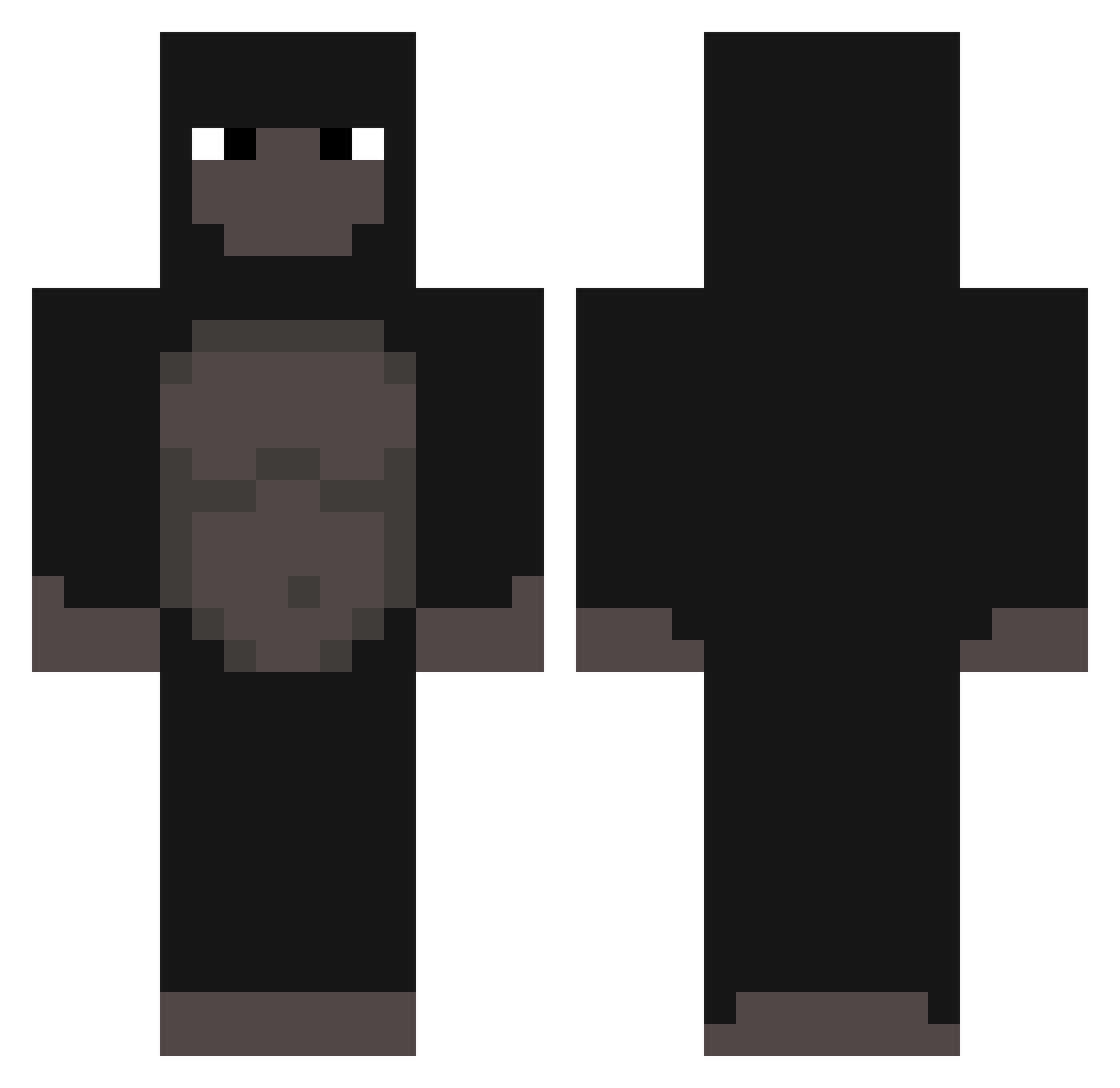
Current Minecraft skin of the player FrenchToqst, loaded from the official Mojang API. Rotate the 3D model with your mouse or finger, then download the skin as a PNG file and use it in Minecraft: Bedrock Edition or Java Edition for free. When FrenchToqst changes their skin, this page updates automatically and the old skin stays in the history below.
Other players with this skin (302)
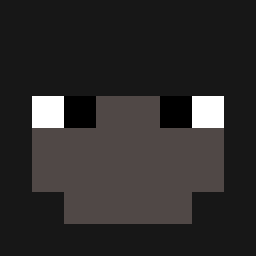
FrenchToqst was the 280th player we have seen with this skin, first spotted on 26.10.2026. The same skin was seen on these players. Open a nickname to see their current skin and skin history.
 3thug Petrezselyem Promanforever SirLazyGiant rqyy Calivera1308 spencerphilla Oggoooo LenCow Gorilla_Grape qvvw NotTAlbs Txllom perikuloso jakkako Roos299 Minim0us fdio Shugarik matador0217 Oktanken kimbin0480 KingK0en edualenda_ Chunkzxo Dolphyyy jihukim0130 NotGorillaNate ryguyvd MrKankyFace luckieoutthisbih beqam SpillCyanide DuelChampion Onmymamma2532 MrBigyMiner Guiz1nh0 Chessmaker GorillaCorpse ThvnderTh1ghs xiaoguanchadash_ 5ramons BigBlackApe Juanfe_sd sonny339 aNewmanJay Raikyu21 Kbeems Stomedy Krtko64 Pagsnus Fairaly mlodyyyy3 o0_0I Thaitanix PlayGameJ ved02 VictorStuckFerIV DaBootGanger Oo_Scavenger_oO
More Gorilla Minecraft skins
How to install the FrenchToqst skin
- Press the Download button above to save the skin as a PNG file.
- Minecraft: Bedrock Edition (PE): open the Dressing Room from the main menu (or tap your character → Edit Character), go to Classic Skins → Owned, press the + (new skin) button, choose the downloaded PNG and pick the Classic (Steve) model. Works on PC and mobile; consoles cannot import custom skins.
- Minecraft: Java Edition: open the Minecraft Launcher, go to the Skins tab, click New Skin, load the PNG, pick the Classic (Steve) model and press Save & Use. You can also upload it at minecraft.net → Profile → Change Skin.
The skin does not show up after import - what should I do?
Restart Minecraft and open the Dressing Room again - imported skins sometimes appear only after a restart. Also make sure you selected the imported skin and picked the Classic (Steve) model.
Which model should I choose, Classic or Slim?
This skin is designed for the Classic (Steve) model. If you pick the wrong model, the arms of the skin will look stretched or squeezed.
Is the skin of FrenchToqst free to download?
Yes. Press Download, save the PNG file and use it in Minecraft: Bedrock Edition or Java Edition - no payment or registration needed. The skin also works on multiplayer servers and Realms.
More skins
Looking for more? Go back to all Minecraft skins and check the top skins of the week, month and all time, or find any player's skin by nickname.