
Fox_revis89 - Minecraft Skins & Skin History
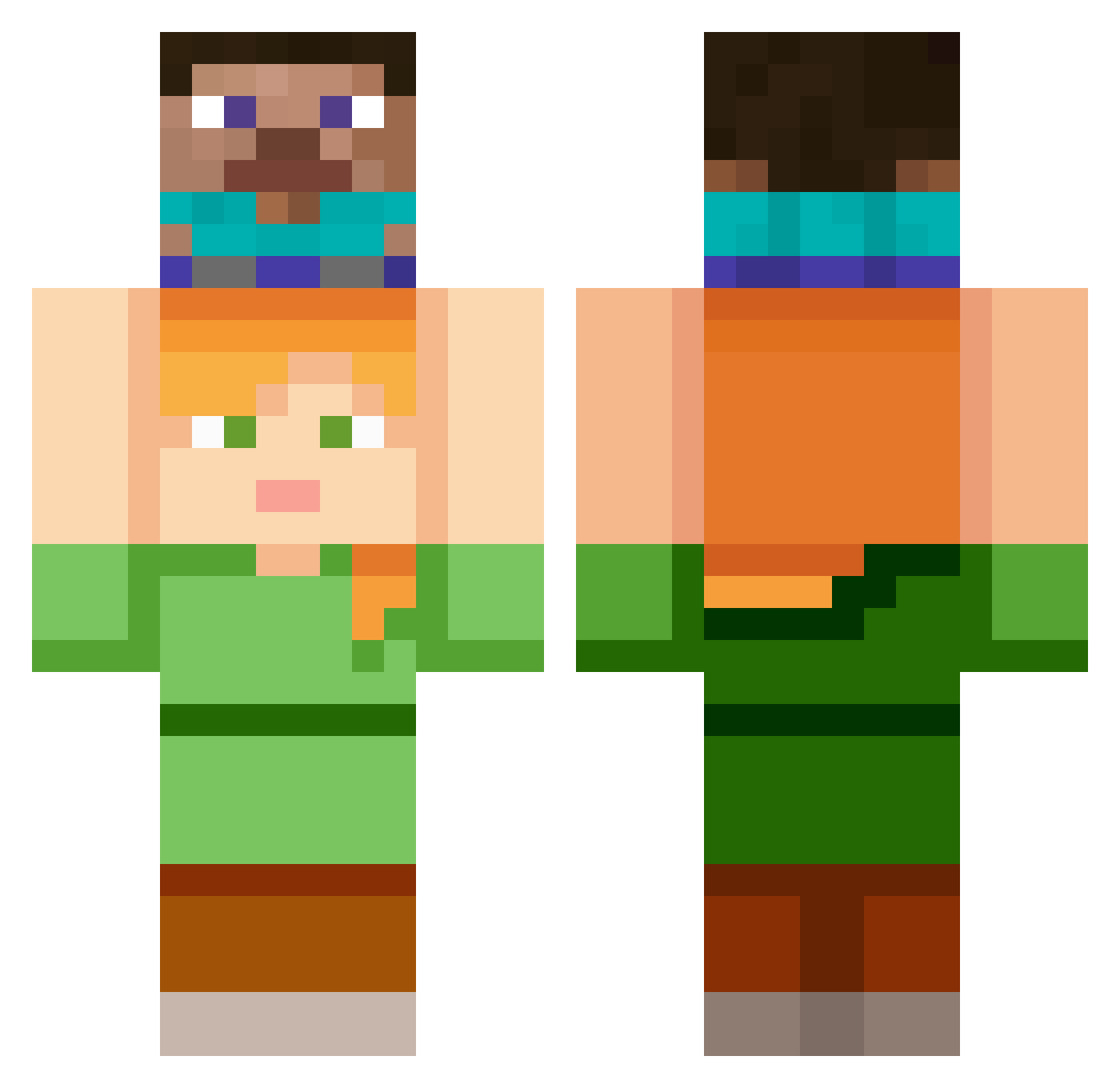
Current Minecraft skin of the player Fox_revis89, loaded from the official Mojang API. Rotate the 3D model with your mouse or finger, then download the skin as a PNG file and use it in Minecraft: Bedrock Edition or Java Edition for free. When Fox_revis89 changes their skin, this page updates automatically and the old skin stays in the history below.
Other players with this skin (150)
Fox_revis89 was the 63rd player we have seen with this skin, first spotted on 18.09.2026. The same skin was seen on these players. Open a nickname to see their current skin and skin history.
 Kayo_Zapo P0rNStaR96 NoMoreOyster ZON_ZAL kerian185 violin88 dudcjf kaempeabe CursedPeroxides yan_1109 vinex011
 komangi9412 Glx55 K3r3m_96 Jinwol13 ounaident Gebombt eusoseupai_yt carpsod Calastrasis RAMEN790 EMINEMVevoOwO Tanasianguy killers_Zombies Fan2Zemmour jsoul1203 Ther1 Rabun_ Loxy_br Miqro_ RuannyS Nanun_4 Benyey Yami_666 Kanji JacksonBob Ikazuchi00 007EBA n1cholqs juns1127 NoAimFourLife rlaekdhs Yourfacem El_Nabop Tweleve JustARandomDude6 robinlnz Gezuis SOSHI55 Kaerulum Scarlet_Barawan vojtas1312 skinmaker_ zaetann LeFium unsapopepe ursaoapeludo
 Noodledude_16 xrgxtreme345 Dxinn
Previous skins of Fox_revis89
Skins that Fox_revis89 wore before, newest first. Click a skin to open its page and download it.
More Piggyback Minecraft skins
How to install the Fox_revis89 skin
- Press the Download button above to save the skin as a PNG file.
- Minecraft: Bedrock Edition (PE): open the Dressing Room from the main menu (or tap your character → Edit Character), go to Classic Skins → Owned, press the + (new skin) button, choose the downloaded PNG and pick the Classic (Steve) model. Works on PC and mobile; consoles cannot import custom skins.
- Minecraft: Java Edition: open the Minecraft Launcher, go to the Skins tab, click New Skin, load the PNG, pick the Classic (Steve) model and press Save & Use. You can also upload it at minecraft.net → Profile → Change Skin.
The skin does not show up after import - what should I do?
Restart Minecraft and open the Dressing Room again - imported skins sometimes appear only after a restart. Also make sure you selected the imported skin and picked the Classic (Steve) model.
Which model should I choose, Classic or Slim?
This skin is designed for the Classic (Steve) model. If you pick the wrong model, the arms of the skin will look stretched or squeezed.
Is the skin of Fox_revis89 free to download?
Yes. Press Download, save the PNG file and use it in Minecraft: Bedrock Edition or Java Edition - no payment or registration needed. The skin also works on multiplayer servers and Realms.
More skins
Looking for more? Go back to all Minecraft skins and check the top skins of the week, month and all time, or find any player's skin by nickname.