
Fn_Noobz - Minecraft Skins & Skin History
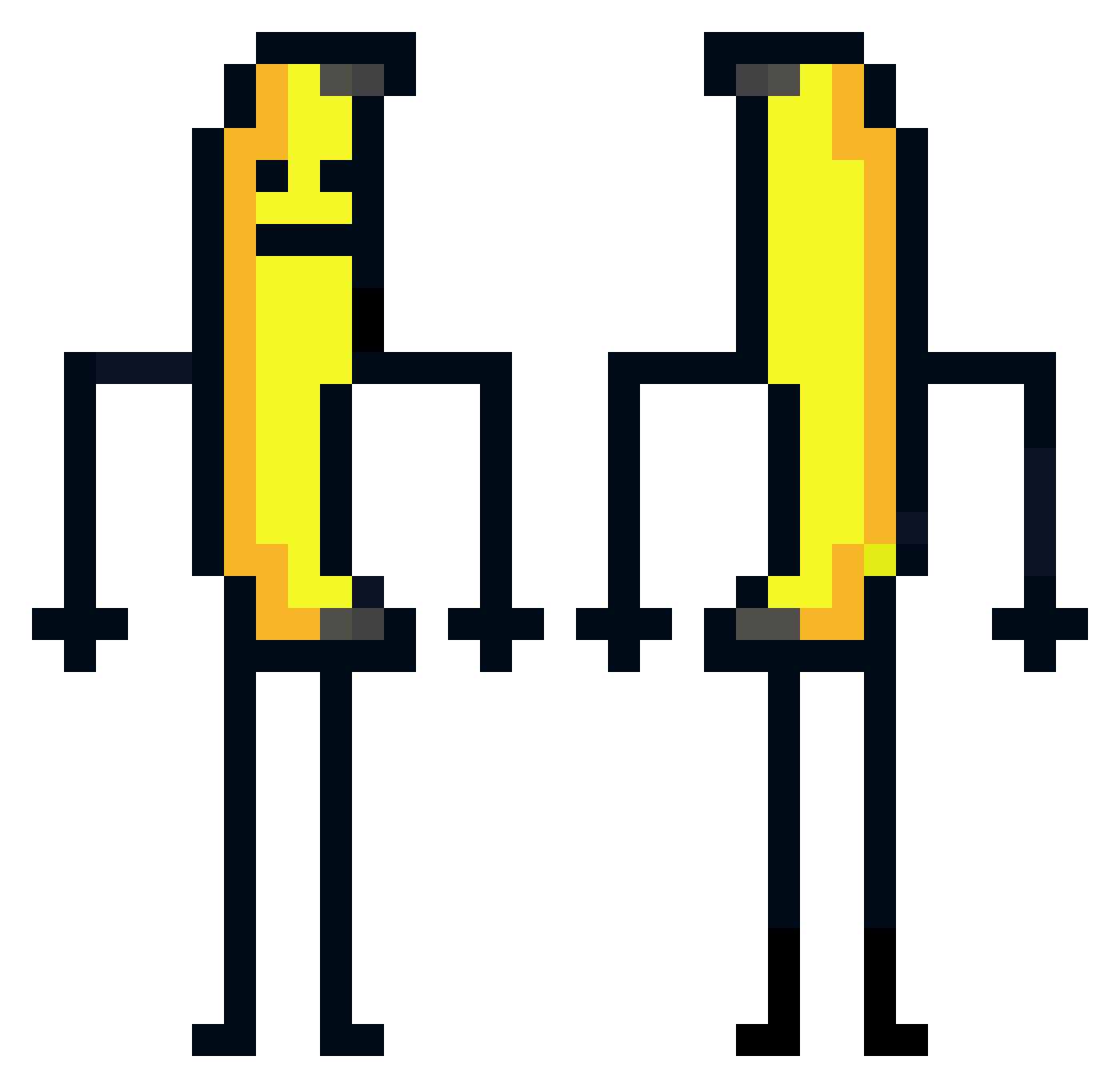
Current Minecraft skin of the player Fn_Noobz, loaded from the official Mojang API. Rotate the 3D model with your mouse or finger, then download the skin as a PNG file and use it in Minecraft: Bedrock Edition or Java Edition for free. When Fn_Noobz changes their skin, this page updates automatically and the old skin stays in the history below.
Other players with this skin (582)
Fn_Noobz was the 155th player we have seen with this skin, first spotted on 24.08.2026. The same skin was seen on these players. Open a nickname to see their current skin and skin history.
 Spodekq ThornCosmic _Xark_ hiae Rocket_Bollocs banana_stickexee AltonIG roobytraverse SuccMaDikk114514 itsVu Sertan987 Unavailable1987 NOLI_SMP SpriteDrinker Robocop_200 Cucktron santutu1921 alttantire31 Igorek1122 R0achhh_ 69popcorn69 Cxsar Rufus5447 MockingBarD1577 WeeZarDss chanmannnn krypt1_x Mushy111 pppeel TheNatti88 Zodry37 KwakGirl florian9910 ViniGremista Strikeboi987 ZaziK1ng Adrianchopies Nightshde419 Ericman0928 AghastCannon19 OkVortex Skeezycw1 FireJolli geenevieve Samuelo78 ninja_nacho peuwsz jasizzler Goxon03 TDJoji TW_FANTUAN Phuongdapda AddMeonWii jounmin MazomBIG GioLegros0 Nehussa Iwaner5839 PolskiBanan12 josiiieeee
More Banana Minecraft skins
How to install the Fn_Noobz skin
- Press the Download button above to save the skin as a PNG file.
- Minecraft: Bedrock Edition (PE): open the Dressing Room from the main menu (or tap your character → Edit Character), go to Classic Skins → Owned, press the + (new skin) button, choose the downloaded PNG and pick the Classic (Steve) model. Works on PC and mobile; consoles cannot import custom skins.
- Minecraft: Java Edition: open the Minecraft Launcher, go to the Skins tab, click New Skin, load the PNG, pick the Classic (Steve) model and press Save & Use. You can also upload it at minecraft.net → Profile → Change Skin.
The skin does not show up after import - what should I do?
Restart Minecraft and open the Dressing Room again - imported skins sometimes appear only after a restart. Also make sure you selected the imported skin and picked the Classic (Steve) model.
Which model should I choose, Classic or Slim?
This skin is designed for the Classic (Steve) model. If you pick the wrong model, the arms of the skin will look stretched or squeezed.
Is the skin of Fn_Noobz free to download?
Yes. Press Download, save the PNG file and use it in Minecraft: Bedrock Edition or Java Edition - no payment or registration needed. The skin also works on multiplayer servers and Realms.
More skins
Looking for more? Go back to all Minecraft skins and check the top skins of the week, month and all time, or find any player's skin by nickname.