
Flopadow - Minecraft Skins & Skin History
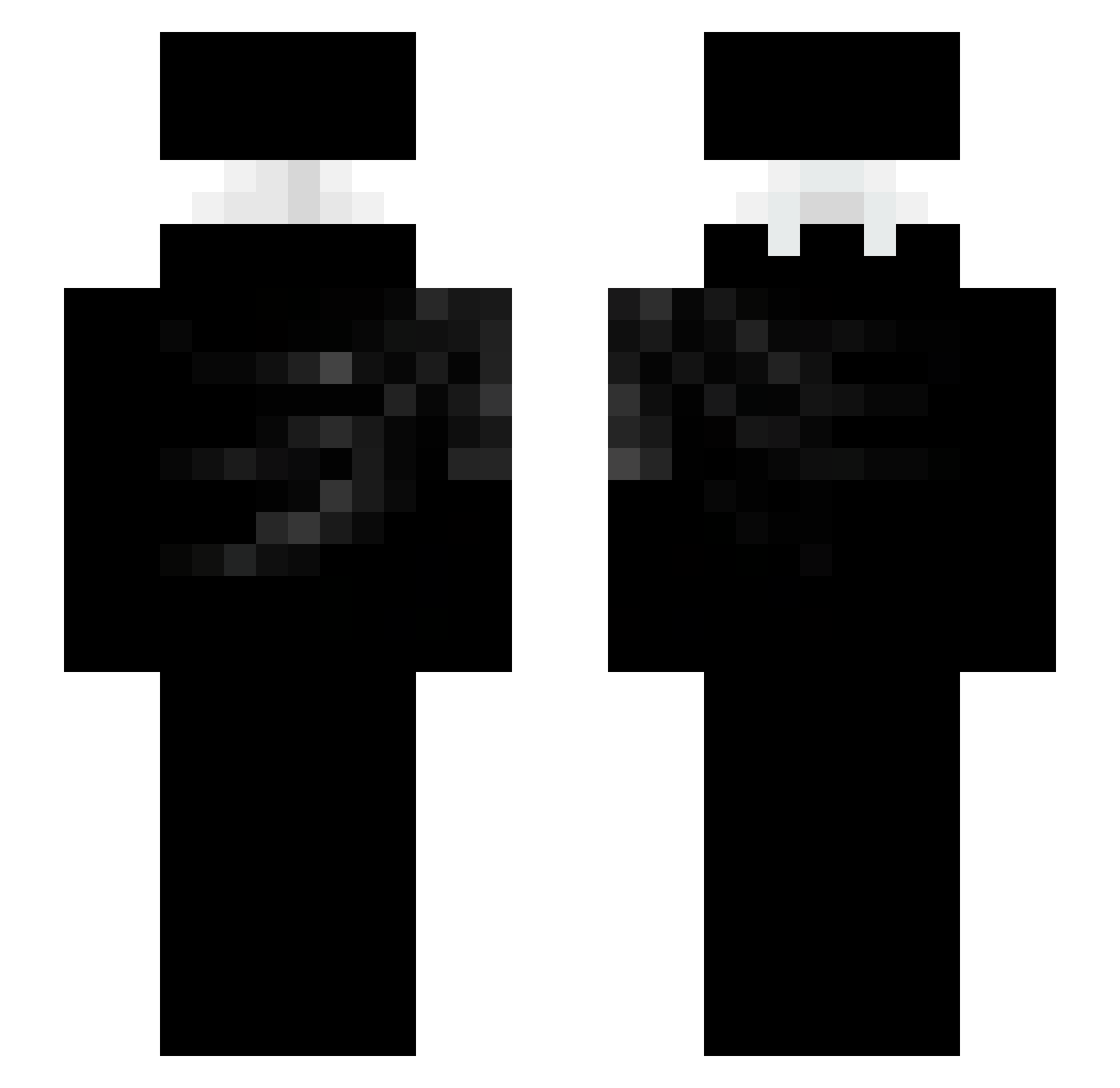
Current Minecraft skin of the player Flopadow, loaded from the official Mojang API. Rotate the 3D model with your mouse or finger, then download the skin as a PNG file and use it in Minecraft: Bedrock Edition or Java Edition for free. When Flopadow changes their skin, this page updates automatically and the old skin stays in the history below.
Other players with this skin (93)
Flopadow was the 29th player we have seen with this skin, first spotted on 24.08.2026. The same skin was seen on these players. Open a nickname to see their current skin and skin history.
 Shiver_XX neonffx Y2ksirius kemalflex bassaM999 SebasG19 gerberekuwu LevW30 Skylove_ ppupsies sami_4297 ZoZeto
 LJJG Sonhareis Tnz_easy tvkn xTomaszek1337 NissyyMC
 Dr_Pleite PsychoX_ locopr1017 Sv2Sharpoqf adnp KxBiel
 FrozenPool reconquistaram cleawe7 yush___ solitary666 Eydel2 zSWEYz _mflol LunoxVo1d Itzdanee
 xd_boxingmaster MainGear2 Nesnas0 NiverMC 0COBRAAX0 TURZINDOPAO999 neurolynx Gift4Bull liyes87
 XxWhite_Sh4dowxX J1stKriserrr cclcl7 Biit_D LhFlow Lipezx76 DIBBLYDOOM5227 zDrakken KTLZ Siplyyy cronixxxx convolks v4k4 Ksawci0_2610 randihsenzu starcheese7336 jph888
Previous skins of Flopadow
Skins that Flopadow wore before, newest first. Click a skin to open its page and download it.
More Ninja Minecraft skins
How to install the Flopadow skin
- Press the Download button above to save the skin as a PNG file.
- Minecraft: Bedrock Edition (PE): open the Dressing Room from the main menu (or tap your character → Edit Character), go to Classic Skins → Owned, press the + (new skin) button, choose the downloaded PNG and pick the Slim (Alex) model. Works on PC and mobile; consoles cannot import custom skins.
- Minecraft: Java Edition: open the Minecraft Launcher, go to the Skins tab, click New Skin, load the PNG, pick the Slim (Alex) model and press Save & Use. You can also upload it at minecraft.net → Profile → Change Skin.
The skin does not show up after import - what should I do?
Restart Minecraft and open the Dressing Room again - imported skins sometimes appear only after a restart. Also make sure you selected the imported skin and picked the Slim (Alex) model.
Which model should I choose, Classic or Slim?
This skin is designed for the Slim (Alex) model. If you pick the wrong model, the arms of the skin will look stretched or squeezed.
Is the skin of Flopadow free to download?
Yes. Press Download, save the PNG file and use it in Minecraft: Bedrock Edition or Java Edition - no payment or registration needed. The skin also works on multiplayer servers and Realms.
More skins
Looking for more? Go back to all Minecraft skins and check the top skins of the week, month and all time, or find any player's skin by nickname.