
Fistuk212 - Minecraft Skins & Skin History
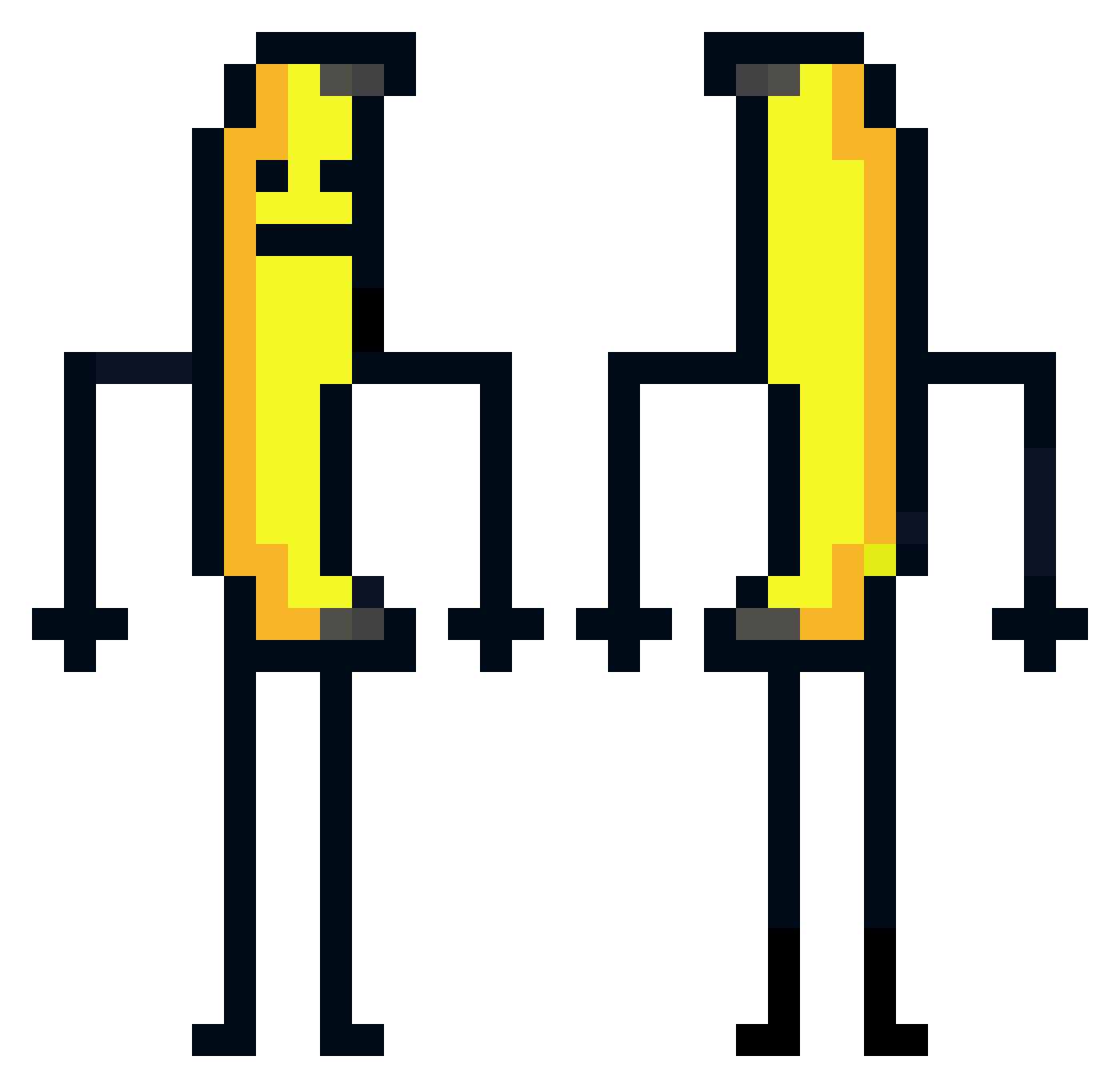
Current Minecraft skin of the player Fistuk212, loaded from the official Mojang API. Rotate the 3D model with your mouse or finger, then download the skin as a PNG file and use it in Minecraft: Bedrock Edition or Java Edition for free. When Fistuk212 changes their skin, this page updates automatically and the old skin stays in the history below.
Other players with this skin (582)
Fistuk212 was the 276th player we have seen with this skin, first spotted on 18.09.2026. The same skin was seen on these players. Open a nickname to see their current skin and skin history.
 smartie_Mcfartie RaidingSpider KA39ER banane_man Cawwdd LickmaShoe Diabeto_Melito Leberwurst_Olli IronPilot Pithox m10597 StyleeNFT deardollie 05_Umong_23 Kackersen Rac0on98 Steakl_ Azu_Mc chilakitties RayKece coppiced Frrexel banana_54188 Moin_Yoyo Grilled_Shark BDRicsi EKKOREE_xaxE1su King_rock494 Leninade420 svensmtb proso2009 GMCQ8 nopsuuu Ubiquitousnesses LoreSword Sopcak Venomowski123 beko335 seabal D3f4ult0201 nathfvfr Mrfutvre Socisse_ TTV_bananaa911 ReinerHainer Nafeiss Mcflasque Minecraft556 Hicham010 Cazador0404 sapetille Impuissance Kaleyfornia Darkcy32 wjstkddnr RobuckGamer24 Squeezmar Gremlinator_ xoghks2 ShooLeen_
More Banana Minecraft skins
How to install the Fistuk212 skin
- Press the Download button above to save the skin as a PNG file.
- Minecraft: Bedrock Edition (PE): open the Dressing Room from the main menu (or tap your character → Edit Character), go to Classic Skins → Owned, press the + (new skin) button, choose the downloaded PNG and pick the Classic (Steve) model. Works on PC and mobile; consoles cannot import custom skins.
- Minecraft: Java Edition: open the Minecraft Launcher, go to the Skins tab, click New Skin, load the PNG, pick the Classic (Steve) model and press Save & Use. You can also upload it at minecraft.net → Profile → Change Skin.
The skin does not show up after import - what should I do?
Restart Minecraft and open the Dressing Room again - imported skins sometimes appear only after a restart. Also make sure you selected the imported skin and picked the Classic (Steve) model.
Which model should I choose, Classic or Slim?
This skin is designed for the Classic (Steve) model. If you pick the wrong model, the arms of the skin will look stretched or squeezed.
Is the skin of Fistuk212 free to download?
Yes. Press Download, save the PNG file and use it in Minecraft: Bedrock Edition or Java Edition - no payment or registration needed. The skin also works on multiplayer servers and Realms.
More skins
Looking for more? Go back to all Minecraft skins and check the top skins of the week, month and all time, or find any player's skin by nickname.