
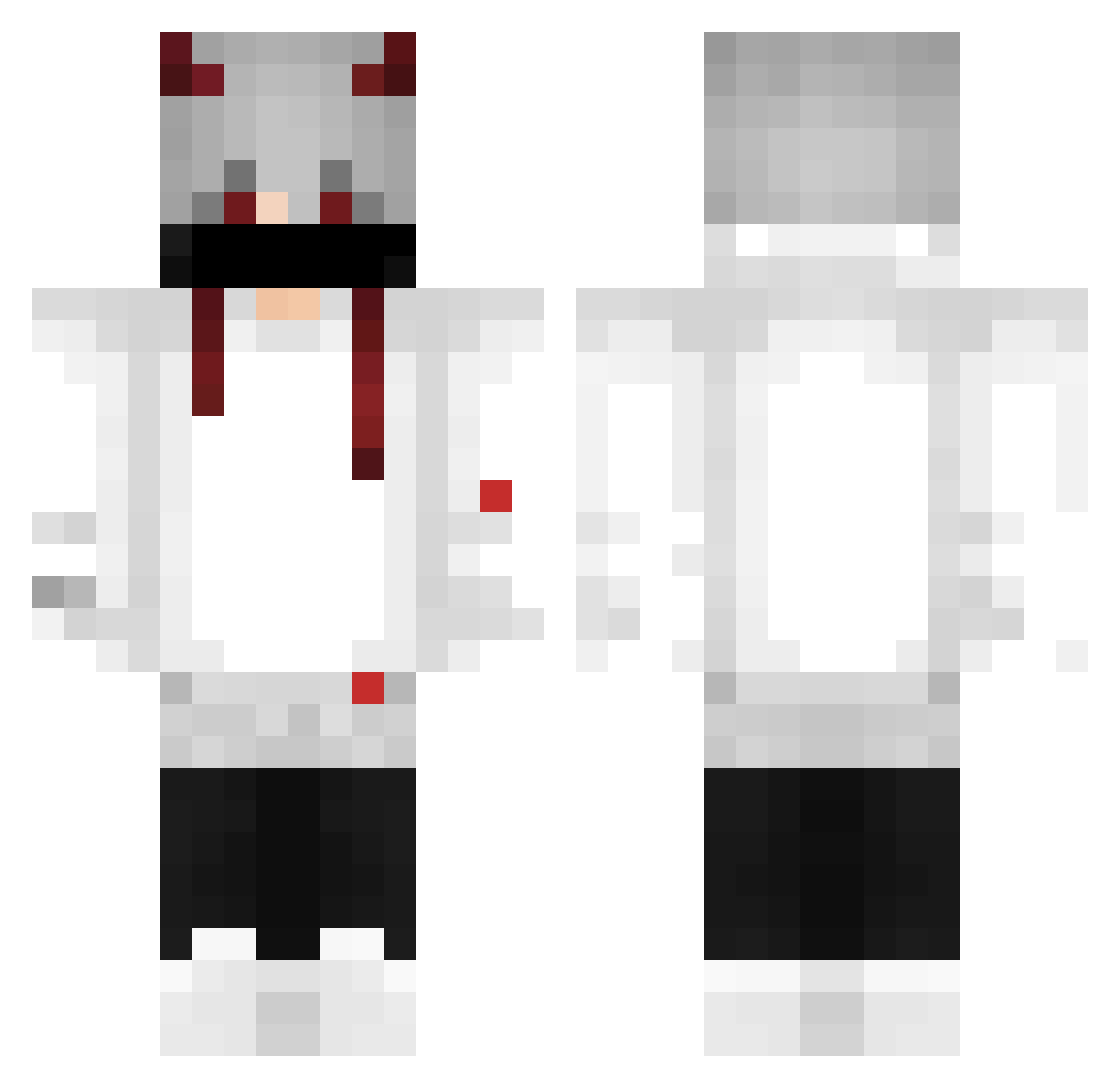
Current Minecraft skin of the player Filsdeputehypixe, loaded from the official Mojang API. Rotate the 3D model with your mouse or finger, then download the skin as a PNG file and use it in Minecraft: Bedrock Edition or Java Edition for free. When Filsdeputehypixe changes their skin, this page updates automatically and the old skin stays in the history below.
Other players with this skin (344)
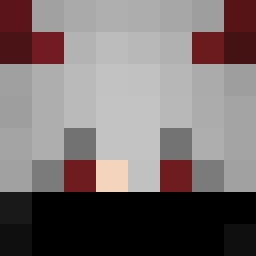
Filsdeputehypixe was the 177th player we have seen with this skin, first spotted on 13.09.2026. The same skin was seen on these players. Open a nickname to see their current skin and skin history.
 Ksmithy Joshi5452 tunafwish Key_Reah loganzq nit00rr xkhaos__ Shadezinn eric_zxy01 Marcus_Br TW_Xiaoli MrTun7 LilCracks_ LeozinnBW xkmeng sarutobi_uchiha arthurXFX NIghtmare688 Velpoxx ShadowBlade42 SIRknuffitw SANTIPLAY8 Mega_Ri sozinho156423 porcokiko Sandrolino123 MatheusMorais haruhito9111 Der_Lucker1 _______x____ melhor_YT BluerX Legal_Elias SuperFly707 THIAGO1992 GUSnova1 Azeca25 mclukinha24 mardianZ _kfgt_ TAL4FAIL EDDY_1401 xFragile AkimYuno SoiThiuLangg kiwiiiiiii9 YuukiIzuki TheGoldenMaestro R3dzi1n Hernandesx courttheg nizamlubis _N1colas__ CAFZIN SADKAYKUT DarkNEt_ Flarrax umbreon_322 de_Molay baban56
More Demon Horns Minecraft skins
How to install the Filsdeputehypixe skin
- Press the Download button above to save the skin as a PNG file.
- Minecraft: Bedrock Edition (PE): open the Dressing Room from the main menu (or tap your character → Edit Character), go to Classic Skins → Owned, press the + (new skin) button, choose the downloaded PNG and pick the Classic (Steve) model. Works on PC and mobile; consoles cannot import custom skins.
- Minecraft: Java Edition: open the Minecraft Launcher, go to the Skins tab, click New Skin, load the PNG, pick the Classic (Steve) model and press Save & Use. You can also upload it at minecraft.net → Profile → Change Skin.
The skin does not show up after import - what should I do?
Restart Minecraft and open the Dressing Room again - imported skins sometimes appear only after a restart. Also make sure you selected the imported skin and picked the Classic (Steve) model.
Which model should I choose, Classic or Slim?
This skin is designed for the Classic (Steve) model. If you pick the wrong model, the arms of the skin will look stretched or squeezed.
Is the skin of Filsdeputehypixe free to download?
Yes. Press Download, save the PNG file and use it in Minecraft: Bedrock Edition or Java Edition - no payment or registration needed. The skin also works on multiplayer servers and Realms.
More skins
Looking for more? Go back to all Minecraft skins and check the top skins of the week, month and all time, or find any player's skin by nickname.