
FidgetDan - Minecraft Skins & Skin History
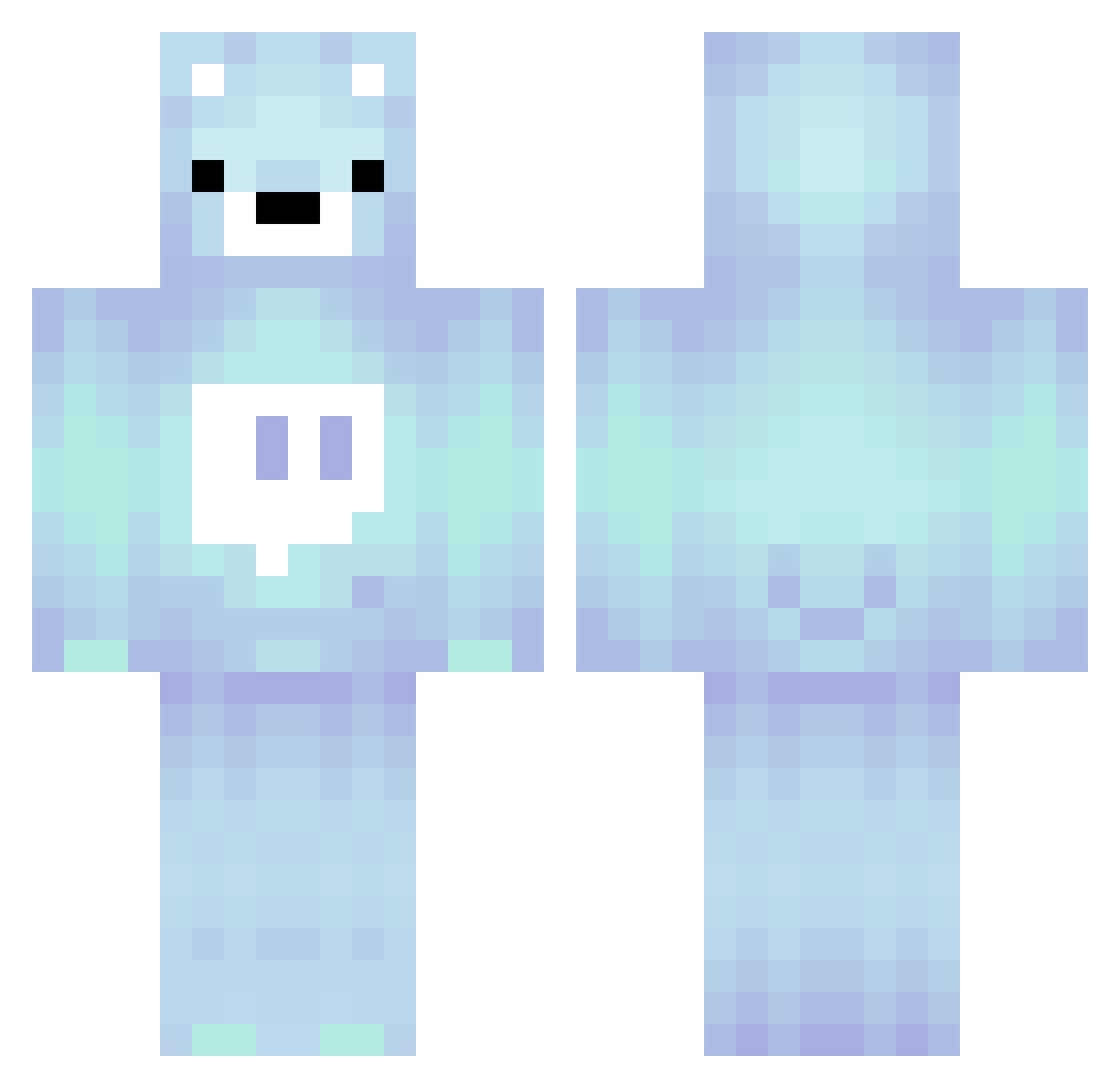
Current Minecraft skin of the player FidgetDan, loaded from the official Mojang API. Rotate the 3D model with your mouse or finger, then download the skin as a PNG file and use it in Minecraft: Bedrock Edition or Java Edition for free. When FidgetDan changes their skin, this page updates automatically and the old skin stays in the history below.
Other players with this skin (280)
FidgetDan was the 189th player we have seen with this skin, first spotted on 15.10.2026. The same skin was seen on these players. Open a nickname to see their current skin and skin history.
 NapkinCutter AFreakinKoiFish aybielz CodeMixer8750 Numbaniel fyroks SupercubeXD rora0822 samikbyhero Navuzzcool osielMM moonsaturn0712 FreeFire09 ZaZaAlons yukazinzin Hack000 Zizou052014 Fearlessarrow09 SodiumBromineOxy DTuned TheGAMER73742 MINECRAFT1639 CLuTCH_ASHT0N AweSome001 Jacksoncoolreal Avegbasket_24 fathershang_ LOBaMa _Savvy420 Kyongdu miesb13 speashel cxred12 _qwq_1 Waitingnick12 LURYAA Logicielvr FireTitan888 joelleypoop shaduwuw Wyke837 negiumaaa BareBlu vynxbn BcBisnoob JinJinEz hellomentor electricitytbkkf martaiivan86 M11012 Miracle0317 lollypopboii Itz_lucass jinnfuu Prankster_101 NilsnerPilsner Simix47 games202472 Douglas200434 Obezyana93
More Bear Minecraft skins
How to install the FidgetDan skin
- Press the Download button above to save the skin as a PNG file.
- Minecraft: Bedrock Edition (PE): open the Dressing Room from the main menu (or tap your character → Edit Character), go to Classic Skins → Owned, press the + (new skin) button, choose the downloaded PNG and pick the Classic (Steve) model. Works on PC and mobile; consoles cannot import custom skins.
- Minecraft: Java Edition: open the Minecraft Launcher, go to the Skins tab, click New Skin, load the PNG, pick the Classic (Steve) model and press Save & Use. You can also upload it at minecraft.net → Profile → Change Skin.
The skin does not show up after import - what should I do?
Restart Minecraft and open the Dressing Room again - imported skins sometimes appear only after a restart. Also make sure you selected the imported skin and picked the Classic (Steve) model.
Which model should I choose, Classic or Slim?
This skin is designed for the Classic (Steve) model. If you pick the wrong model, the arms of the skin will look stretched or squeezed.
Is the skin of FidgetDan free to download?
Yes. Press Download, save the PNG file and use it in Minecraft: Bedrock Edition or Java Edition - no payment or registration needed. The skin also works on multiplayer servers and Realms.
More skins
Looking for more? Go back to all Minecraft skins and check the top skins of the week, month and all time, or find any player's skin by nickname.