
FevZ - Minecraft Skins & Skin History
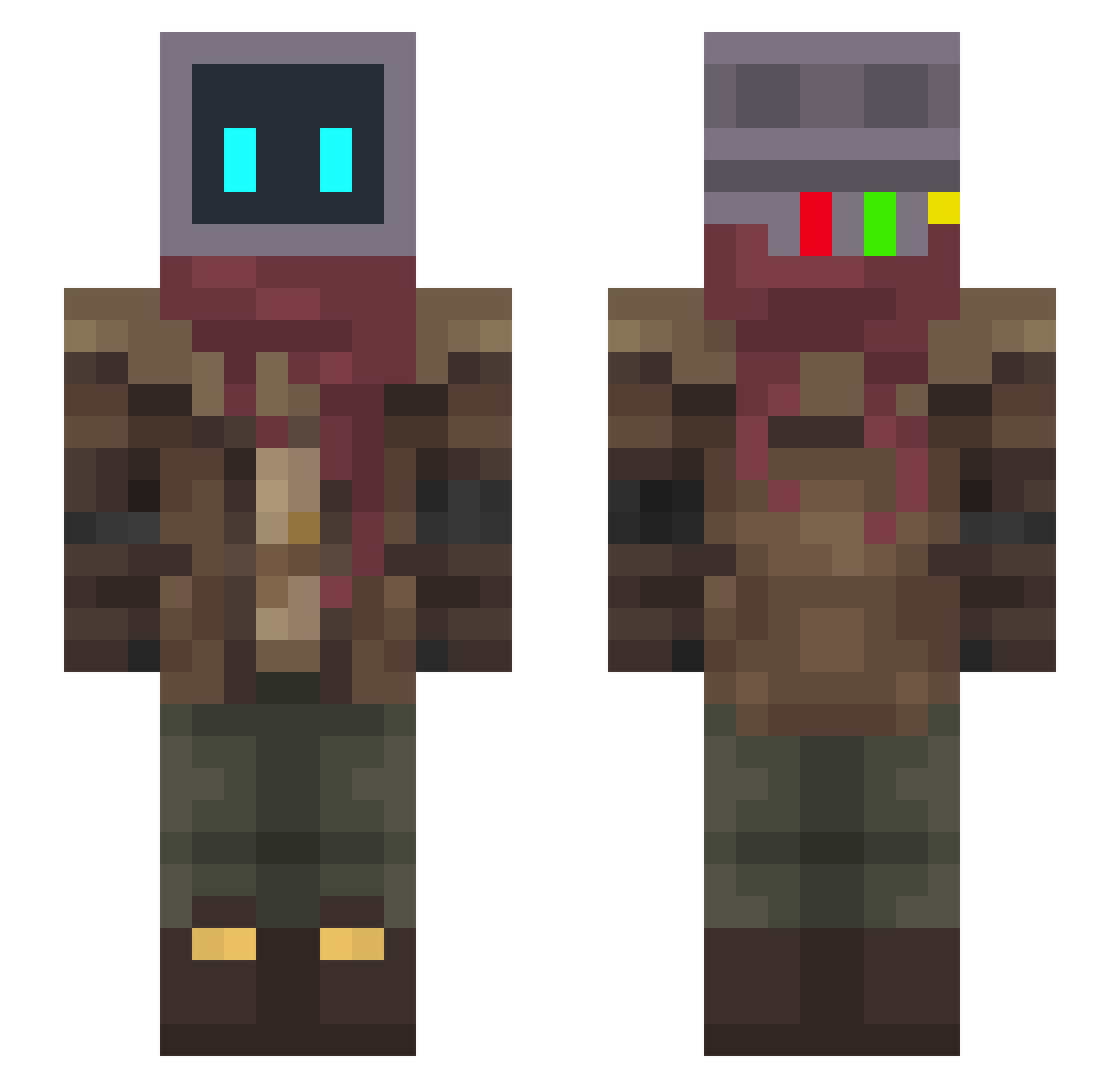
Current Minecraft skin of the player FevZ, loaded from the official Mojang API. Rotate the 3D model with your mouse or finger, then download the skin as a PNG file and use it in Minecraft: Bedrock Edition or Java Edition for free. When FevZ changes their skin, this page updates automatically and the old skin stays in the history below.
Other players with this skin (334)
FevZ was the 148th player we have seen with this skin, first spotted on 13.09.2026. The same skin was seen on these players. Open a nickname to see their current skin and skin history.
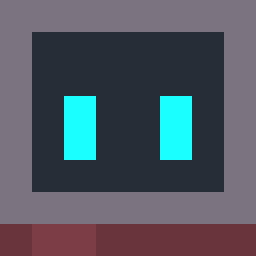 PlsDiee Ghost29525 iiBoh Najimfut 69Vinnie Blistighast timidnfluffy Solymus Roze Kyojin_02 Myo_ZH Witts_x _Nepu SirCata MrKrawn Envy_J13
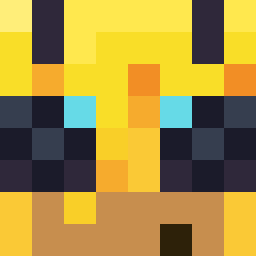 RushGaming Gjero 3zy8 Akin801 gw0902 coconut_yezi RarerHD Viciousfishus HamBERGlary Hoaxoax Haigh eew_dani FizolovaSolata Rthlss_Dragn Berryhu kirri_ Unfunny_Pole Nikomaaan minecraft_mort Datony YES1346528 Sideswiper StarrDynamo WhyAmIDepressed AkZill Jerecifer Ylsis pointdock beelzebun_ Abisinian SectoP_ YOUNG_QUE Niight__ GitShred lalombrisXD currall omoyan PsiNeon omoodo zero_me e1an 0_007 Bort4444 Fraancy
Previous skins of FevZ
Skins that FevZ wore before, newest first. Click a skin to open its page and download it.
More Post Apocalyptic Minecraft skins
See all 582 Post Apocalyptic skins
How to install the FevZ skin
- Press the Download button above to save the skin as a PNG file.
- Minecraft: Bedrock Edition (PE): open the Dressing Room from the main menu (or tap your character → Edit Character), go to Classic Skins → Owned, press the + (new skin) button, choose the downloaded PNG and pick the Slim (Alex) model. Works on PC and mobile; consoles cannot import custom skins.
- Minecraft: Java Edition: open the Minecraft Launcher, go to the Skins tab, click New Skin, load the PNG, pick the Slim (Alex) model and press Save & Use. You can also upload it at minecraft.net → Profile → Change Skin.
The skin does not show up after import - what should I do?
Restart Minecraft and open the Dressing Room again - imported skins sometimes appear only after a restart. Also make sure you selected the imported skin and picked the Slim (Alex) model.
Which model should I choose, Classic or Slim?
This skin is designed for the Slim (Alex) model. If you pick the wrong model, the arms of the skin will look stretched or squeezed.
Is the skin of FevZ free to download?
Yes. Press Download, save the PNG file and use it in Minecraft: Bedrock Edition or Java Edition - no payment or registration needed. The skin also works on multiplayer servers and Realms.
More skins
Looking for more? Go back to all Minecraft skins and check the top skins of the week, month and all time, or find any player's skin by nickname.