
Fearless1862 - Minecraft Skins & Skin History
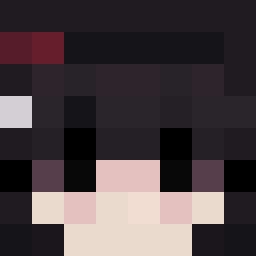
Current Minecraft skin of the player Fearless1862, loaded from the official Mojang API. Rotate the 3D model with your mouse or finger, then download the skin as a PNG file and use it in Minecraft: Bedrock Edition or Java Edition for free. When Fearless1862 changes their skin, this page updates automatically and the old skin stays in the history below.
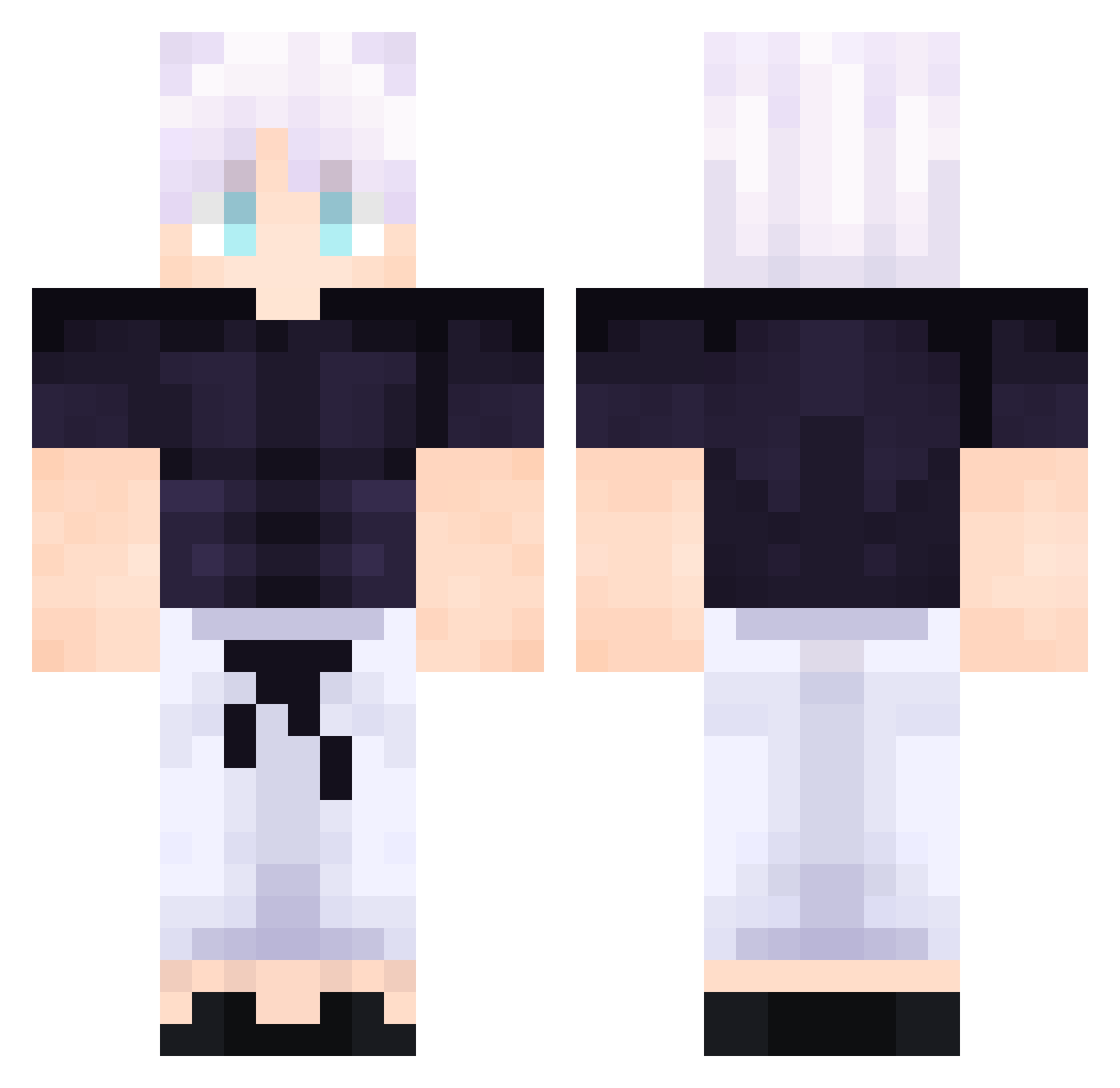
Other players with this skin (508)
Fearless1862 was the 2nd player we have seen with this skin, first spotted on 21.07.2026. The same skin was seen on these players. Open a nickname to see their current skin and skin history.
 jxkey21 Sutee_ XEFAC lauty07yram Lanford69wavy9 Rayuga_zero
 Ados_14 Cuzer
 RX71
RX71 Bridgespam Torissshu
 Laesss AkDarkk Itz__Arsam
 Fastercraft79 Ian_Pijouk SAMSUNG001 Allen_Grant_ anzorpro erentorres ttvAshtoroni vico_69 mostmost007 Meanthen hannesNiko riyocko ooyaman bertato LettuceG0d Coooza RAVLL1 linriu Justisall Muaaz3nzalia Adevhde yechan10 KilluaSon zicozinho M1CHELADO CONOZORU afklik Xohan25 SATORU3829010832 Unduh09 C_Destr0y sixeyesmaster EthanEdmunds Defilade Breno_Extreme Juanpapa
 LevonJames22 TumuTr Nasenbaer138 RaspBerry78
 Ce129 bruhman500
 mayucha12 gold1313 SnevDerCoole Boruto_3422
More Satoru Gojo Minecraft skins
See all 1317 Satoru Gojo skins
How to install the Fearless1862 skin
- Press the Download button above to save the skin as a PNG file.
- Minecraft: Bedrock Edition (PE): open the Dressing Room from the main menu (or tap your character → Edit Character), go to Classic Skins → Owned, press the + (new skin) button, choose the downloaded PNG and pick the Classic (Steve) model. Works on PC and mobile; consoles cannot import custom skins.
- Minecraft: Java Edition: open the Minecraft Launcher, go to the Skins tab, click New Skin, load the PNG, pick the Classic (Steve) model and press Save & Use. You can also upload it at minecraft.net → Profile → Change Skin.
The skin does not show up after import - what should I do?
Restart Minecraft and open the Dressing Room again - imported skins sometimes appear only after a restart. Also make sure you selected the imported skin and picked the Classic (Steve) model.
Which model should I choose, Classic or Slim?
This skin is designed for the Classic (Steve) model. If you pick the wrong model, the arms of the skin will look stretched or squeezed.
Is the skin of Fearless1862 free to download?
Yes. Press Download, save the PNG file and use it in Minecraft: Bedrock Edition or Java Edition - no payment or registration needed. The skin also works on multiplayer servers and Realms.
More skins
Looking for more? Go back to all Minecraft skins and check the top skins of the week, month and all time, or find any player's skin by nickname.