
Evited - Minecraft Skins & Skin History
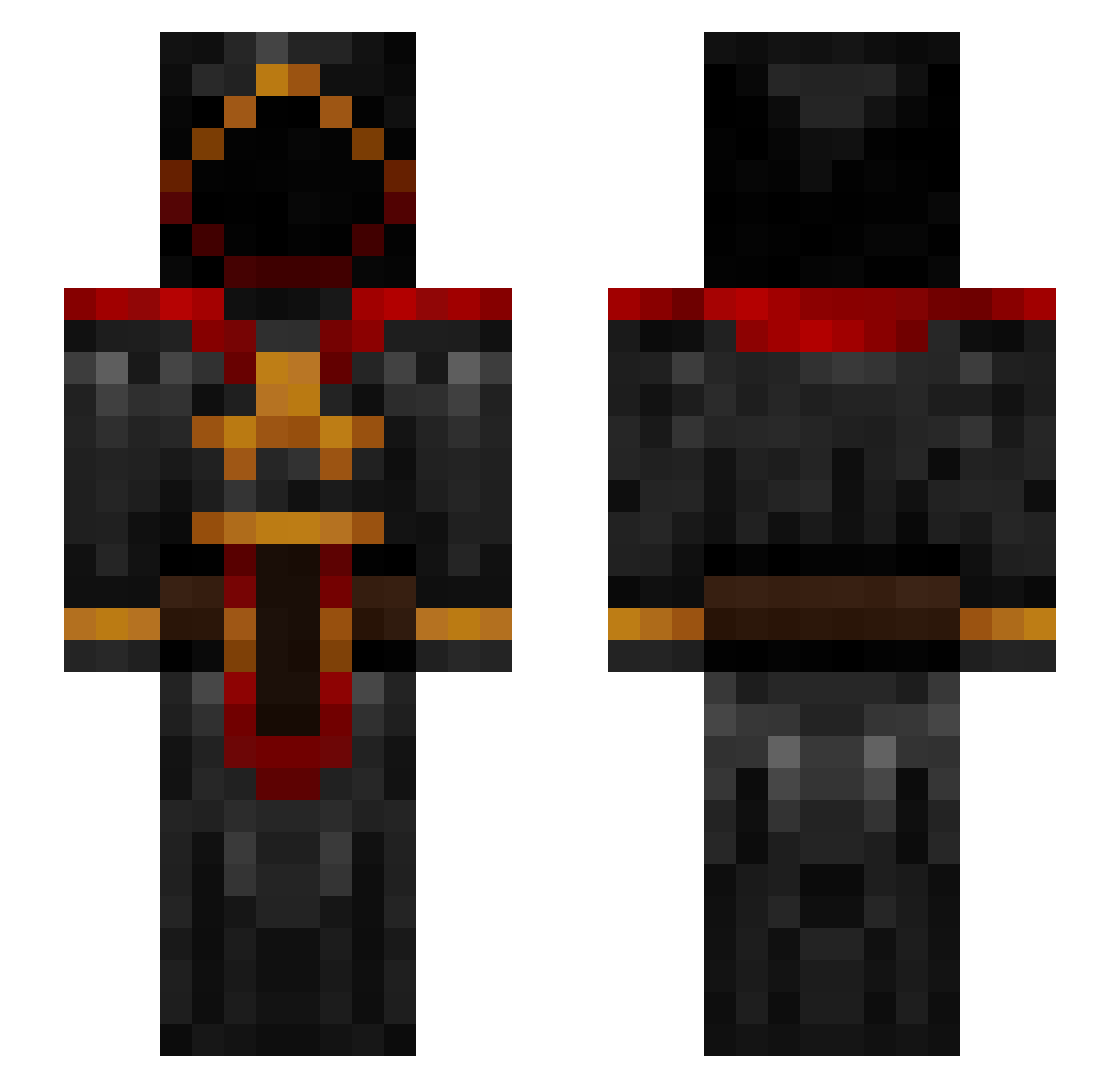
Current Minecraft skin of the player Evited, loaded from the official Mojang API. Rotate the 3D model with your mouse or finger, then download the skin as a PNG file and use it in Minecraft: Bedrock Edition or Java Edition for free. When Evited changes their skin, this page updates automatically and the old skin stays in the history below.
Other players with this skin (97)
Evited was the 51st player we have seen with this skin, first spotted on 26.09.2026. The same skin was seen on these players. Open a nickname to see their current skin and skin history.
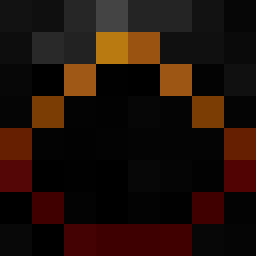 N0Tme4 Alessio348 Elwa_ azerdark tlffany haihaiahi RoyalScrub7 Jammyjames68 Sh1ttyGuyWill ghostrams NK656 Hawkeye1274 minho_bone figazmakiem3 Vurkaro adolfskarpeta1 evil0211 NERO306306 Jank1s Vermmont LegionCZ Mellexe DheXen iLinkHd zyra59 KRIFURU Oscar920505 Killerwolfe le_bigourdant Geolin Sentrvum AzzaNancazza DortHit_3sk5qhyl mistgun78 JLMatt12345 ShadoWarrior006 Domerius doctorzoid1 Knightmare5052 greegik123 valenzlik moai77744 DanaliethP Rethcoe EliasLandy BENJAMC999 MissGun_ Dixonar Shadow7801 Xam129 Firebast Razorblade_2509 Thunderbird3614 UncleMylo44 ZakisLoki Hunzagor allert Terminator_fr MochaFrapBoi KrisztianK3M
More Cultist Minecraft skins
How to install the Evited skin
- Press the Download button above to save the skin as a PNG file.
- Minecraft: Bedrock Edition (PE): open the Dressing Room from the main menu (or tap your character → Edit Character), go to Classic Skins → Owned, press the + (new skin) button, choose the downloaded PNG and pick the Slim (Alex) model. Works on PC and mobile; consoles cannot import custom skins.
- Minecraft: Java Edition: open the Minecraft Launcher, go to the Skins tab, click New Skin, load the PNG, pick the Slim (Alex) model and press Save & Use. You can also upload it at minecraft.net → Profile → Change Skin.
The skin does not show up after import - what should I do?
Restart Minecraft and open the Dressing Room again - imported skins sometimes appear only after a restart. Also make sure you selected the imported skin and picked the Slim (Alex) model.
Which model should I choose, Classic or Slim?
This skin is designed for the Slim (Alex) model. If you pick the wrong model, the arms of the skin will look stretched or squeezed.
Is the skin of Evited free to download?
Yes. Press Download, save the PNG file and use it in Minecraft: Bedrock Edition or Java Edition - no payment or registration needed. The skin also works on multiplayer servers and Realms.
More skins
Looking for more? Go back to all Minecraft skins and check the top skins of the week, month and all time, or find any player's skin by nickname.