
Evfist - Minecraft Skins & Skin History
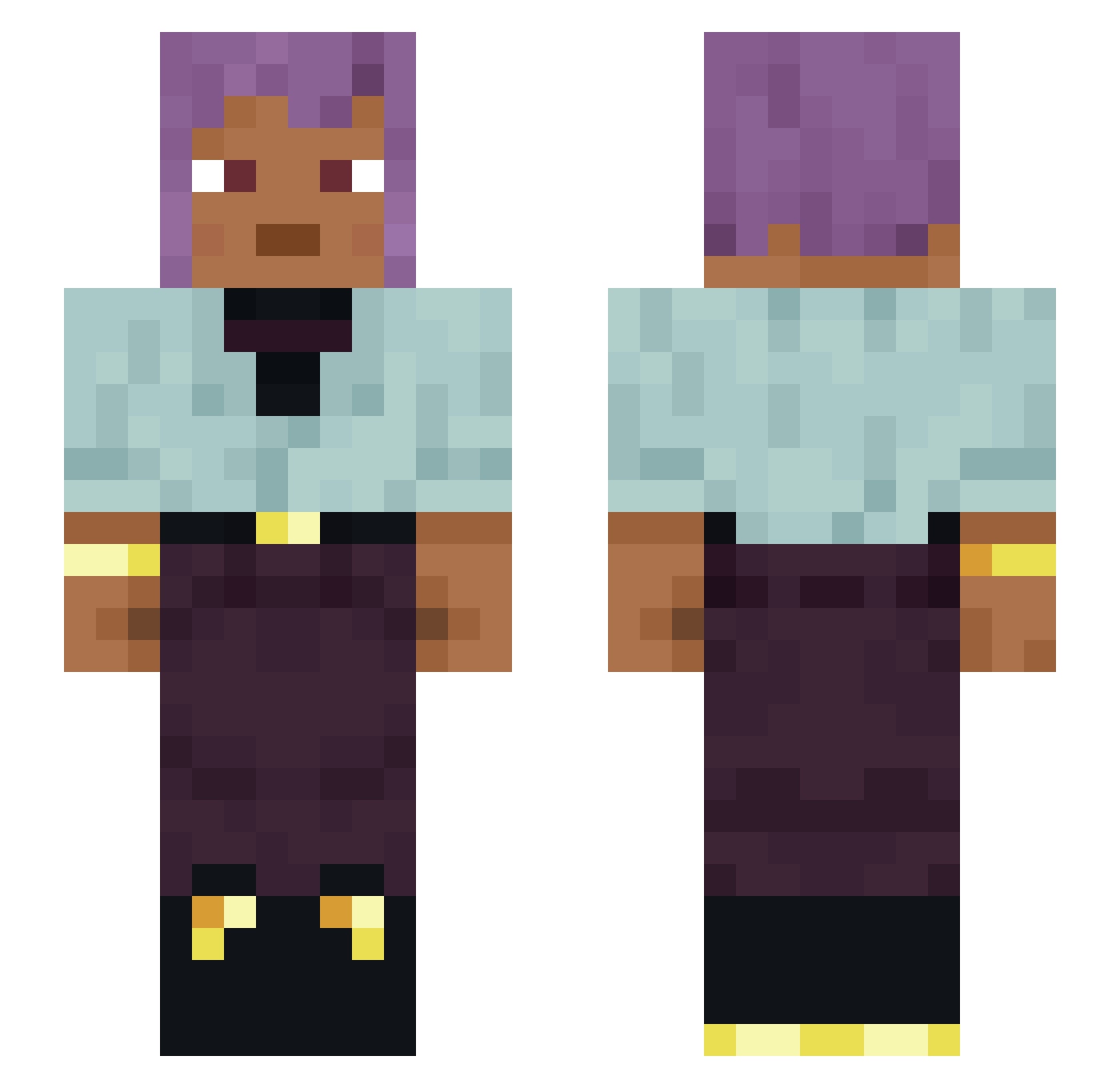
Current Minecraft skin of the player Evfist, loaded from the official Mojang API. Rotate the 3D model with your mouse or finger, then download the skin as a PNG file and use it in Minecraft: Bedrock Edition or Java Edition for free. When Evfist changes their skin, this page updates automatically and the old skin stays in the history below.
Other players with this skin (1120)
Evfist was the 1071st player we have seen with this skin, first spotted on 17.10.2026. The same skin was seen on these players. Open a nickname to see their current skin and skin history.
 Valetudinarian Milo NicoCai2014 NAKOO MikhailNostovich Puzzlehead Overseed OHMNIKRON JOLL83 SpicyKalamari kel00022 Reinspect mariomike7 beehod machtspiele chipiro2 avi00000 MarianaOrtega Roquelaure Aristo Cougys HumbleBee Pwnge13 BelovedMod Ventifact essy4877 toyo_1230 loveblood18 Y_Viniciuzz Zeraphim Nateynate985 VANIA_ZHU d0ughty cyb Gunite xHardArtx Marisbo Claye Eudyptes Pepi1337 Briquette EcuGamer Chonolith Scioli 5hR1Mpy twiddle Asparagin Timurka_ohhmannn Bennel MoistGuyFieri 6877 Ivory1one Derptis gordonack COCARRIII beriberi colo2022gamer Maskofthefather MagentaConcrete sanitysa
Previous skins of Evfist
Skins that Evfist wore before, newest first. Click a skin to open its page and download it.
How to install the Evfist skin
- Press the Download button above to save the skin as a PNG file.
- Minecraft: Bedrock Edition (PE): open the Dressing Room from the main menu (or tap your character → Edit Character), go to Classic Skins → Owned, press the + (new skin) button, choose the downloaded PNG and pick the Slim (Alex) model. Works on PC and mobile; consoles cannot import custom skins.
- Minecraft: Java Edition: open the Minecraft Launcher, go to the Skins tab, click New Skin, load the PNG, pick the Slim (Alex) model and press Save & Use. You can also upload it at minecraft.net → Profile → Change Skin.
The skin does not show up after import - what should I do?
Restart Minecraft and open the Dressing Room again - imported skins sometimes appear only after a restart. Also make sure you selected the imported skin and picked the Slim (Alex) model.
Which model should I choose, Classic or Slim?
This skin is designed for the Slim (Alex) model. If you pick the wrong model, the arms of the skin will look stretched or squeezed.
Is the skin of Evfist free to download?
Yes. Press Download, save the PNG file and use it in Minecraft: Bedrock Edition or Java Edition - no payment or registration needed. The skin also works on multiplayer servers and Realms.
More skins
Looking for more? Go back to all Minecraft skins and check the top skins of the week, month and all time, or find any player's skin by nickname.