
Er_Micro - Minecraft Skins & Skin History
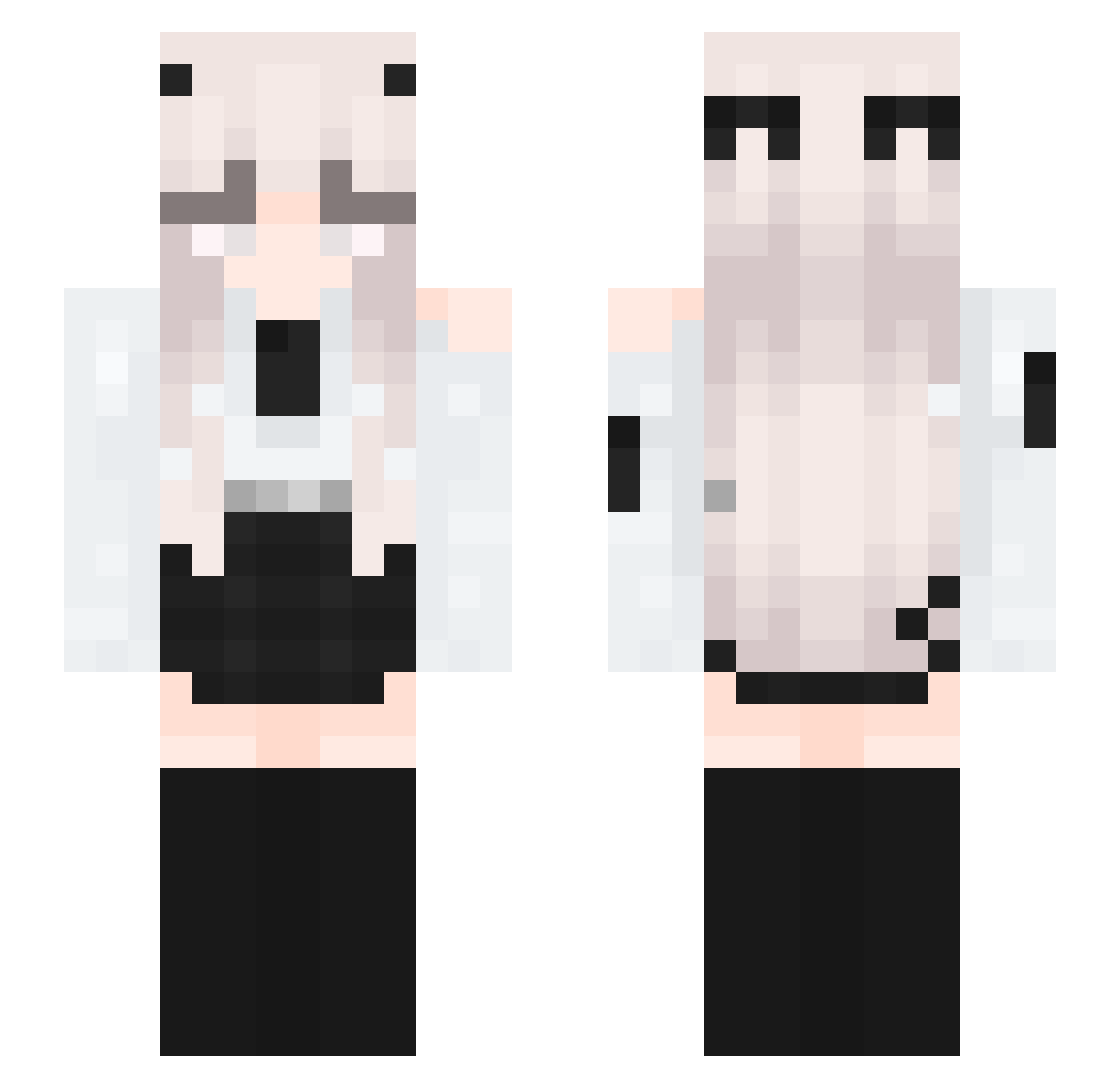
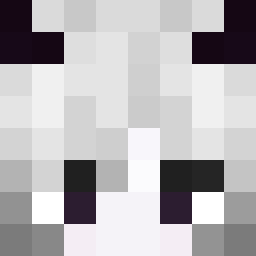
Current Minecraft skin of the player Er_Micro, loaded from the official Mojang API. Rotate the 3D model with your mouse or finger, then download the skin as a PNG file and use it in Minecraft: Bedrock Edition or Java Edition for free. When Er_Micro changes their skin, this page updates automatically and the old skin stays in the history below.
Other players with this skin (338)
Er_Micro was the 16th player we have seen with this skin, first spotted on 29.07.2026. The same skin was seen on these players. Open a nickname to see their current skin and skin history.
 HangieHeaven yHero_XD
 DVR_XBTML 0ozoz0
 VampzKrulTepes VesselofRuin ECesports14 TheCochi JitseMits
 S1lverHawk aairfryer BloodLustAthena oskiboski213769 Annin_ji tungtungnih2167 ___404____ YmQS _Avercia_001 qwaszxedc0622 MxchxlleLike Sushii26
 NymphiasAngel Hamanshi
 LucasdexOne KinoMarine harleyyquinnx sSilan NyxXeriis Tendeds
 GhostlyMizuki FreezyFlam Ynyifa_ TherealQIQI ypov Yl20100128 P_a_tricia_ NoA0604 iKlausss Nadja784 Elm238 1mplakt3k Fair1120 smalleyesyourmom EnviousBunny ru2009 cherryy_27 Selfish_queen
 Dillpickle423 milochik JZeryux d06riu
 MehPenelope_xx RumbleSun
 EndToMe Bimbita Naiwna Metr0oo mevinly Mandalorianer12 Leise36
More Horns Minecraft skins
How to install the Er_Micro skin
- Press the Download button above to save the skin as a PNG file.
- Minecraft: Bedrock Edition (PE): open the Dressing Room from the main menu (or tap your character → Edit Character), go to Classic Skins → Owned, press the + (new skin) button, choose the downloaded PNG and pick the Slim (Alex) model. Works on PC and mobile; consoles cannot import custom skins.
- Minecraft: Java Edition: open the Minecraft Launcher, go to the Skins tab, click New Skin, load the PNG, pick the Slim (Alex) model and press Save & Use. You can also upload it at minecraft.net → Profile → Change Skin.
The skin does not show up after import - what should I do?
Restart Minecraft and open the Dressing Room again - imported skins sometimes appear only after a restart. Also make sure you selected the imported skin and picked the Slim (Alex) model.
Which model should I choose, Classic or Slim?
This skin is designed for the Slim (Alex) model. If you pick the wrong model, the arms of the skin will look stretched or squeezed.
Is the skin of Er_Micro free to download?
Yes. Press Download, save the PNG file and use it in Minecraft: Bedrock Edition or Java Edition - no payment or registration needed. The skin also works on multiplayer servers and Realms.
More skins
Looking for more? Go back to all Minecraft skins and check the top skins of the week, month and all time, or find any player's skin by nickname.