
EnsIaver - Minecraft Skins & Skin History
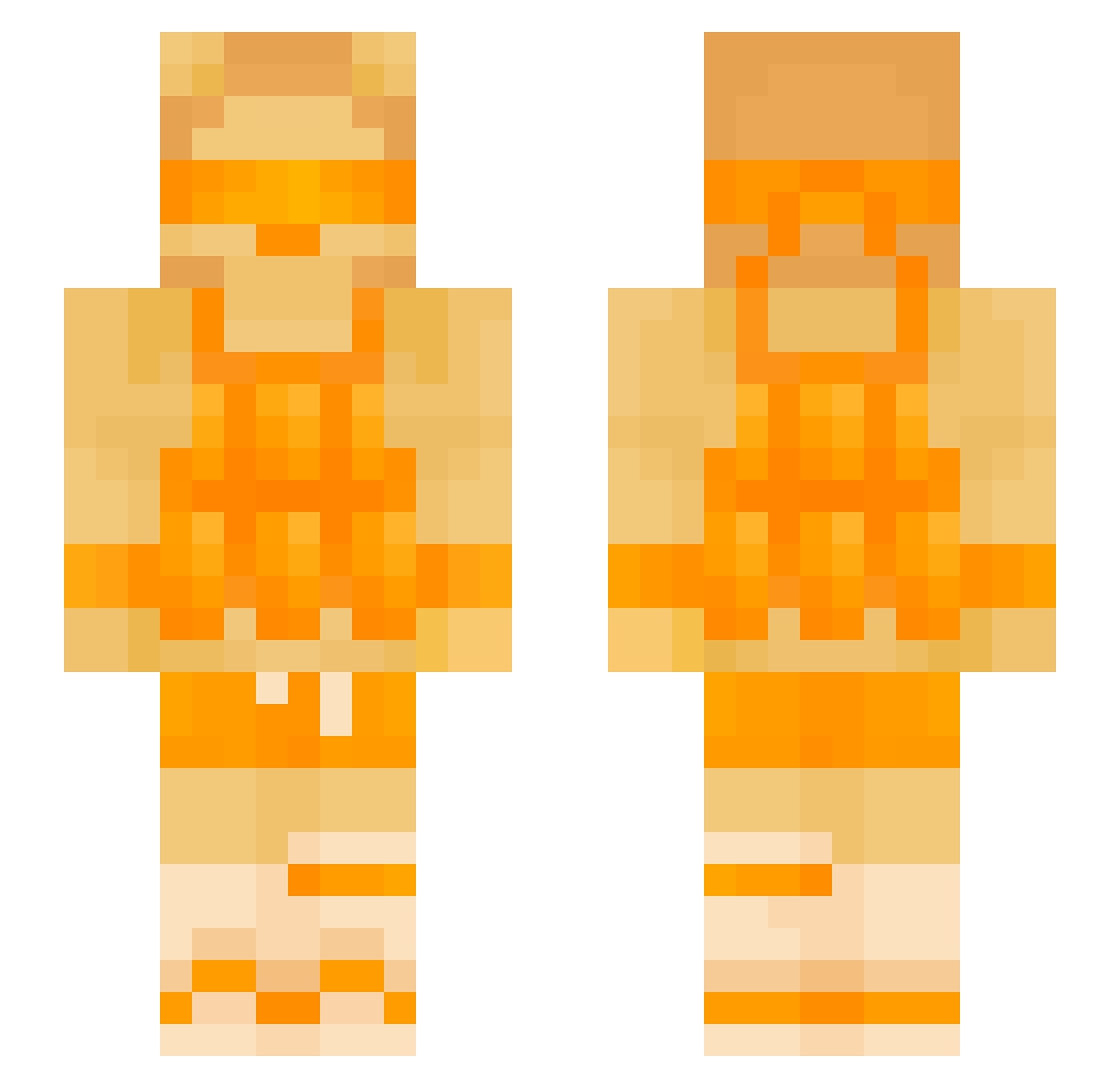
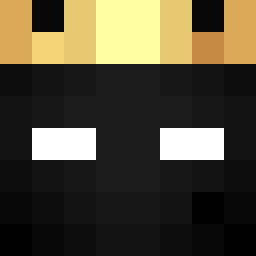
Current Minecraft skin of the player EnsIaver, loaded from the official Mojang API. Rotate the 3D model with your mouse or finger, then download the skin as a PNG file and use it in Minecraft: Bedrock Edition or Java Edition for free. When EnsIaver changes their skin, this page updates automatically and the old skin stays in the history below.
Other players with this skin (131)
EnsIaver was the 18th player we have seen with this skin, first spotted on 07.08.2026. The same skin was seen on these players. Open a nickname to see their current skin and skin history.
 picals1 Drexpii
 lysenkar
 CCRISHERE tadeasmoree
 zyk13 CoconutFan jsleazy21 ItsJustLillyy Lloydplays13 aggchan
 Itsznotme Lakeinalake1234
 Markx666 copper_s
 Qytherix
 koleloran1 5acev hostaa
 LukeBlom x_mine_k
 xoNella navoide Xx_Natalie_x MuciosGrazias thepurgeh
 Sapporio Maxigamer381 n5h_msmc_4ol StunSlamMaster tokyoislife_ Ozzy1000 Lonely_Angel2234 Veltrixy 1god323 gurbytwin PoidyY2 Godzilla982 Tide_Born DDUUEHJ Raffomatico Xisym SkyLegendPr0
 Z3ntryxReal weatx pikolo113
 StrikerrrGOTYOU Bengalway zeeshan25 Bobafett3003
 eyalging blockamp Jorik13 LG_GAMES Lushybuca Scrxps Yerok19pp el_fallero rompere Bluash7
More Visor Minecraft skins
How to install the EnsIaver skin
- Press the Download button above to save the skin as a PNG file.
- Minecraft: Bedrock Edition (PE): open the Dressing Room from the main menu (or tap your character → Edit Character), go to Classic Skins → Owned, press the + (new skin) button, choose the downloaded PNG and pick the Slim (Alex) model. Works on PC and mobile; consoles cannot import custom skins.
- Minecraft: Java Edition: open the Minecraft Launcher, go to the Skins tab, click New Skin, load the PNG, pick the Slim (Alex) model and press Save & Use. You can also upload it at minecraft.net → Profile → Change Skin.
The skin does not show up after import - what should I do?
Restart Minecraft and open the Dressing Room again - imported skins sometimes appear only after a restart. Also make sure you selected the imported skin and picked the Slim (Alex) model.
Which model should I choose, Classic or Slim?
This skin is designed for the Slim (Alex) model. If you pick the wrong model, the arms of the skin will look stretched or squeezed.
Is the skin of EnsIaver free to download?
Yes. Press Download, save the PNG file and use it in Minecraft: Bedrock Edition or Java Edition - no payment or registration needed. The skin also works on multiplayer servers and Realms.
More skins
Looking for more? Go back to all Minecraft skins and check the top skins of the week, month and all time, or find any player's skin by nickname.